A virtual prepaid card is a card number you load with money first and then spend online, with no bank account and no credit check. It is one of the simplest ways to pay for subscriptions, tools and online shops while keeping the rest of your money out of reach. This guide explains what a virtual prepaid card is, how it works, how to get one, what to check before you choose, and how a balance-funded US card like ZikCards compares.
What is a virtual prepaid card?
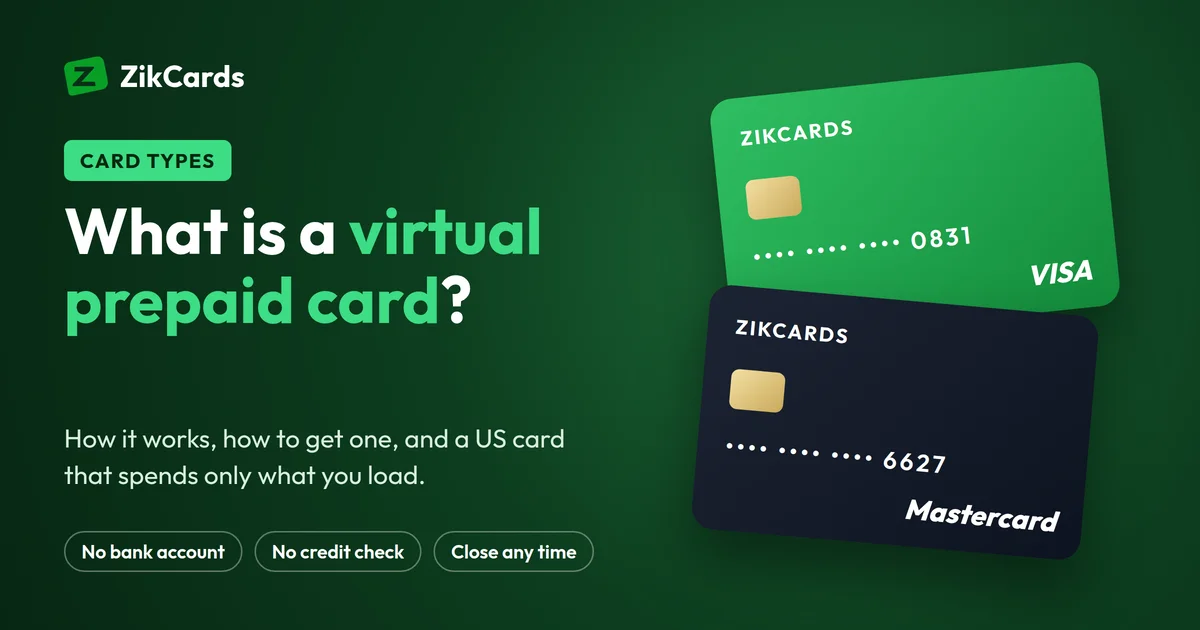
A virtual prepaid card is a Visa or Mastercard that exists only as details on a screen: a card number, an expiry date and a security code. You put money on it first, and it can spend only that money. When the money runs out, payments are declined until you load more.
Three things set it apart:
- No credit. Nobody lends you money, so there is no bill, no interest and no credit check.
- No bank account needed with many providers. You fund it another way, for example with a transfer or stablecoins.
- A spending ceiling you set yourself. A merchant can never take more than what is on the card.
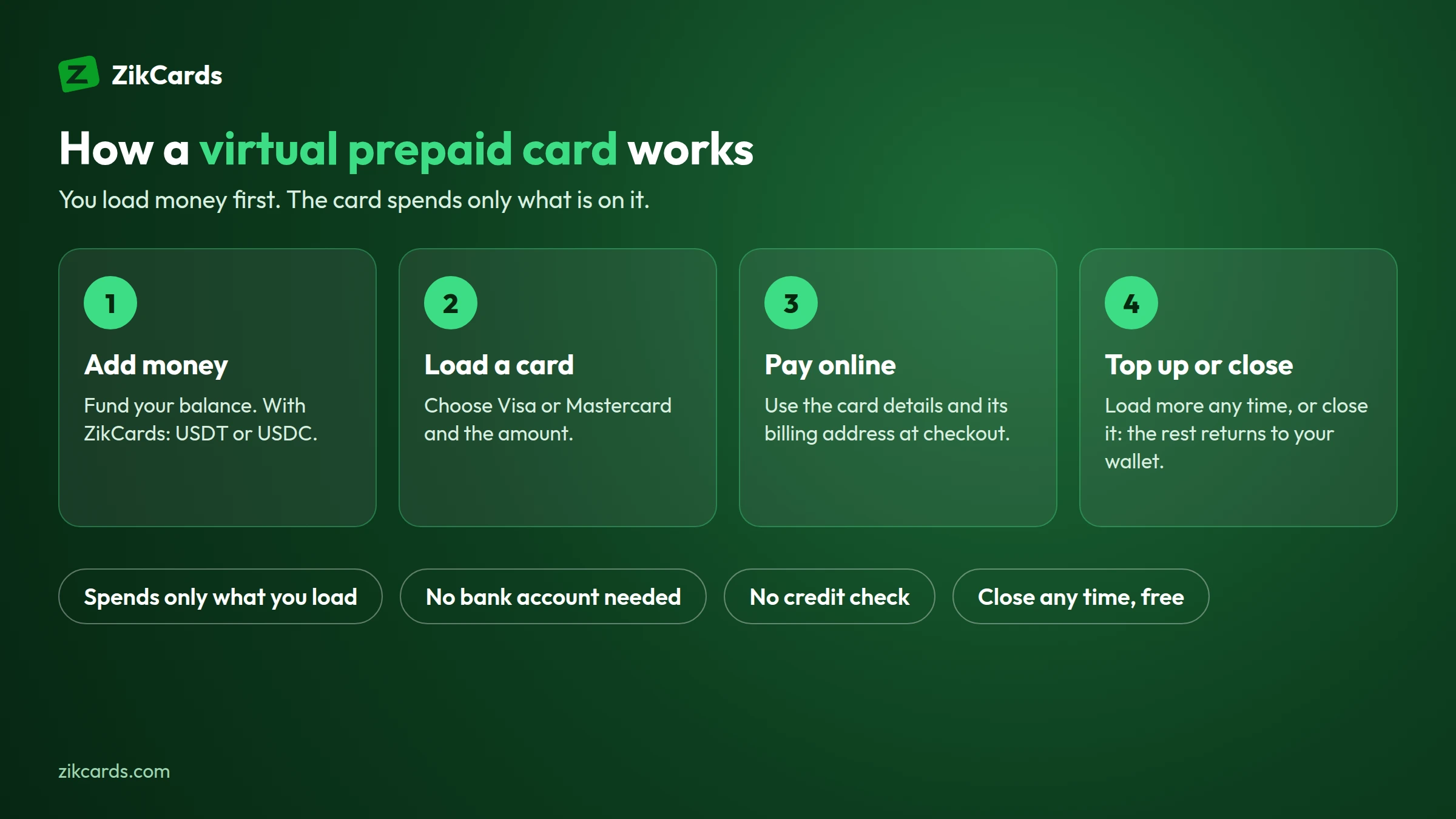
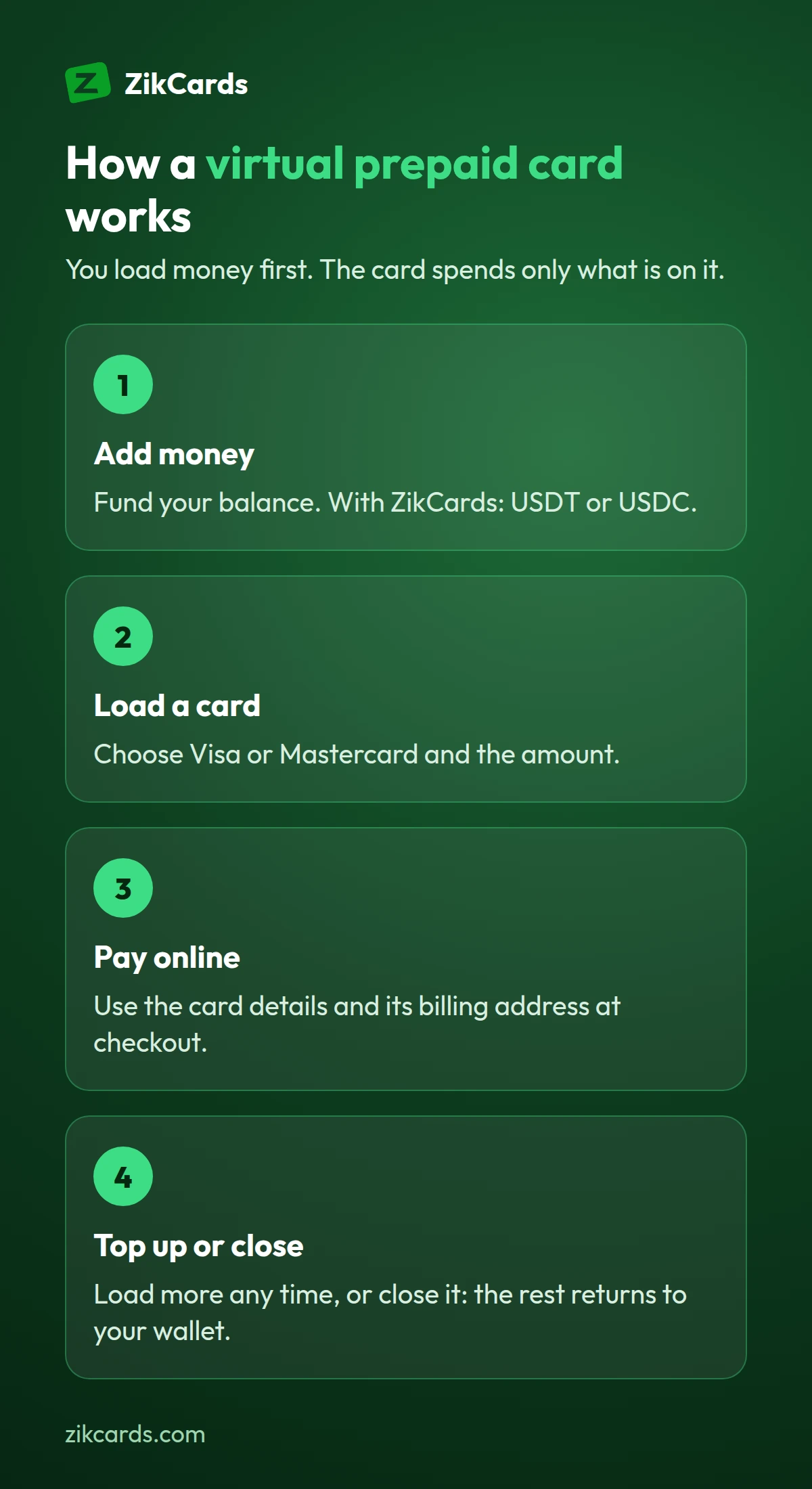
How a virtual prepaid card works
- You open an account with a provider and verify your identity. Licensed issuers must know who holds each card.
- You add money to your account balance.
- You create a card and load an amount onto it.
- You pay with the card details at any checkout that takes Visa or Mastercard online.
- You top up or close it. Load more when you need it, or close the card and get the rest back.
Virtual prepaid, debit and credit cards compared
| Prepaid or balance-funded | Debit | Credit | |
|---|---|---|---|
| Whose money | Yours, loaded first | Yours, in a bank account | Borrowed from the issuer |
| Bank account needed | Often not | Yes | Usually |
| Credit check | No | No | Usually yes |
| Most a merchant can take | What is on the card | Your account balance | Your credit limit |
| Bill and interest | No | No | Yes |
For the other two columns, read our guides to the virtual debit card and the virtual credit card.
What people use a virtual prepaid card for
- Subscriptions: one card per service, so a forgotten renewal can't empty your account. See a virtual card for subscriptions.
- Creator subscriptions, kept apart from your bank card: see a prepaid or virtual card for OnlyFans.
- Online shopping at a site you don't fully trust: load the price, pay, close the card.
- Software and AI tools billed in dollars: see how to pay for ChatGPT and AI tools.
- Ad budgets, with one card per client or campaign: a virtual card for Facebook ads or a virtual card for Google Ads.
- Free trials: a card with little money on it, so a trial can't turn into a charge you didn't plan.
How to get a virtual prepaid card
Here is how it works with ZikCards, and most balance-funded providers follow the same steps:
- Open a free account at zikcards.com.
- Verify once with a photo ID and a short selfie. Most checks are approved automatically within minutes.
- Add money to your balance with USDT or USDC. Deposits cost from $1 + 1%, depending on the network.
- Create a card, Visa or Mastercard, and load the amount you need. It is ready in seconds.
The whole first time usually takes about 5 minutes. Our guide to the instant virtual card covers what can slow each step down.
How a ZikCards card compares
A ZikCards card works like a prepaid card in the way that matters day to day: you load it first and it spends only what is on it. Technically, it is on a US credit BIN, loaded from your balance, with no credit line. A BIN lookup shows "credit", country USA, because that is how the card range is registered, but no credit is given: no bill, no interest, no credit check. See prepaid and credit BINs explained.
- US-issued Visa or Mastercard, your choice each time: a virtual Visa card or a virtual Mastercard.
- A US billing address on each card, shown on the card page: see a virtual card with a US billing address.
- 3D Secure checks are supported: a payment may ask for a one-time code, which appears on your dashboard.
- Fees: $5 per card once, 3% to load, no monthly card fee. Card issuer's fees are shown before you create a card.
- Close any time: closing a card is free and returns its balance to your wallet.
ZikCards cards work with Google Ads, Facebook Ads and ChatGPT. Each platform still runs its own checks on your account, so no card provider can promise acceptance everywhere.
What to check before you choose a provider
- Who issues the cards. A real provider works with a licensed card issuer and verifies your identity. "No verification" offers are a warning sign.
- All the fees, not only the card price: loading, deposits, monthly fees, and the issuer's fees on declined or foreign payments.
- How you get your money back. Can you close a card and get the rest of its balance back, free?
- The card's country. A card issued in your own country may be refused by some US platforms because of where it comes from. A US-issued card removes that reason.
- Support. Can you reach a person when a payment fails?
Our guide to comparing virtual cards has a full checklist.
Mistakes to avoid
- Loading exactly the price. Some cards keep a small amount on the card while it is open, and some payments add a small fee. Load a little more than the price; the card page shows exactly how much you can spend.
- Using your home address at checkout. Merchants check the card's billing address, not yours. Copy it from the card page: see which billing address to use.
- Retrying a declined payment again and again. Each try can be declined for the same reason, and repeated declines can carry fees. Top up first, then try once.
- Closing a card while a refund is on its way. A merchant refund goes back to the card it was paid with. Keep the card open until it arrives: see how refunds from a merchant work.
- Sending a deposit on the wrong network. Always send on the network you chose on the deposit page. See which network to send on.
Frequently asked questions
What is a virtual prepaid card?
A Visa or Mastercard with no plastic, loaded with money first. It spends only what is on it, with no credit and usually no bank account needed.
How do I get a virtual prepaid card?
Open an account with a provider, verify your identity once, add money, and create a card. With ZikCards the first card usually takes about 5 minutes, and later cards take seconds.
Can I get a virtual prepaid card without a bank account?
Yes, with many providers. ZikCards balances are funded with USDT or USDC, so no bank account is needed.
Is a virtual prepaid card safe?
For paying online, it is one of the safer options: a merchant can never take more than what is loaded, and you can freeze or close the card at any time. Use one card per shop or subscription, so a problem touches only that card.
Can I reload a virtual prepaid card?
Most can be topped up. With ZikCards you load more from your balance whenever you need it, and closing a card returns the rest to your wallet.
Virtual Visa prepaid card or Mastercard prepaid virtual card?
Both work online wherever that network is accepted. Some merchants take only one, so it helps to be able to choose. With ZikCards you pick Visa or Mastercard each time you create a card: see the virtual Visa card and virtual Mastercard guides.
Is a prepaid debit card virtual the same thing?
Mostly, yes. "Prepaid debit card" is another name people use for a card you load first. A virtual one has no plastic and is ready as soon as it is created.
Is a ZikCards card a prepaid card?
It works the same way day to day, since you load it first and it spends only that, but it is on a US credit BIN. It is loaded from your balance, with no credit line, no bill and no interest.
Want a card that spends only what you load? Create your ZikCards account. See every fee on our pricing page.
Visa, Mastercard, Google, Facebook and ChatGPT are trademarks of their respective owners. ZikCards is not affiliated with or endorsed by them.