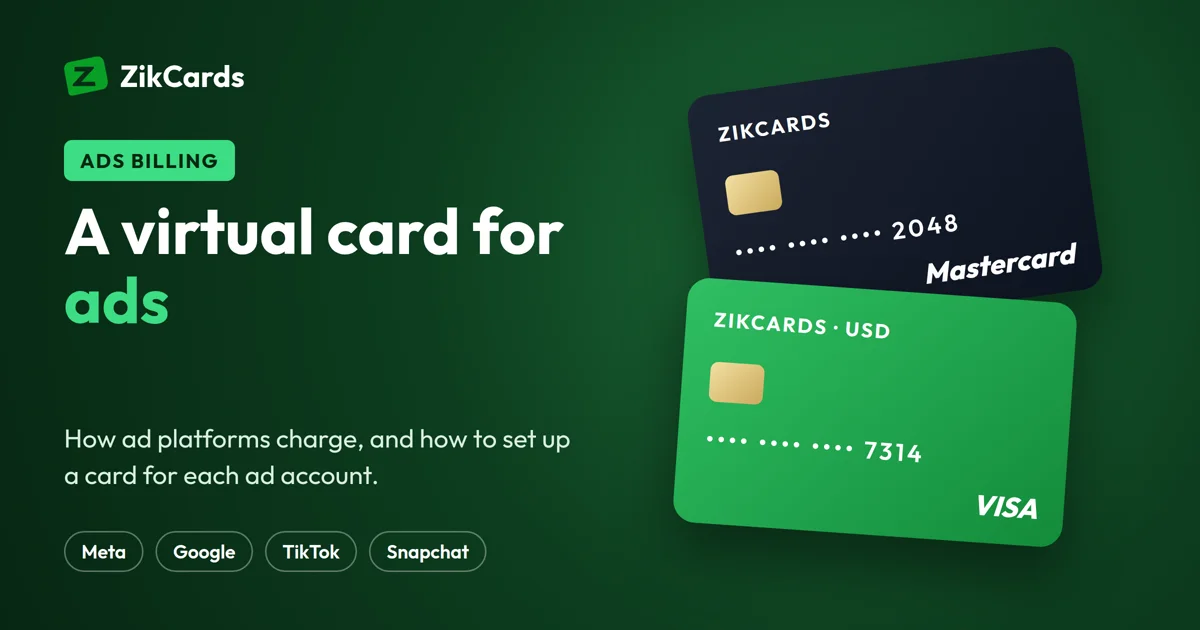
You want to run ads on Facebook, Instagram, Google or TikTok, and the payment step stops you. Your local card is refused, it is charged in the wrong currency, or you do not want one card shared by every ad account you manage. A virtual card for ads, sometimes called an ads card, solves the card part of that problem. This guide explains how ad platforms charge you, what a card for ad accounts needs, how to set one up, and the mistakes that get ad payments declined.
How ad platforms take payment
Every large ad platform bills in one of two ways, and knowing which one your account uses tells you how much money the card needs.
- Automatic payments. You add a card, the ads run, and the platform charges the card later: when your spend reaches a billing threshold, or on a billing date, whichever comes first. New accounts usually start with a low threshold.
- Manual payments (prepaid funds). You add money to the ad account first, and the ads spend from it. When the funds run out, the ads stop. In some countries and currencies this is the only option.
With automatic payments, one charge can be several days of spend at once, plus tax in some countries. With manual payments, the card is charged the amount you choose to add. Either way, the card must hold the whole amount at the moment of the charge.
To plan the money, use our free calculators: the Meta ads budget calculator, the Google Ads budget calculator and the TikTok ads budget calculator.
Why ad payments fail with local cards
Ad platforms rarely say why a payment failed. The usual reasons are these:
- The card's country. Some banks block payments to foreign ad platforms, and some cards are not enabled for online or international payments at all.
- Currency and limits. A local-currency card may hit a conversion fee or a daily limit for foreign payments.
- Not enough money. A threshold charge comes all at once. If the card holds less, it is declined.
- Billing address mismatch. The address entered on the ad account does not match the card's own address.
- A verification check. A 3D Secure check asks for a one-time code, and nobody answers it in time.
- Account history. A new account, many failed attempts, or one card on many accounts can trigger the platform's own risk checks.
A US card removes the most common reason cards from many countries are refused: the card's country. But each platform runs its own checks on the account, the ads and the payment, so no card provider can promise acceptance. A card fixes the card problem, not an account or policy problem.
What to look for in a card for ad accounts
Whatever provider you choose, check these points before you add a card to an ad account:
| Check | Why it matters for ads |
|---|---|
| Issued in the US, in US dollars | Most ad accounts can be set to USD. A USD card charged in USD avoids conversion fees and surprises. |
| Visa or Mastercard | Every large ad platform takes both networks. |
| 3D Secure on the card | Platforms may run a verification check when you add the card or pay. A card that cannot answer it fails there. |
| Its own billing address | The address on the ad account must match the card's address, not your home address. |
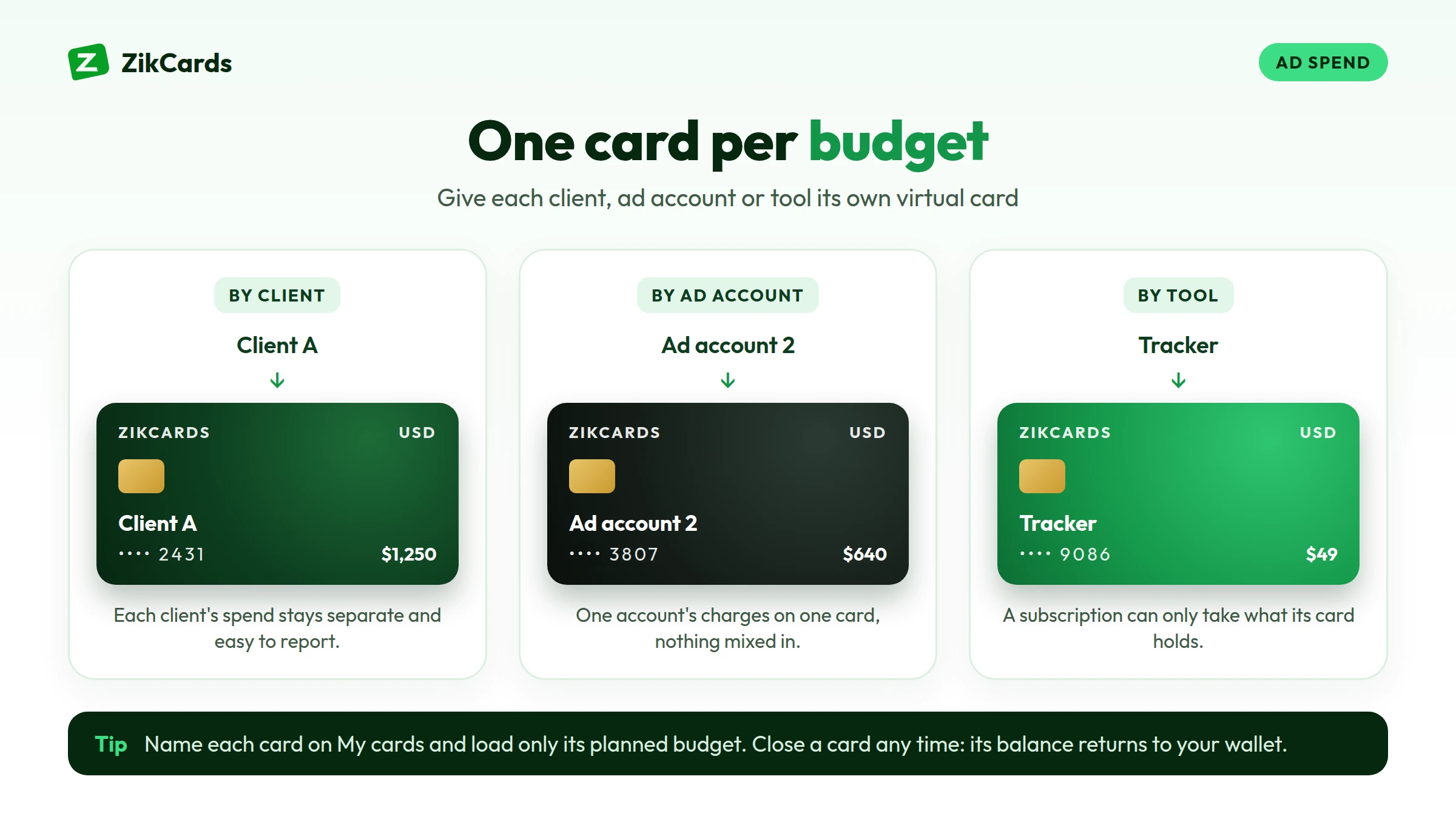
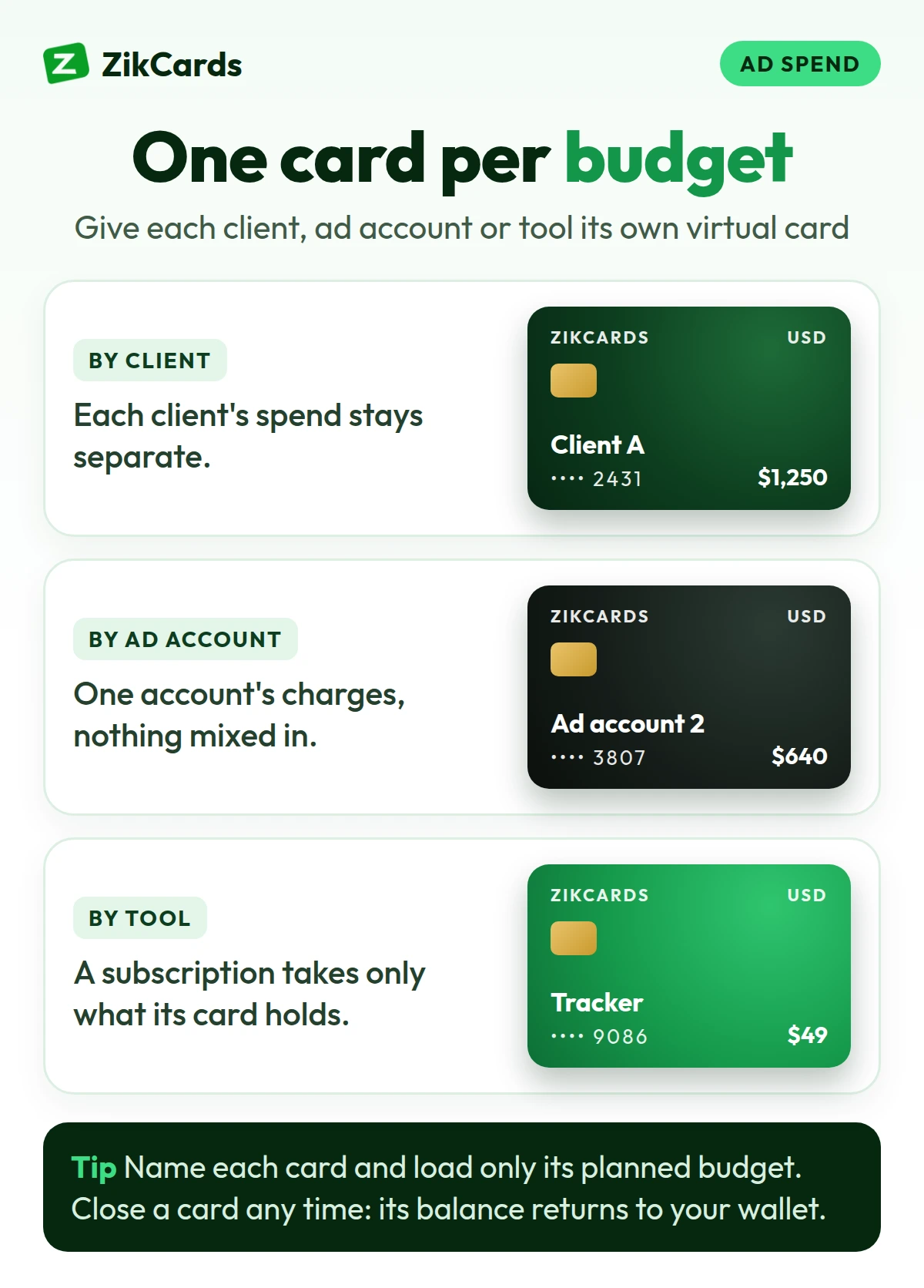
| One card per ad account or client | Separate cards keep spend apart, and a problem on one account does not touch the others. |
| Clear fees | Look at the cost to create a card, to load it, and what happens on a declined payment. |
How a ZikCards card works for ad spend
ZikCards issues US Visa and Mastercard virtual cards. You choose Visa or Mastercard each time you create a card, and the card is ready in seconds. The card is issued on a US credit BIN, loaded from your balance, with no credit line: it spends only what you put on it, so there is no bill, no interest and no credit check. Some people search for a "virtual credit card for ads" or a "prepaid card for ads"; this is how ours works, so you know exactly what you get.
- Funding. You fund your ZikCards balance with USDT or USDC, then load the amount you want onto the card. See which network to send USDT on.
- Billing address. Each card has its own billing address, shown on the card page with a copy button. Use that address on the ad account. See what billing address to use at checkout.
- 3D Secure. Every card has Visa Secure or Mastercard Identity Check. When a check asks for a one-time code, it appears in a banner at the top of your ZikCards dashboard, and in Telegram if you connected it. More in our 3D Secure guide.
- Several cards. You can name each card on the My cards page after you create it, for example by client or ad account. How many cards you can hold is shown on that page.
- Control. Freeze a card to stop it for a while, or close it to end it. Closing returns the remaining balance to your wallet in full, with no fee.
See also can I use ZikCards for Facebook and Google ads.
How much to load onto an ads card
Two things decide the amount: the largest single charge the platform can make, and the $1.20 that stays on every open card. The $1.20 keeps the card active and comes back to your wallet when you close the card, but it cannot be spent. So what a card can spend is its balance minus $1.20.
A simple example. Your Meta account has a $50 billing threshold and you spend about $20 a day. The next charge will be about $50, plus tax if your country adds it. Load at least $52 so the card can cover a $50 charge with the $1.20 still on it, and a little more if tax applies. For accounts with manual payments, load the amount you plan to add, plus $1.20.
Loading money onto a card costs 3%, and creating a card costs $5 one time, with no monthly card fee. Every fee is on our pricing page. If a platform's billing company settles the payment outside the US, the card issuer's cross-border fee of $0.50 + 2.5% applies, so check which company bills your ad account.
Platform by platform
Each platform has its own billing settings and error messages. Our platform guides go step by step:
- Facebook and Instagram (Meta). Automatic payments with a billing threshold for most accounts. See how to pay for Facebook ads.
- TikTok. Automatic or manual payments, depending on country. See how to pay for TikTok ads.
- Snapchat. Automatic payments with a billing threshold for most card accounts. See how to pay for Snapchat ads.
- Google Ads. Automatic payments with a threshold, or manual payments in some countries. Set the account currency to USD when you create it, because it cannot be changed later.
Mistakes that get ad payments declined
- Loading the daily budget instead of the threshold. The charge is the threshold, not one day. Keep enough on the card for the next full charge.
- Typing your home address. Use the card's billing address from the card page.
- Retrying again and again. Each declined attempt costs $0.40, taken from the card by the issuer, and many failed attempts can make the platform suspicious. Find the reason first, then try once.
- Missing the verification code. Keep your ZikCards dashboard open when you add a card or pay, so you see the code if a check asks for one.
- Closing a card too early. Refunds and credits go back to the card that was charged. Keep it open until any expected refund arrives. See how refunds work on a virtual card.
If a payment is declined and you are not sure why, our guide to why a card is declined online walks through each cause.
Getting your first ads card
- Create an account and verify once with a photo ID and a short selfie on your phone. Most verifications are approved automatically within minutes. See what ID you need.
- Fund your balance with USDT or USDC on the network you choose. Deposits cost from $1 + 1%.
- Create a card, Visa or Mastercard, and load enough for the next charge plus $1.20.
- Name the card on My cards after the ad account or client.
- Add it to the ad account with the card's billing address, and keep the dashboard open in case a verification check asks for a code.
Frequently asked questions
Can I use one virtual card for Facebook, Google and TikTok ads?
You can, but one card per ad account is better. It keeps the spend of each account clear, and a problem or a closed account does not affect the others.
Will Facebook or Google accept a virtual card?
A US card removes the most common reason cards from many countries are refused, the card's country. But each platform runs its own checks on the account and the payment, so no card provider can promise acceptance.
Is a ZikCards card a prepaid card for ads?
It is loaded before you spend, so it works like a prepaid card in that sense, but it is issued on a US credit BIN. No credit is given: it spends only what is loaded from your balance, with no bill and no interest.
Why was my ad payment declined when the card had money on it?
The most common reasons are a charge larger than what the card can spend (remember the $1.20 that stays on it), a billing address that does not match the card, or a verification check that was not answered. The platform's own risk checks can also refuse a payment.
How do I pay for ads with USDT?
Ad platforms do not take USDT directly. With ZikCards you fund your balance with USDT or USDC, load the amount onto a US virtual card, and pay the ad platform with the card.
Can agencies get several cards for client ad accounts?
Yes, you can create more than one card and name each one after a client on the My cards page. ZikCards accounts are personal, so each card is in the name of the account holder.
Ready to pay for your next campaign? Create your ZikCards account. See every fee on our pricing page.
Visa, Mastercard, Meta, Facebook, Instagram, Google, TikTok, Snapchat and Telegram are trademarks of their respective owners. ZikCards is not affiliated with or endorsed by them.