A virtual card for Facebook ads is a card that exists only online, used to pay a Meta ad account for Facebook and Instagram ads. Many advertisers use one when their local card is declined, when Meta charges in the wrong currency, or when they want one card per ad account. This guide explains how Meta charges for ads, what to look for in a virtual card for Facebook ads, how much to load, why payments fail and how to fix them, and how to set one up with ZikCards.
How Meta charges for ads
Facebook and Instagram ads are paid through a Meta ad account. Ads you create in Ads Manager for either app are billed to that account. Depending on your country and currency, the account uses one of two ways of paying:
- Automatic payments. You add a payment method, the ads run, and Meta charges you after the spending happens. You are charged when your spend reaches your billing threshold (Meta's pages also call it the payment threshold), or on your monthly billing date, whichever comes first. New accounts usually start with a low threshold, and it can rise over time as payments succeed.
- Manual payments (prepaid funds). In some countries and currencies, you add money to the ad account first, and the ads spend from it. When the funds run out, the ads stop until you add more.
With automatic payments, the threshold matters more than your daily budget. A $20 daily budget and a $100 threshold means one charge of about $100 every few days, not $20 a day. In some countries tax is added to the charge, so the amount taken can be more than the threshold. Your card has to cover the whole charge at once.
Our free Meta ads budget calculator helps you plan daily and monthly spend, and the break-even ROAS calculator shows how much return your ads need before they make money.
Which payment methods you can use
The list you see in Billing depends on your country and on the ad account's currency. In general, Meta offers:
- Cards on networks such as Visa and Mastercard, the most common method.
- PayPal, in some countries.
- Local methods, such as bank payments or online banking, in some countries. Some of these may work only with manual payments.
Where to add or change a card
- Open Billing & payments. You can reach it from Ads Manager (the menu, then Billing & payments) or from Meta Business Suite (Settings, then Billing & payments). Menu names change from time to time.
- Choose the right ad account at the top, especially if you manage more than one.
- Select Add payment method, choose card, and enter the card number, expiry date, security code and the cardholder name.
- If the form asks for a billing address, enter the billing address that belongs to the card, exactly as the card's issuer has it.
When you add a card, Meta may place a small temporary authorisation on it to check that it works. It is not a charge, but the card usually needs money available on it for the check to pass. The card's issuer may also run a 3D Secure check that may ask for a one-time code; our 3D Secure guide explains how that works.
Ad account currency and time zone: choose carefully
When you create an ad account, you choose its currency and time zone. The currency generally cannot simply be edited later, so check Meta's help pages for your account before you choose, and pick the currency you plan to pay in.
If the account is in US dollars and your card holds US dollars, charges need no conversion. In another currency, every charge is converted by the card network at its own rate.
Why Meta declines a card
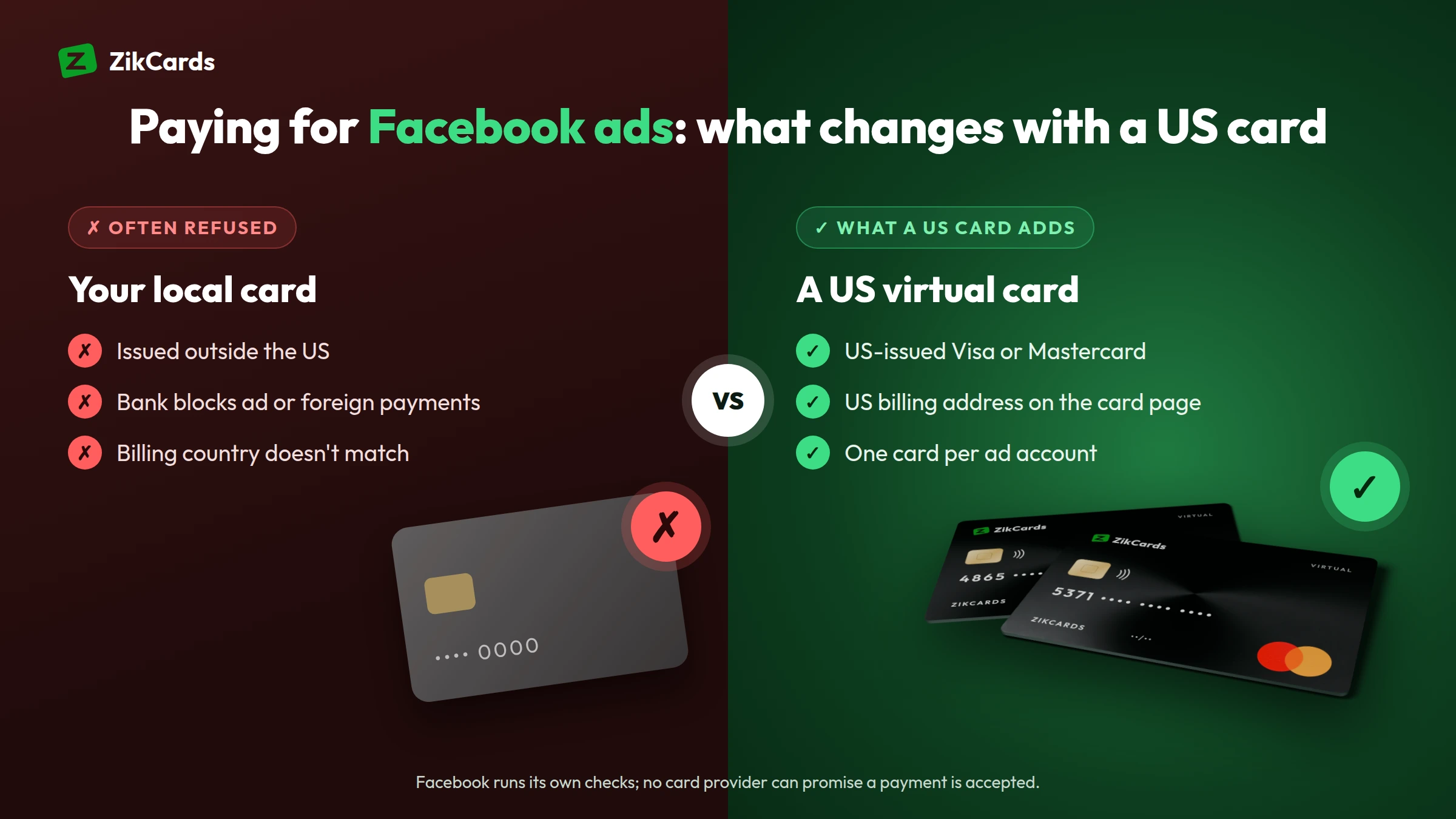
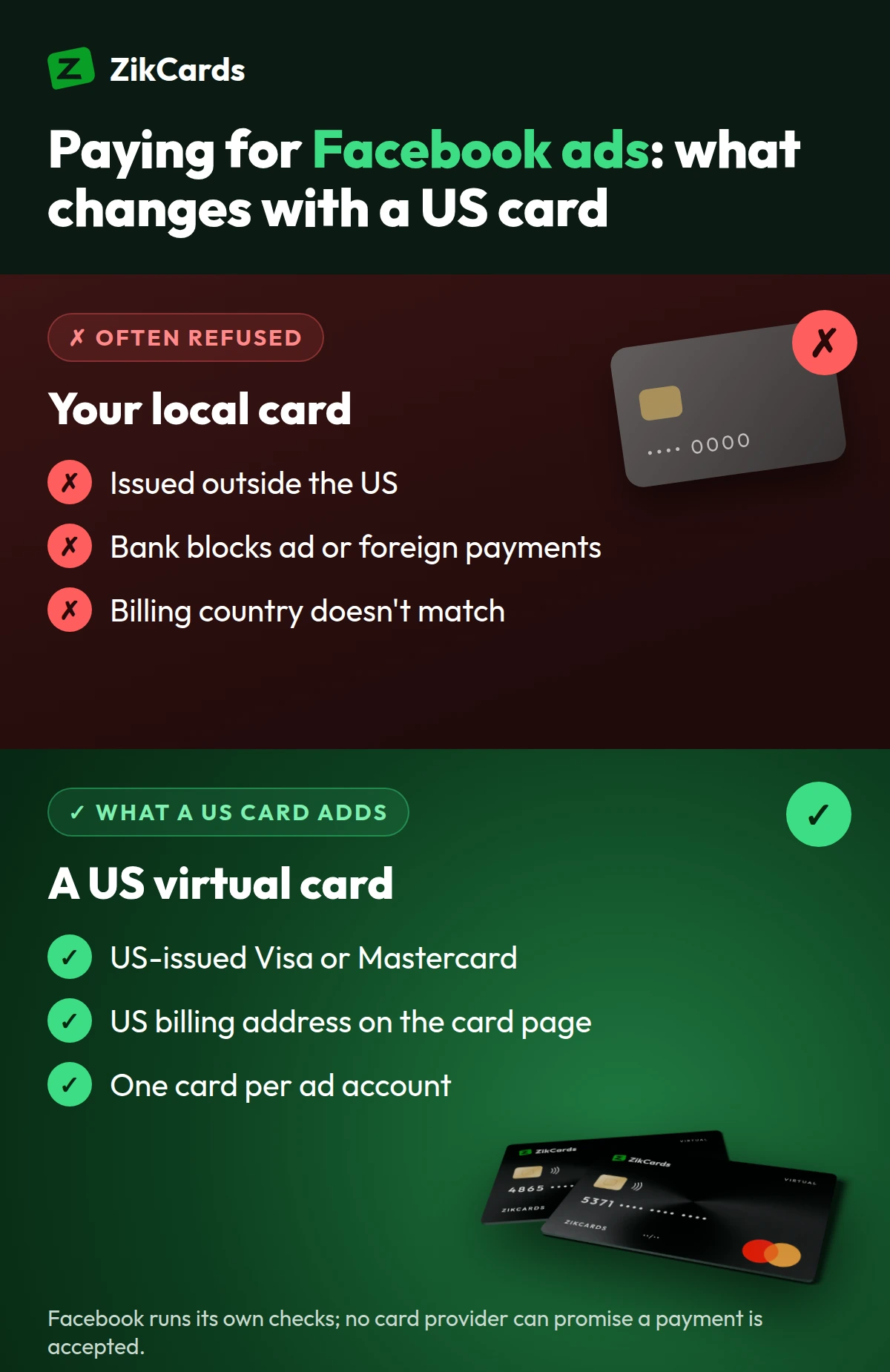
- International or online payments are switched off. Many bank cards need them turned on in the banking app.
- The card's country. Cards issued in some countries are refused more often by online platforms, even with money on them.
- Billing address mismatch. The address you typed does not match the one the card's issuer holds.
- Not enough for the threshold charge. The card had enough for a day of ads, but not for the full threshold charge, plus any tax and fees.
- The temporary authorisation failed. The card was empty or nearly empty when you added it, so the check was refused.
- Too many retries. Several failed attempts, or adding and removing cards again and again, can lead Meta to place a payment restriction on the ad account.
For decline messages in general, read why cards are declined online.
How to fix a failed payment
- Find the reason first. Read Meta's message in Billing & payments, and check your bank or card app for a declined attempt and its reason.
- Fix the cause. Add money to the card, switch on online and international payments, or correct the billing address.
- Pay the outstanding balance. In Billing & payments, use the option to pay what you owe (often "Pay now"). Your ads usually stay paused until the balance is paid.
- Retry once. If it fails again, stop and look for the cause again rather than pressing pay repeatedly.
- Don't add and remove many cards. It looks unusual to payment systems.
- If the account is restricted, open Account Quality in Meta Business Suite. It shows what is restricted and, where Meta allows it, lets you request a review. Follow Meta's process there; a new card does not change Meta's decision about a restricted account.
What to look for in a virtual card for Facebook ads
Not every virtual card works well for ad accounts. Check these points before you add one to Meta:
| Check | Why it matters for Facebook ads |
|---|---|
| Issued in the US, in US dollars | A USD ad account charged to a USD card avoids conversion fees, and the card's country is one of the first things checked. |
| Visa or Mastercard | Meta takes both networks. |
| 3D Secure | Meta or the issuer may run a check that asks for a one-time code when you add the card or pay. The card has to be able to answer it. |
| Its own billing address | The address on the ad account must match the card's address. |
| Enough balance for the threshold | Meta charges the whole threshold at once, not your daily budget. |
| One card per ad account | Spend stays separate, and a problem on one account does not touch the others. |
| Published fees | Look at the cost to create and load a card, and the fee on a declined payment. |
Using a virtual card for Facebook ads
A virtual card is a Visa or Mastercard with a number, expiry date and security code, but no plastic. It keeps ad spend apart from your main bank account.
A US card removes the most common reason cards from some countries are refused, the card's country, but Meta runs its own checks, so no card provider can promise acceptance. These habits keep payments running:
- One card per ad account or per client. One client's spend never touches another's, and every receipt matches one card.
- Keep the balance above the next threshold charge. On a ZikCards card, $1.20 stays on the card while it is open, so what you can spend is the balance less $1.20.
- Use the card's own billing address, shown on the card page, not your home address: why the billing address matters.
- Allow for the cross-border fee. Depending on where your business is, Meta may bill you through one of its companies outside the US; the receipt in Billing usually names the company that charged you. Purchases that settle outside the US carry the card issuer's cross-border fee of $0.50 + 2.5%, taken from the card.
- Avoid declines. The issuer charges $0.40 for every declined payment, taken from the card, and Meta may retry a failed charge.
Here is how much to keep on a card for a $100 threshold charge billed from outside the US:
| Item | Amount |
|---|---|
| Threshold charge | $100.00 |
| Cross-border fee ($0.50 + 2.5%) | $3.00 |
| Stays on the card while it is open | $1.20 |
| Minimum balance on the card | $104.20 |
| Sensible load, with a margin for tax or a slightly larger charge | about $110 |
If Meta bills you from the US, leave out the cross-border fee. Loading a card has its own fee, listed on the pricing page. Our help answer on using ZikCards for Facebook and Google ads covers the same points in short.
How to set it up with ZikCards
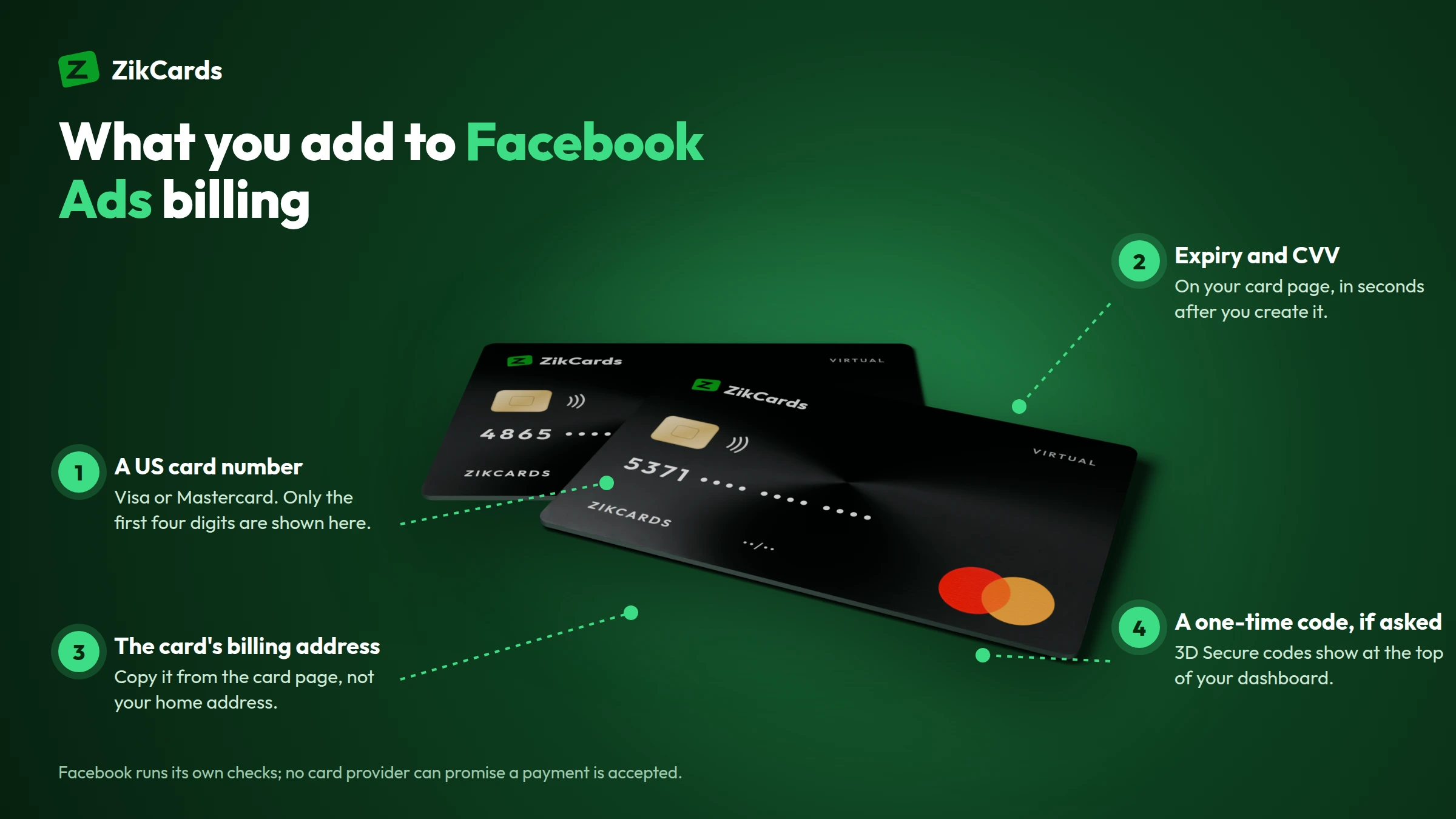
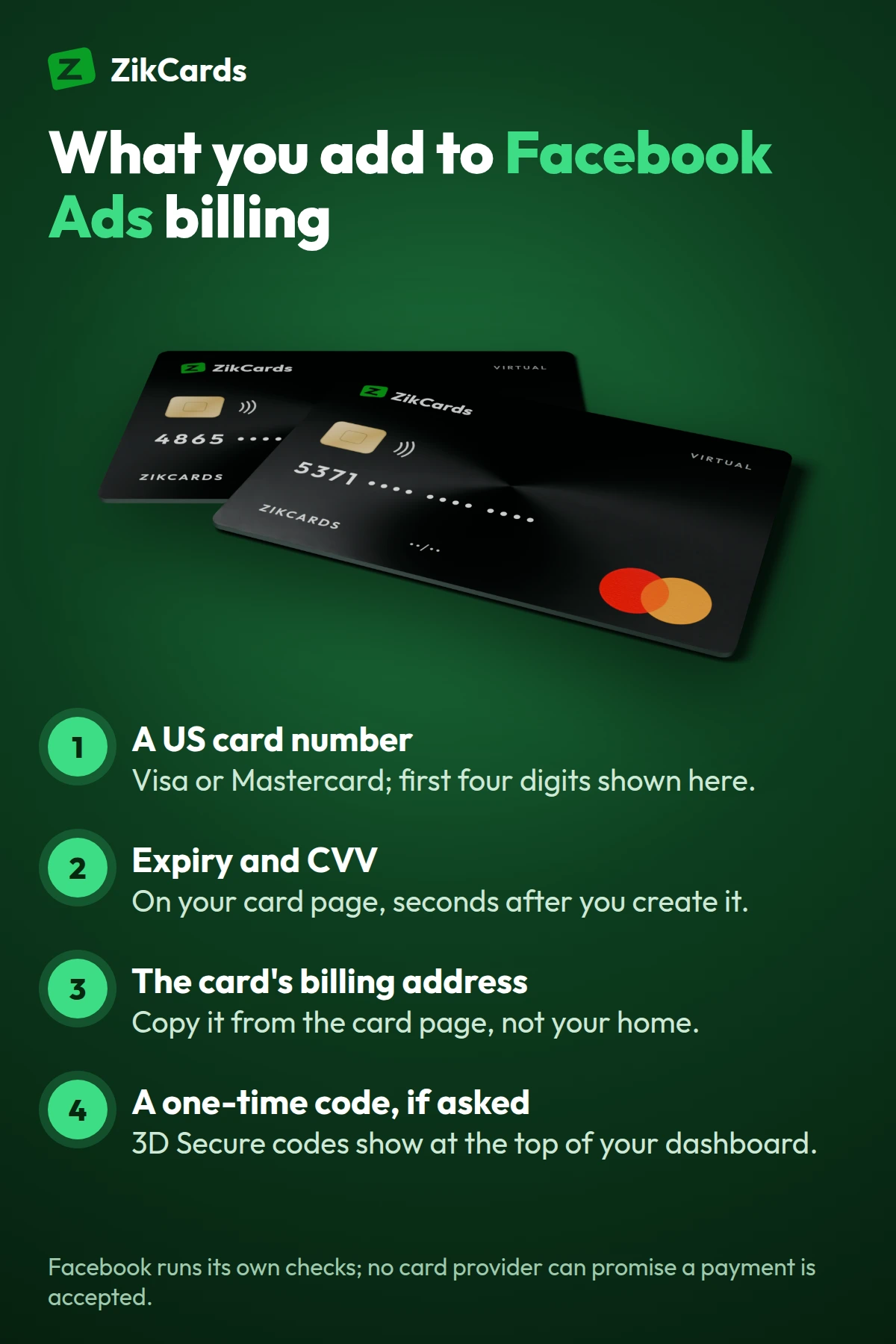
- Sign up and verify once. Create an account at zikcards.com and verify with a photo ID (passport, national ID card or driving licence) and a short selfie on your phone. Most verifications are approved automatically within minutes. See what ID you need.
- Add money to your balance with USDT or USDC stablecoins; there are no bank or card deposits, and the deposit fee is from $1 + 1%, depending on the network. Always send on the network you chose: which network to use.
- Create a card for the ad account. Choose Visa or Mastercard and load the next threshold charge plus the $1.20 and a margin. The card is ready in seconds; name it after the client or ad account on the My cards page.
- Add it in Billing & payments with the card number, expiry, security code and the card's own billing address. If a check asks for a one-time code, it appears at the top of your ZikCards dashboard: where to find the code.
A card changes how you pay, not where a service operates. Check that Meta offers advertising where your business is, and follow Meta's advertising policies.
Frequently asked questions
Why does Facebook say my card was declined when there is money on it?
Common reasons are that the card had enough for the ads but not for the full threshold charge, online or international payments are off, or the billing address does not match. The card's country can also be the reason. On a ZikCards card, remember that $1.20 stays on the card while it is open, so you can spend the balance less $1.20. Check each reason, then retry once.
When does Facebook charge for ads?
With automatic payments, usually when your spend reaches your billing threshold or on your monthly billing date, whichever comes first. With manual payments, in some countries, you add funds first and the ads spend from them.
Can I change the currency of my Facebook ad account?
Usually not as a simple edit: the currency is set when the ad account is created. Check Meta's help pages for what applies to your account, and choose the currency carefully at the start.
What happens if a Meta ads payment fails?
Your ads usually stop until the outstanding balance is paid. Fix the cause, pay the balance in Billing & payments, and retry once. Repeated failures can lead to a payment restriction, which you check in Account Quality.
Can I use a virtual card for Facebook and Instagram ads?
You add it in Billing & payments like any other card. A US card removes the most common reason cards from some countries are refused, the card's country, but Meta runs its own checks, so no card provider can promise acceptance. Boosts started inside the Facebook or Instagram app may offer different payment options, depending on your device.
What is the best virtual card for Facebook ads?
The one that matches what Meta checks: issued in the US in US dollars, Visa or Mastercard, with 3D Secure, its own billing address and enough balance for your next threshold charge. Separate cards for each ad account help too. No card provider can promise acceptance, because Meta runs its own checks on the account and the payment.
Can I use a prepaid card for Facebook ads?
Meta lets you add most Visa and Mastercard cards, but some prepaid cards are declined, depending on the card and the account. A ZikCards card is loaded before you spend, like a prepaid card, but it is issued on a US credit BIN, with no credit line: it spends only what is loaded from your balance.
Does the card give me credit for ad spend?
No. A ZikCards card is issued on a US credit BIN, which is how the card range is registered with Visa and Mastercard, but no credit is given. It is loaded from your balance first and spends only what is on it, with no bill, no interest and no credit check.
Running ads for yourself or your clients? Create your ZikCards account. See every fee on our pricing page.
Visa, Mastercard, Meta, Facebook, Instagram, Google and PayPal are trademarks of their respective owners. ZikCards is not affiliated with or endorsed by them.