You press Pay, and instead of a receipt the checkout opens a small window asking for a code. That is 3D Secure, the extra check Visa and Mastercard use to confirm that the person paying is really the cardholder. This guide explains what 3D Secure is, why some payments ask for a code and others don't, where the code appears when you pay with a ZikCards virtual card, and what to do when the check fails.
What 3D Secure is
3D Secure is a security step added to online card payments. When you press Pay, the merchant's payment provider sends the payment details to your card's issuer, which decides whether it is satisfied that you are the cardholder. The "3D" stands for three domains: the merchant's side (with its bank), the card issuer's side, and the card network that connects them.
Each network has its own name for it:
- Visa Secure, which used to be called Verified by Visa.
- Mastercard Identity Check, which used to be called Mastercard SecureCode.
The version in use today is EMV 3-D Secure, often called 3DS2. 3DS2 sends the issuer much more information than the old password pages did, such as the device, the browser and the shipping address, so many payments are checked without asking you anything.
What is a 3D Secure code?
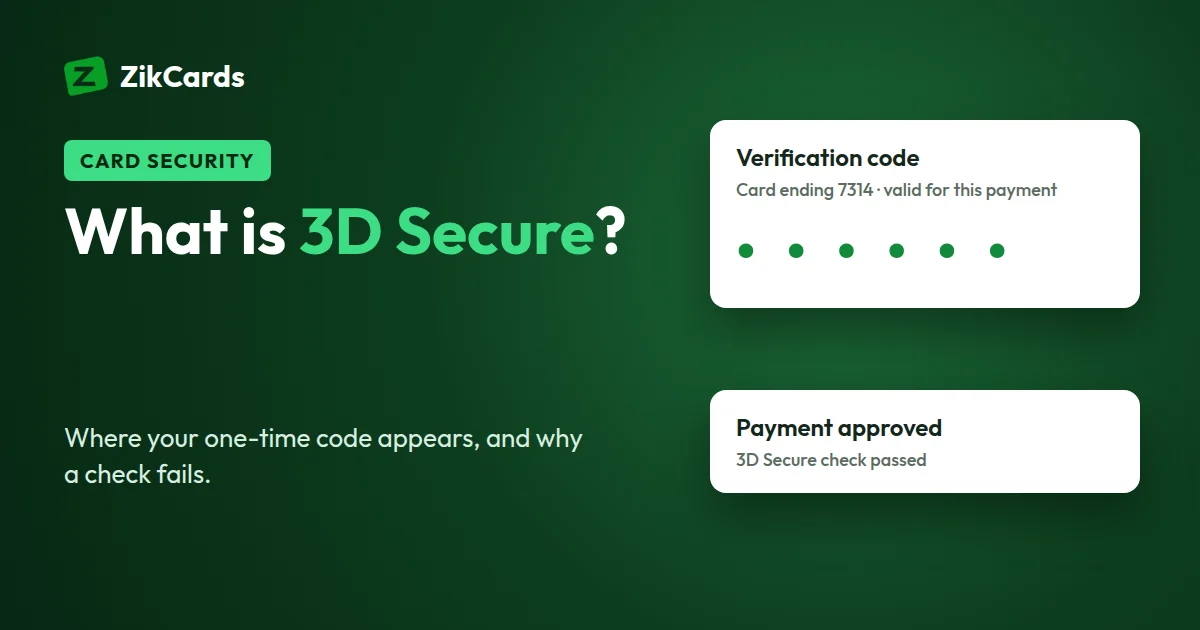
A 3D Secure code is a one-time code that your card issuer sends you during an online payment, so you can prove you are the cardholder. You type it into the window that opens at checkout. It works for that one payment only and expires after a few minutes. Many payments are approved without a code at all; the code is asked for only when the issuer wants an extra check.
Virtual cards use 3D Secure in the same way as plastic cards: the check belongs to the card number, not to the plastic. On a ZikCards card the code appears at the top of your dashboard, as explained below.
Two outcomes: frictionless or challenge
- Frictionless. The issuer looks at the data and is satisfied. The payment is approved in the background, and you never see a window.
- Challenge. The issuer wants proof, so the checkout shows a window asking for a one-time code. You enter the code, the issuer confirms it, and the payment continues.
So "why did my payment ask for a code?" usually has a simple answer: the merchant ran 3D Secure, and the issuer chose a challenge for that payment. It does not mean your card is faulty. A first payment at a new merchant, a larger amount than usual, or a merchant in Europe are common reasons.
Why merchants and countries use it
- The rules in Europe and the UK. Rules called Strong Customer Authentication (SCA) require most online card payments in the European Economic Area and the UK to be confirmed with two separate factors. 3D Secure is how card payments meet that rule, so European and British merchants ask for a code more often.
- Fraud prevention. A stolen card number is far less useful when the issuer can ask for a code the thief does not have.
- Protection for the merchant. When a payment passes 3D Secure, responsibility for fraud disputes on it generally moves from the merchant to the card issuer. That is why many merchants switch it on, especially for digital goods and subscriptions.
How 3D Secure works on a ZikCards card
Every ZikCards card has 3D Secure, on both Visa and Mastercard, with nothing to switch on. The code is delivered to your ZikCards account. When a merchant's check ends in a challenge:
- Keep the payment page open. Don't close it, go back or refresh it.
- Open your ZikCards dashboard in a new tab or on your phone. The code appears as a banner at the top, with a copy button and the last 4 digits of the card it belongs to. Check that those digits match the card you are paying with.
- Or check Telegram. If you have linked your account to our Telegram bot, @ZikCardsSupportBot, the same code is sent to you there too.
- Copy the code into the payment window and confirm. The payment then goes through or is declined in the usual way.
The code is valid for that one payment only, and only for a short time. A new payment gets a new code. See also our help answer: the merchant asked for a verification code.
ZikCards never asks for your code
A 3D Secure code is the last thing between a stolen card number and a completed payment, so scammers try hard to get it.
- Nobody from ZikCards will ask for it. Not by email, chat, Telegram or phone. We never message you first, and never ask for a one-time code, card number or security code.
- Type the code only into the payment window you opened yourself, on the merchant's checkout.
- A code you didn't expect is a warning. If a code appears when you are not paying for anything, someone may have your card details. Freeze the card at once, then close it and create a new one; closing returns the balance to your wallet in full. Freeze or close?
Why 3D Secure fails, and how to fix it
When the check fails, the merchant usually shows a message such as "authentication failed" or "we couldn't verify your card". These are the common causes:
- The code expired. Codes last only a short time. Start the payment again and use the new code.
- The code window was blocked. The code box is often a pop-up, or a frame from the issuer inside the checkout. Ad blockers, privacy extensions and strict browser settings can stop it loading. Pause the blocker for that site, allow pop-ups, or try another browser.
- You closed or left the payment window. That ends the check. Start again, and keep the page open while you fetch the code in another tab.
- A VPN or a changing location. A VPN, or a location that changes between steps, can make a payment look riskier and lead to a decline. Switch the VPN off and pay from your usual connection.
- The card is frozen. A frozen card declines every payment, and the issuer still charges its decline fee on each attempt. Unfreeze it first.
- Not enough on the card. 3D Secure can pass, and the payment can still be declined. $1.20 stays on every card while it is open, so you can spend the card balance minus $1.20. Top up first, with a little extra for tax the merchant adds.
Don't retry again and again. The card issuer takes $0.40 from the card for every declined payment, and retries count. Many failures in a row also look like fraud. Fix the cause, then try once more. If it still fails, read why cards are declined online, or send support the merchant name and the time of the attempt.
What you see, what it means, what to do
| What you see | What it means | What to do |
|---|---|---|
| Payment approved, no code asked | Frictionless 3D Secure, or the merchant ran no check | Nothing |
| A window asks for a code | A 3D Secure challenge | Keep the page open, copy the code from the dashboard banner or Telegram |
| Blank or endlessly loading code window | Pop-up or frame blocked by the browser or an extension | Allow pop-ups, pause the ad blocker, or try another browser |
| "Code invalid" or "code expired" | Code too old, or from an earlier attempt | Start the payment again and use the newest code |
| Code accepted, then "payment declined" | 3D Secure passed; the payment was refused for another reason | Check the balance (minus $1.20), the card's billing address, and that the card isn't frozen |
| A code arrives when you aren't paying | Someone may be trying to use your card details | Freeze the card, close it, create a new one, and tell support |
Apple Pay and Google Pay work differently
When you pay with a card in Apple Pay or Google Pay, the wallet confirms it is you on the phone itself, with Face ID, a fingerprint or your passcode. That device check does the job a 3D Secure code does at a web checkout, so wallet payments usually don't show a code window. Adding the card to a wallet is a separate step with its own checks. See how to add your card to Apple Pay or Google Pay.
Frequently asked questions
What is a 3D Secure code?
A one-time code the card issuer asks for to confirm that you are the cardholder. On a ZikCards card it appears as a banner at the top of your dashboard, and in Telegram if you have linked our bot.
Do ZikCards virtual cards support 3D Secure?
Yes. Every card, Visa or Mastercard, has 3D Secure (Visa Secure or Mastercard Identity Check). There is nothing to enrol in or switch on.
Why did one payment ask for a code and another didn't?
The merchant decides whether to run 3D Secure, and the issuer decides, payment by payment, whether to approve it in the background or ask for a code. The amount, the merchant, its country and your device all play a part.
Is Verified by Visa the same as Visa Secure?
Yes. Verified by Visa was renamed Visa Secure, and Mastercard SecureCode became Mastercard Identity Check. All of them are names for 3D Secure.
Can I turn 3D Secure off?
No. The merchant chooses whether to use it, and when a code is asked for, entering it is the only way to complete that payment.
The payment is asking for a code, but I can't find it. What should I do?
Refresh your ZikCards dashboard, look for the banner at the top and check that its last 4 digits match your card. If you linked Telegram, check the bot too. If nothing appears, start the payment again once, and contact support with the merchant name and time if it still fails.
Want a virtual card with 3D Secure built in? Create your ZikCards account. See every fee on our pricing page.
Visa, Visa Secure, Verified by Visa, Mastercard, Mastercard Identity Check, Mastercard SecureCode, EMV, Apple Pay, Google Pay and Telegram are trademarks of their respective owners. ZikCards is not affiliated with or endorsed by them.