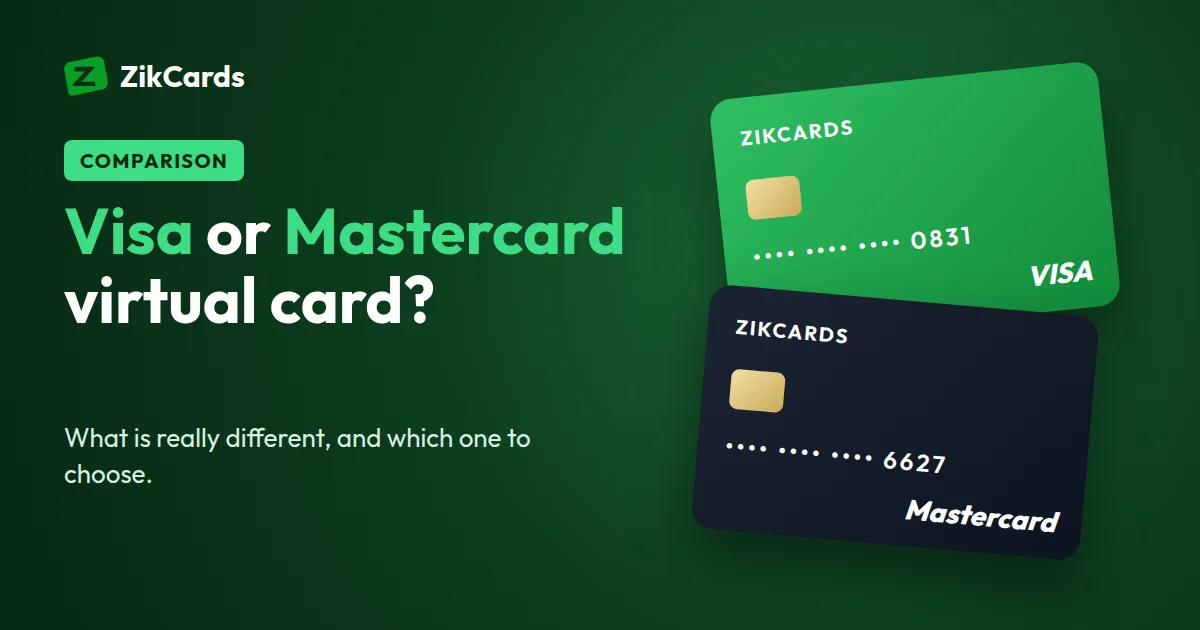
When you create a virtual card, the first question is often the hardest: Visa or Mastercard? Many people worry that the wrong choice will get their payments refused. For most online purchases, it makes very little difference. This guide explains what Visa and Mastercard actually are, the few real differences between them, how to tell which brand a card is, what to do when one brand is refused, and how to use a virtual Visa or Mastercard at checkout.
Visa and Mastercard are networks, not banks
Visa and Mastercard do not hold your money or set your fees. They run payment networks: the systems that carry a payment from the shop to the company that issued the card, and back.
The card itself comes from an issuer: a bank or a licensed card company. The issuer decides almost everything you notice about a card: who can get it, the fees, how money gets onto it, which country it is issued in, any rewards or extras, and whether it is physical, virtual, or both.
So two Visa cards from different issuers can behave very differently, while a Visa and a Mastercard from the same issuer behave almost the same. Compare issuers first and logos second.
Does one brand work in more places online?
Online, acceptance of the two brands is nearly identical. Almost every website, app store and subscription service that takes cards takes both Visa and Mastercard.
That means the brand is not the main reason a card works or fails online. Far more often, a payment is refused because of where the card was issued, a billing address that does not match, a verification code that was not entered, or a balance that does not cover the full amount. Our guide on why cards are declined online covers each of these.
The real differences between Visa and Mastercard
There are a few differences that are real, and none of them is a reason to avoid either brand.
- The name of the 3D Secure check. 3D Secure is the extra check that may ask you to confirm a payment with a one-time code. Visa calls its programme Visa Secure (it used to be "Verified by Visa"). Mastercard calls its programme Mastercard Identity Check (it used to be "SecureCode"). They do the same job, so expect a different name on the screen, not a different process.
- Currency conversion. When you pay in a currency that is not your card's currency, the network converts the amount at its own rate. Visa and Mastercard each set their own rates, so the converted amount can differ slightly between the two on the same day. If your card holds US dollars and the price is in US dollars, nothing is converted.
- The name of the security code. Visa calls the three-digit code the CVV2 and Mastercard the CVC2. It is the same thing.
- Perks. Rewards, cashback and insurance come from the issuer and the card's tier, not from the logo. A plain card from either network can have no perks at all; a premium card from either can have many.
Visa vs Mastercard virtual card: side by side
| Virtual Visa card | Virtual Mastercard | |
|---|---|---|
| What it is | A card on the Visa network | A card on the Mastercard network |
| Who issues it | A bank or card issuer, not Visa | A bank or card issuer, not Mastercard |
| Online acceptance | Almost everywhere cards are taken | Almost everywhere cards are taken |
| Card number starts with | 4 | 51 to 55, or 2221 to 2720 |
| 3D Secure programme | Visa Secure | Mastercard Identity Check |
| Security code name | CVV2 | CVC2 |
| Currency conversion | At Visa's rate | At Mastercard's rate |
| Fees and perks | Set by the issuer | Set by the issuer |
For a closer look at each brand, read our guides to the virtual Visa card and the virtual Mastercard.
How to tell whether a card is Visa or Mastercard
The first digits of the card number tell you the brand, even if there is no logo in front of you:
- Starts with 4: Visa.
- Starts with 51, 52, 53, 54 or 55: Mastercard.
- Starts with a number from 2221 to 2720: also Mastercard. This newer range was added in 2017.
You can type the first digits into our free card brand checker to see the brand at once. To see more, such as the country of the issuer and whether the range is registered as credit or debit, use the BIN lookup. It shows what a merchant sees about the first six digits of a card.
When a payment is refused: try the other brand once
Each brand is a different card range, and a merchant's fraud checks look at the range as well as the card. If a payment is refused on one brand and the basics below are right, a card of the other brand is worth one try.
Keep it to one try, and check the basics:
- Billing address, balance and code. Use the card's own billing address, make sure the balance covers the full amount, and enter any verification code before it expires.
- Stop after two or three declines. Many failed attempts in a row look like fraud to payment systems, and each declined payment on a ZikCards card costs the issuer's decline fee, taken from the card. It is listed on our pricing page.
Choosing a brand with ZikCards
With ZikCards you choose Visa or Mastercard each time you create a card. You do not have to decide once for all your cards: you can make your next card a Visa and the one after a Mastercard.
Both brands are issued in the United States by our licensed card issuing partner, and both are on US credit BINs: that is how the card ranges are registered with Visa and Mastercard, and what a BIN check shows. No credit is given. You load the card from your balance first and can only spend what is on it, with no bill, no interest and no credit check.
Both brands work the same way inside ZikCards: the card is ready in seconds, 3D Secure is on every card, you can freeze or close a card at any time, and you can add a card to Apple Pay or Google Pay to tap and pay in shops.
If you have no reason to prefer one, pick either. If you keep several cards, holding one of each brand gives you a second option ready if a payment is ever refused.
How to use a virtual Visa or Mastercard at checkout
Paying with a virtual card works the same way as paying with a physical one. On ZikCards:
- Load the card first. Add enough for the purchase. The issuer keeps $1.20 on each open card and returns it when you close the card, so you can spend the card's balance less $1.20.
- Reveal the card details. Open the card in your dashboard to see the card number, expiry date and security code.
- Enter the card's billing address. Each card has its own billing address, shown on the card page with a copy button. Use that address at checkout, not your home address. Why the billing address matters.
- Enter the code if asked. If the merchant runs a 3D Secure check, the one-time code appears as a banner at the top of your ZikCards dashboard, with a copy button and the last four digits of the card. If you connected Telegram, we also send it there. The code is valid for that one payment. ZikCards will never ask you for it. More about verification codes.
- Keep the card open for refunds. A refund goes back to the card that was charged, so do not close a card while you are waiting for one.
Frequently asked questions
Which is better, Visa or Mastercard?
For online payments, neither is better in general: both are accepted almost everywhere cards are taken. The issuer behind the card matters far more.
Is a ZikCards card credit or debit?
Both brands are on US credit BINs, which is what a BIN check shows. But no credit is given: you load the card from your balance and can only spend what is on it.
Can I change the brand of a card I already have?
No. The brand is part of the card number, so it is fixed when the card is created. Create a new card of the other brand, and close the old one when you no longer need it. Closing returns its balance to your wallet in full.
Can I have a virtual Visa and a virtual Mastercard at the same time?
Yes. You choose the brand each time you create a card, so you can hold cards of both brands. How many cards you can hold at once is shown on your cards page.
Is a virtual Mastercard safer than a virtual Visa?
Both carry 3D Secure on ZikCards. Safety comes more from how you use the card: load only what you plan to spend, and freeze or close a card you no longer trust. Freeze or close?
How do I use a virtual Visa card with Apple Pay or Google Pay?
Add it by hand in the wallet app, with the card details and the card's own billing address from your card page. Then tap to pay in shops like any other card. Step-by-step instructions.
Does a virtual card work outside the US?
Yes. It spends wherever Visa and Mastercard are accepted online, wherever you are. Purchases that settle outside the US carry the issuer's cross-border fee, shown on the pricing page.
Ready to pick your brand? Create your ZikCards account. See every fee on our pricing page.
Visa, Mastercard, Apple Pay, Google Pay and Telegram are trademarks of their respective owners. ZikCards is not affiliated with or endorsed by them.