You can buy a virtual Mastercard online in minutes: verify once, fund your balance, choose Mastercard and the card is ready. A virtual Mastercard is a card that exists only as a number, an expiry date and a security code, ready to use for online payments. Many people need one fast: to pay for software, a subscription or an online order when their local card is refused or they do not want to share it. This guide explains what a virtual Mastercard is, who issues the ZikCards Mastercard, how to get one online in minutes, what it costs, how 3D Secure works with it, and when to pick Mastercard over Visa.
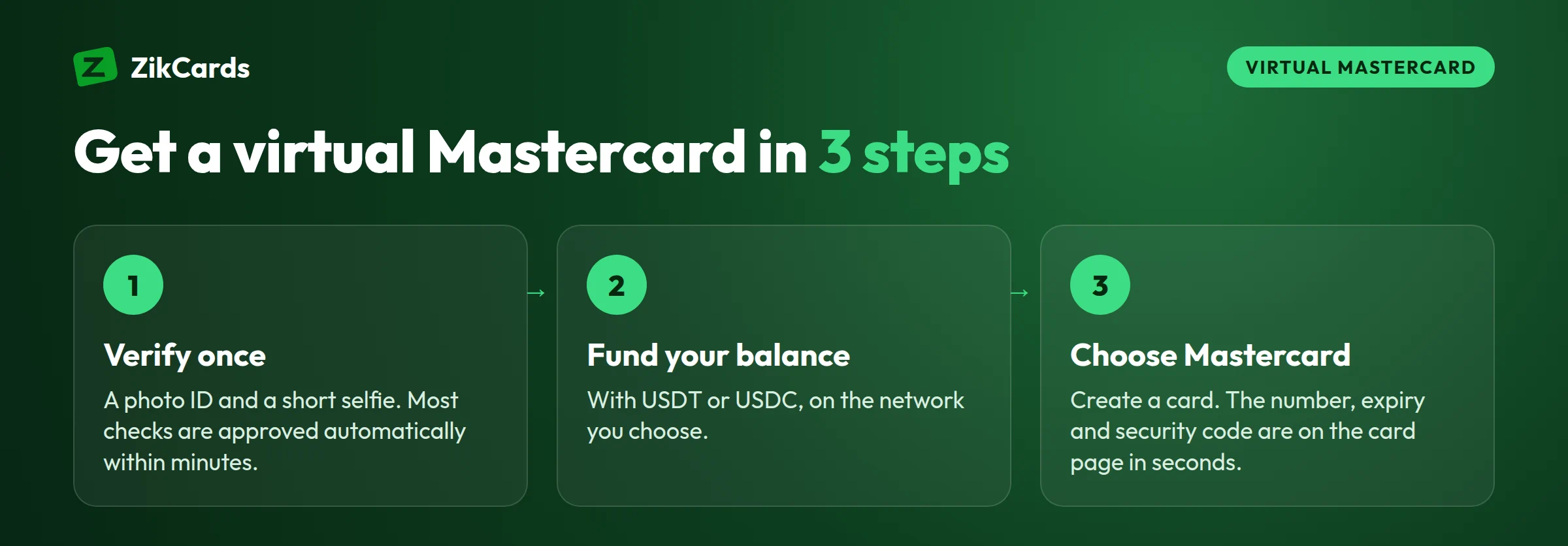
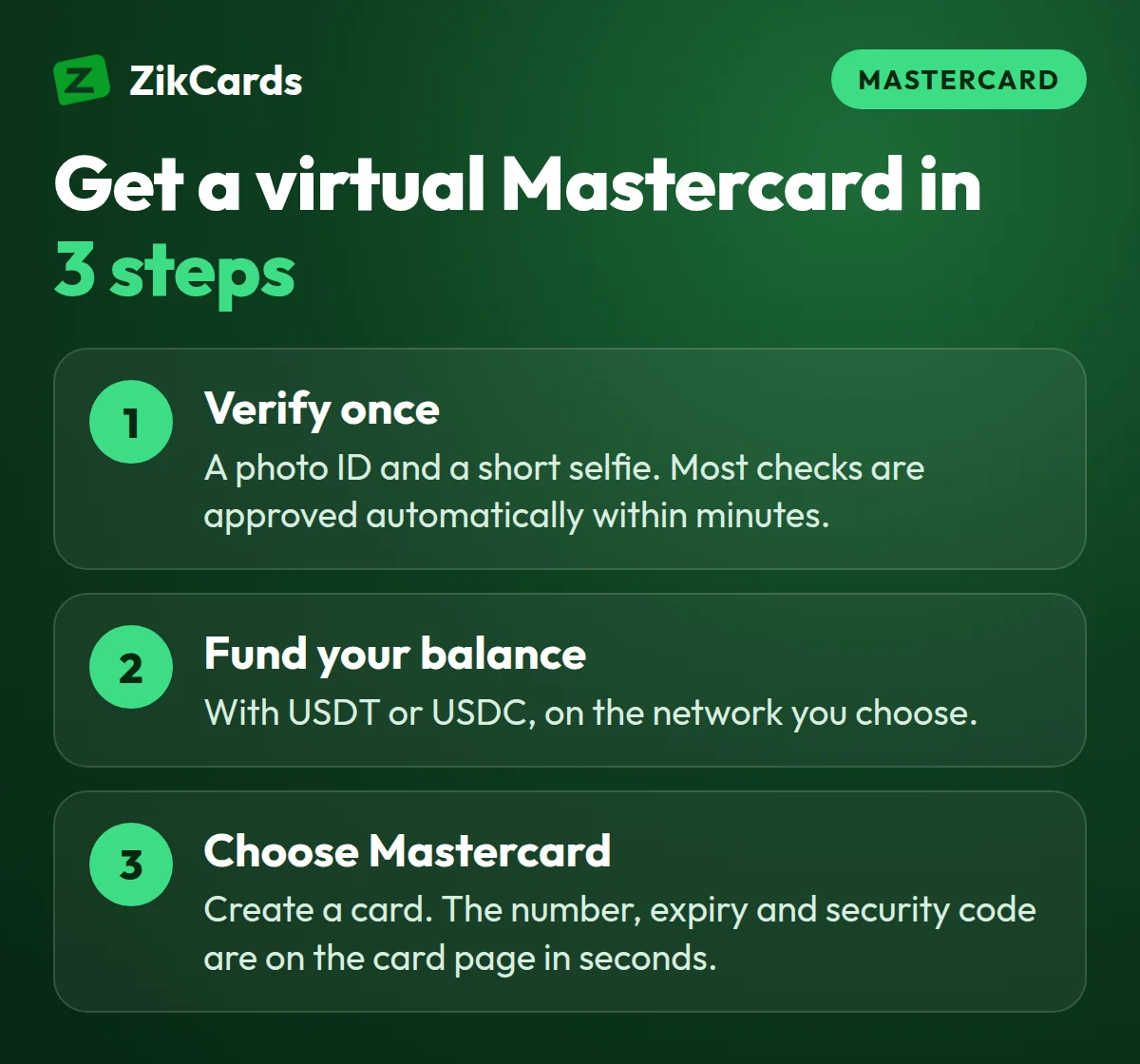
In short, getting a virtual Mastercard takes three steps:
- Verify once with a photo ID and a short selfie. Most verifications are approved automatically within minutes.
- Fund your balance with USDT or USDC. The deposit fee is from $1 + 1%, depending on the network.
- Create a card and choose Mastercard. The card number, expiry date and security code are on the card page in seconds.
What is a virtual Mastercard?
A virtual Mastercard is a payment card on the Mastercard network that has no plastic. You get the card details on a screen and type them into a checkout, the same way you would type the details of a physical card.
Mastercard itself does not give out cards. It runs the network that carries a payment from the shop to the card issuer and back. The card comes from an issuer: a bank or a licensed card company. The issuer decides who can get the card, how money gets onto it, the fees and the country the card is issued in.
Because a virtual card has no plastic, it can be created in seconds, and you can close it and make a new one when you need to. That is why people use separate virtual cards for separate jobs, such as one card for a single subscription. If you are new to the idea, our guide on what a virtual card is covers the basics.
Who issues the ZikCards Mastercard
ZikCards Mastercards are issued in the US by a licensed partner institution. ZikCards is not a bank; it gives you the account, the dashboard and the support, and the issuer provides the card.
The BIN is 5371**, inside the normal Mastercard range (51 to 55, or 2221 to 2720). The range is registered with Mastercard as a US credit BIN, so a BIN check shows "credit" and the country as the USA. You can see this yourself with our free BIN lookup, or confirm the brand with the card brand checker.
No credit is given, though. The card is loaded from your balance first and spends only what is on it. There is no bill, no interest and no credit check. The first digits of a card number are its BIN, and a BIN check shows the brand, type and country of the card.
How to buy a virtual Mastercard online
The whole process happens online. Most people have a working card within minutes of their deposit arriving.
- Create your account. Sign up at zikcards.com with your email. You must be 18 or older. Check first that your country is not on the restricted countries list; this applies to residents and nationals.
- Verify your identity once. Take a photo of your passport, national ID card or driving licence, then a short selfie on your phone. Most verifications are approved automatically within minutes. See what ID you need.
- Fund your balance with USDT or USDC. Choose a coin and a network, then send to the address shown. USDT works on BNB Smart Chain, Polygon, Solana, TRON or Ethereum; USDC on BNB Smart Chain, Polygon or Solana. Always send on the network you chose, because coins sent on the wrong network are usually lost. Our help answer on which network to send USDT on explains the choice.
- Create a card and choose Mastercard. On the create card page, pick Mastercard, enter how much to load, and confirm. The card is ready in seconds.
- Name the card (optional). After it is created, you can give the card a name on the My cards page, such as "Design tools" or "Online shop".
- Use the details at checkout. Open the card page to reveal the card number, expiry and security code. Copy the card's own billing address from the same page.
In rare cases a card creation is held for a short time if the issuer reports an error. Your money is never lost: you get the card, or a full refund to your balance.
What a virtual Mastercard costs at ZikCards
There is no monthly card fee. You pay when you do something, not for keeping a card open. The main fees are below; every fee is listed on our pricing page.
| What | Fee |
|---|---|
| Creating a card | $5 one-time ($3 for your first card with a $2-off discount code) |
| Loading money onto a card | 3% of the amount loaded |
| Depositing USDT or USDC | From $1 + 1%, depending on the network |
| Monthly card fee | None |
| Declined payment (issuer fee) | $0.40 per decline, taken from the card |
| Purchase settled outside the US (issuer fee) | $0.50 + 2.5% |
| Closing a card | Free; the full balance returns to your wallet |
Plan for the $1.20 minimum. $1.20 stays on each card while it is open, and it is returned when you close the card. So the amount you can spend is the card balance minus $1.20. If a subscription costs $20, load at least $21.20, plus a little extra if the price may be converted from another currency. The 3% load fee is charged on top from your balance, so loading $21.20 takes about $21.84 from your balance.
Where people use a virtual Mastercard
The card works for online payments wherever Mastercard is accepted. Common uses include:
- Software and app subscriptions, with one card per service so you can stop a payment by closing that card.
- AI tools and online services priced in US dollars. Our guide to paying for AI tools has the details.
- Online shopping and digital purchases from US and international stores.
- Business costs for freelancers and small teams, kept apart from personal spending.
- Tap and pay in shops: a card can be added to Apple Pay or Google Pay by hand, using the card details and the card's billing address.
A US card removes one common reason cards from many countries are refused: the card's country. But each merchant runs its own checks, so no card provider can promise that a particular website will accept a card.
Some purchase types are always declined on ZikCards cards, at no fee: gambling and betting, crypto purchases and money transfer, cash advances, fuel pumps, transit and taxis, dating services and telemarketing, and stored value cards and money orders. There is no ATM or cash use. The full list is in which purchases are blocked.
3D Secure on a virtual Mastercard
Every ZikCards card is enrolled in 3D Secure. On Mastercard, the programme is called Mastercard Identity Check. When a merchant runs this check, it may ask for a one-time code. Many checks pass in the background and ask for nothing. Our 3D Secure guide shows where the code appears.
When a code is needed, it appears as a banner at the top of your ZikCards dashboard, with a copy button and the last 4 digits of the card. If you have connected Telegram, the code is also sent to you by @ZikCardsSupportBot. Each code is valid for that one payment only. ZikCards will never ask you for the code.
Keep the dashboard open in another tab when you pay, so you can copy the code quickly. The help answer on verification codes covers common questions.
Virtual Mastercard or virtual Visa: which to choose
Online, the two brands are accepted in almost the same places, so for most purchases either works. At ZikCards you choose the brand each time you create a card, and the fees are the same for both.
- Choose Mastercard if a checkout only lists Mastercard, if a Visa card was declined there and you want to try the other brand once, or if you simply want to keep different brands for different jobs.
- Choose Visa if the merchant only takes Visa, or you have no reason to prefer Mastercard.
One small difference: when a price is in a currency other than US dollars, Mastercard converts it at its own rate, which can differ slightly from Visa's on the same day. The Visa vs Mastercard guide compares the two in detail.
Mistakes to avoid
- Using your home address at checkout. Use the billing address shown on the card page. See what billing address to use.
- Loading the exact price. Remember the $1.20 that stays on the card and the 3% load fee taken from your balance, and leave room for currency conversion.
- Retrying a declined payment many times. Each decline costs $0.40, even on a frozen card. Find the cause first; our guide on why cards are declined online helps.
- Closing a card while a refund is on its way. Refunds go back to the card that was charged. Keep it open until the refund arrives. Read more in how refunds from a merchant work.
- Sending coins on the wrong network. Check the network twice before you send.
Frequently asked questions
Where can I buy a virtual Mastercard?
From a bank that offers virtual cards to its account holders, or from a card provider online. With ZikCards you buy it online: verify once, fund your balance with USDT or USDC, and create a US-issued virtual Mastercard for $5 one time, with no monthly card fee.
Can I get a virtual Mastercard instantly?
Once your account is verified and your deposit has arrived, the card is ready in seconds after you create it. Verification is usually approved automatically within minutes, and deposit time depends on the network you send on. See our guide to the instant virtual card.
Is a Mastercard virtual card the same as a virtual Mastercard?
Yes. "Mastercard virtual card", "virtual Mastercard" and "virtual master card" all mean a Mastercard number with no plastic, used online and in phone wallets. With ZikCards it is ready in seconds after a one-time check.
Is there a prepaid virtual Mastercard?
Many providers sell a Mastercard prepaid virtual card, loaded first and spending only what is on it. A ZikCards Mastercard works the same way day to day, but it is on a US credit BIN, loaded from your balance, with no credit line. See the virtual prepaid card guide.
Is a virtual Mastercard a credit card?
It depends on the issuer: banks issue virtual Mastercards as credit, debit or prepaid cards. The ZikCards Mastercard sits on a US credit BIN range, so a BIN check shows "credit", but no credit is given. You load it from your balance and it spends only what is on it, with no bill, no interest and no credit check.
What does a virtual Mastercard number look like?
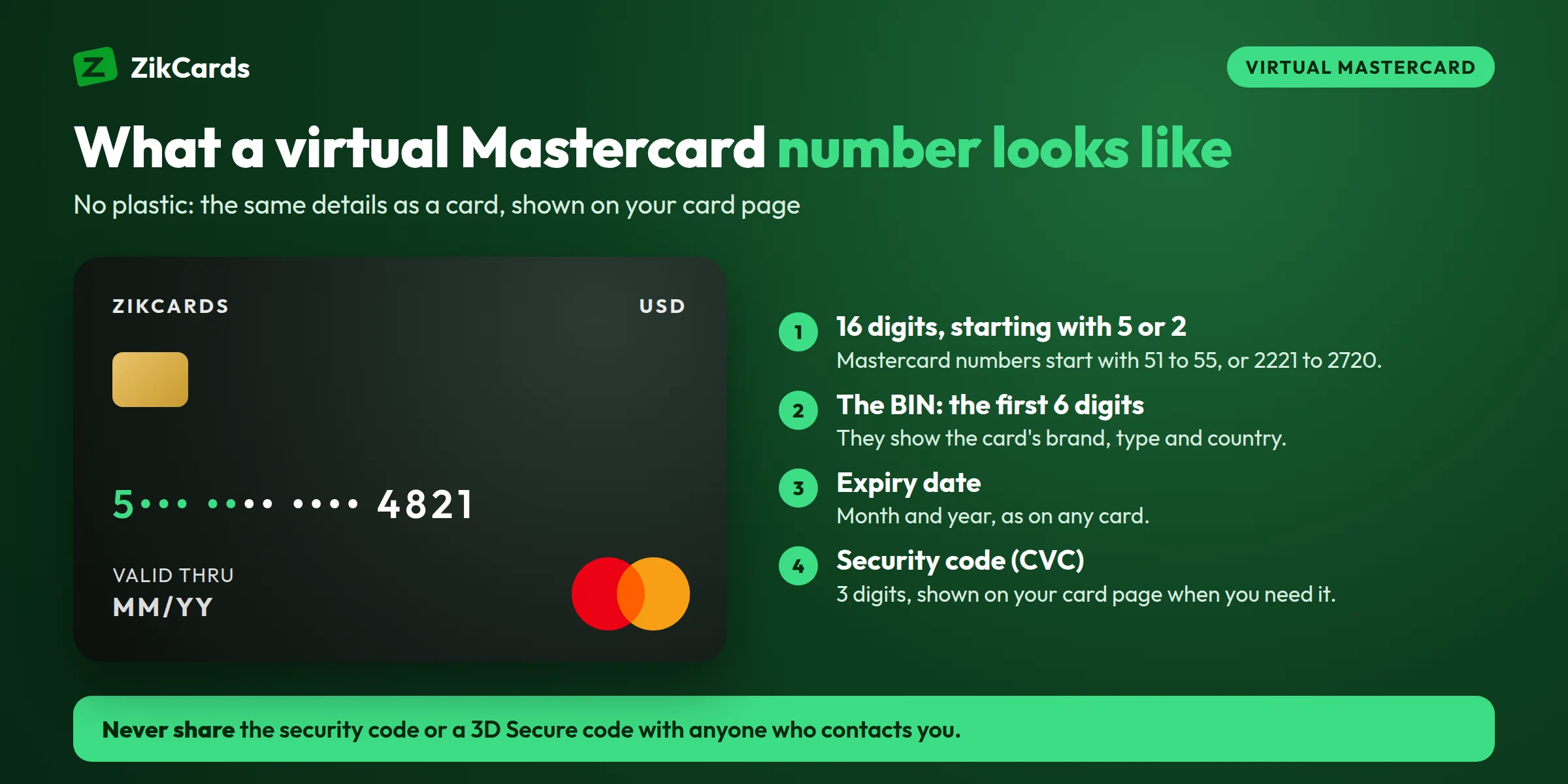
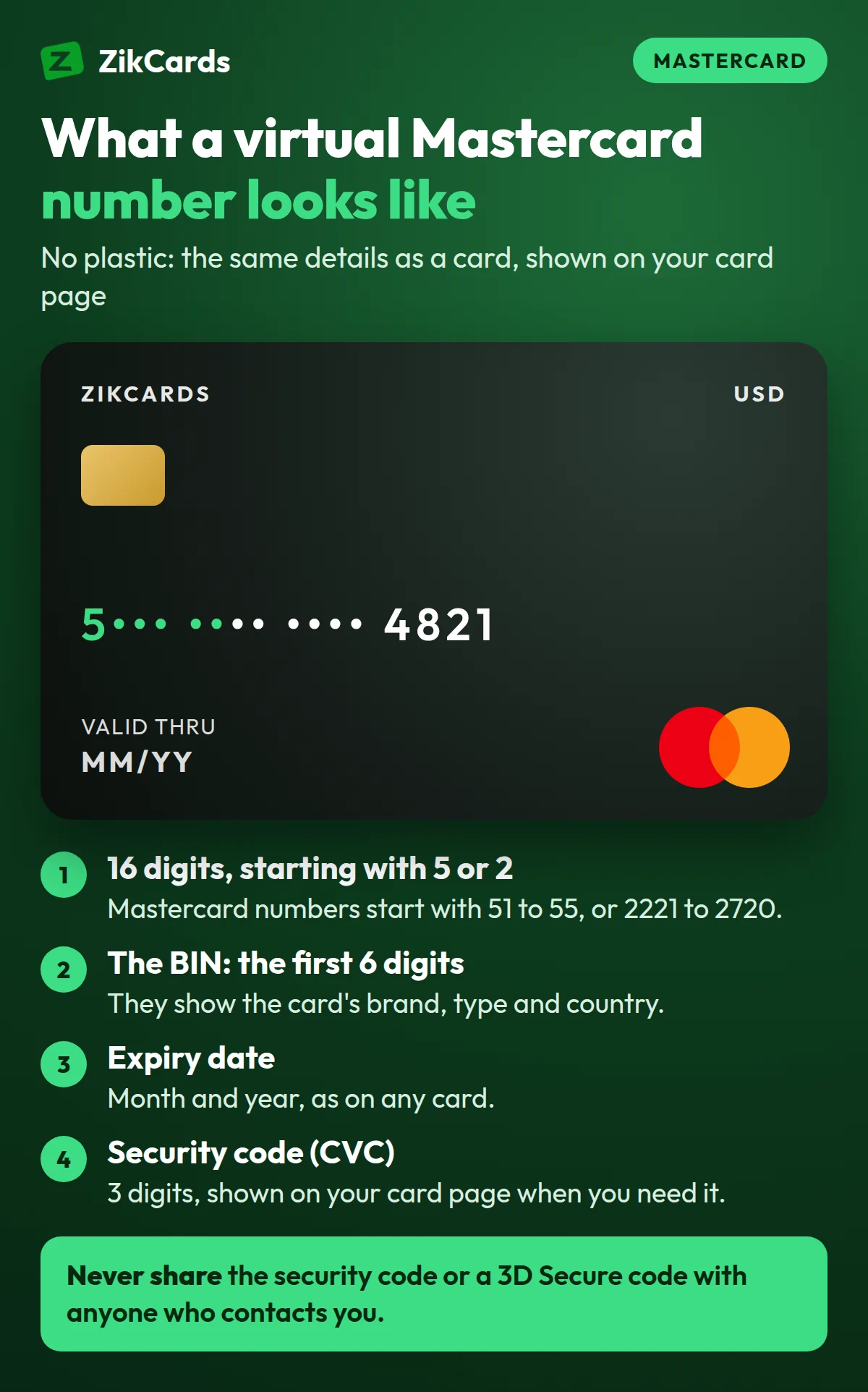
Like any Mastercard number: 16 digits starting with 51 to 55 or 2221 to 2720, plus an expiry date and a 3-digit security code (CVC2). ZikCards Mastercards start with 5371. You see the full details on the card page; never send them, or a 3D Secure code, to anyone in a chat or an email.
Can I get a virtual Mastercard online without a bank account?
Yes. You fund your ZikCards balance with USDT or USDC, not from a bank. ZikCards does not sell USDT or USDC, so you buy them on an exchange that is allowed to serve your country.
How long does a ZikCards Mastercard last?
Each card is valid for 3 years and does not renew automatically. You can freeze it at any time, or close it to return the remaining balance to your wallet with no fee. See how long a card lasts.
Can I add a virtual Mastercard to Google Pay or Apple Pay?
A card can be added by hand in the wallet app, using the card details and the card's own billing address. Our help answer on adding a card to Apple Pay or Google Pay shows the steps.
Can I have both a Mastercard and a Visa?
Yes. You choose the brand each time you create a card. How many cards you can hold is shown on your My cards page.
How do I get money back off a card?
Close the card. Closing is free and returns the full remaining balance, including the $1.20, to your wallet. Closing is permanent, so wait for any expected refunds first.
Ready to get your virtual Mastercard? Create your ZikCards account. See every fee on our pricing page.
Visa, Mastercard, Mastercard Identity Check, Apple Pay, Google Pay and Telegram are trademarks of their respective owners. ZikCards is not affiliated with or endorsed by them.