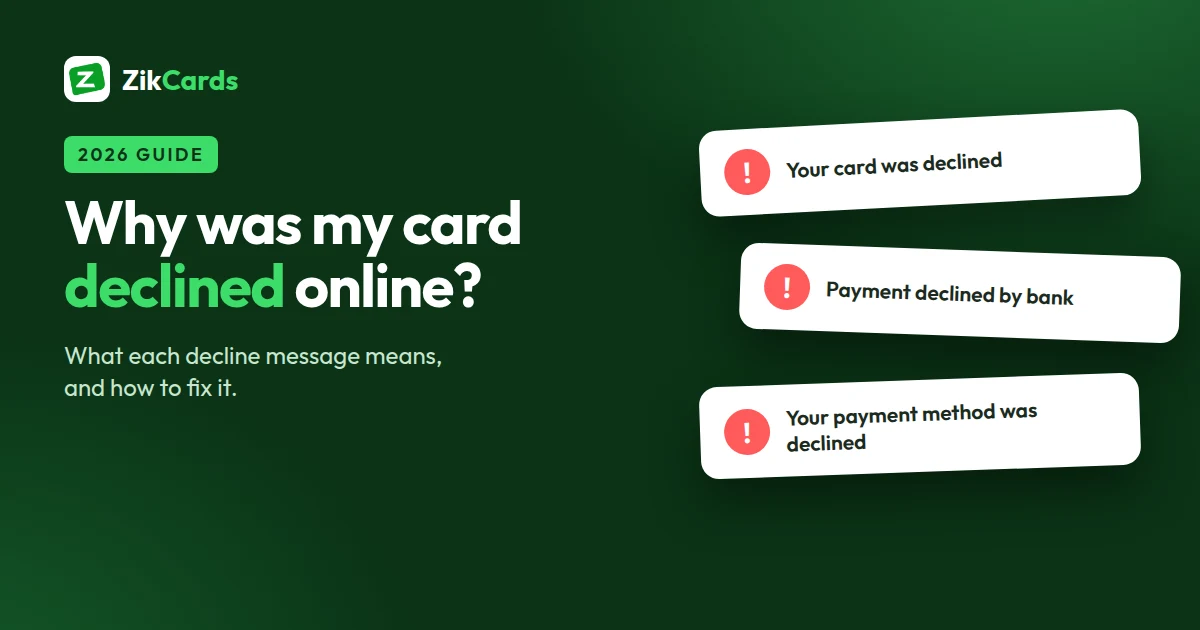
You enter your card, press pay, and get "Your card was declined", "Payment declined by bank" or "Transaction declined due to security reasons". The money is there, so what went wrong? A decline always has a reason, and the wording of the message usually tells you who refused the payment: your bank, the shop, or a security check. This guide explains what each message means and how to fix it, in the order that solves most cases fastest.
What the decline message means
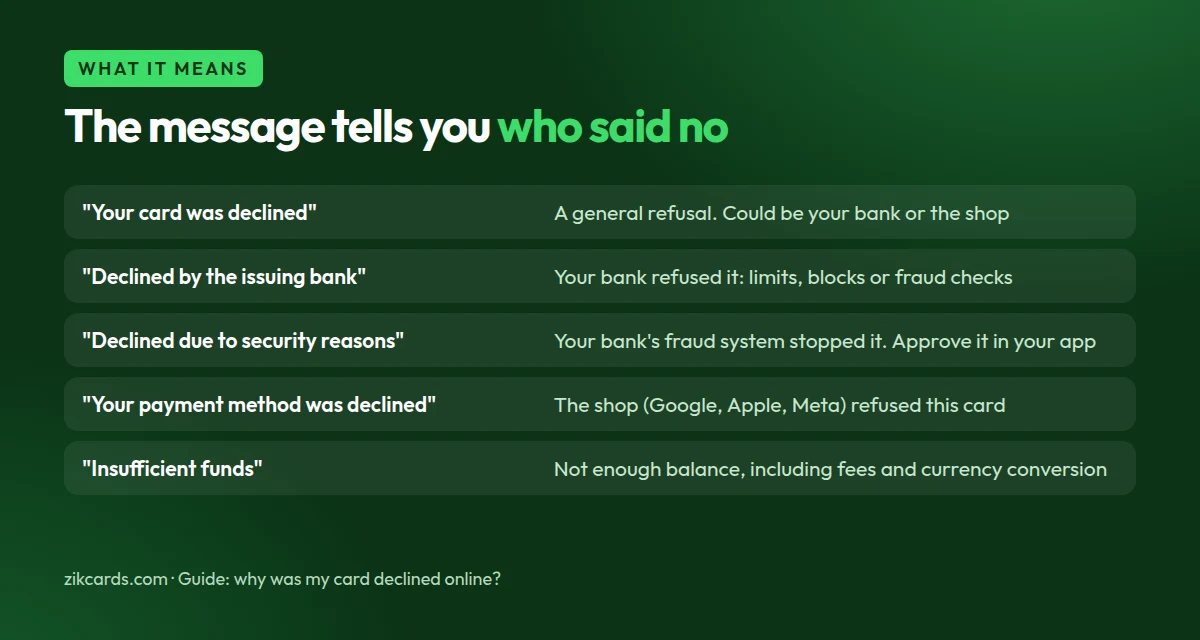
| Message | Who refused | What it usually means |
|---|---|---|
| "Your card was declined" | Your bank or the shop | A general refusal; the shop isn't told, or doesn't show, the exact reason |
| "Your card was declined by the issuing bank" / "Payment declined by bank" | Your bank | A limit, a block on foreign or online payments, or a fraud check |
| "Transaction declined due to security reasons" | Your bank's fraud system | The payment looked unusual: a new shop, a foreign merchant, a larger amount |
| "Your payment method was declined" | The shop (Google, Apple, Meta, etc.) | The shop's own checks refused this card, often because of where it was issued |
| "Insufficient funds" | Your bank | The balance doesn't cover the amount plus fees and currency conversion |
| "Do not honor" (code 05) | Your bank | A refusal without a stated reason; call your bank to ask |
"Declined by your issuing bank": what it means
Messages such as "Your card was declined by your issuing bank", "Declined by issuing bank" or "Unfortunately the payment was declined by your card issuer, please contact your bank" all say the same thing: the shop sent the payment, and the bank that gave you the card refused it. The shop's checkout is working; the decision was made at your bank.
The bank does not tell the shop why, so you have to find out. The usual reasons are:
- Online or international payments are switched off. Many banks block them by default; you can often turn them on in the banking app.
- A daily or per-payment limit was reached.
- The bank's fraud check stopped the payment, often a first payment to a foreign merchant. The bank may send a text or app alert asking you to confirm it.
- Not enough money once fees or currency conversion are added.
Check your banking app or call your bank, fix the reason, then try once. Retrying many times can make the next payment look more suspicious. If your bank blocks foreign online payments for good, a card issued in another country, such as a US virtual card, removes that reason; each merchant still runs its own checks.
Why banks and shops decline payments
- International or online payments are switched off. Many banks issue cards with foreign and online use disabled until you turn them on. In India, for example, new cards are enabled only for domestic use until you switch international and online payments on.
- A limit was reached. Daily spending limits, separate online limits, or a monthly cap on foreign currency spending.
- A fraud check stopped it. A first payment to a new or foreign merchant is the classic trigger. Banks often send an alert you can approve.
- The details don't match. A wrong digit, an old expiry date, a wrong security code (CVV), or a billing address different from the one your bank has on file.
- The security check didn't finish. If your bank asks for a 3D Secure code or an in-app approval, the payment fails when it isn't completed in time.
- Recurring payments aren't supported. Subscriptions renew automatically, and some banks refuse automatic charges from foreign merchants. Indian cards, for example, need an e-mandate for recurring payments, which many overseas services don't support, so renewals fail. Some services also ask for a card from your account's country: see Spotify payment methods.
- The shop refuses the card. Many US platforms score cards by the country of the bank that issued them, and refuse some countries' cards even when everything else is right.
How to fix a declined card: five checks
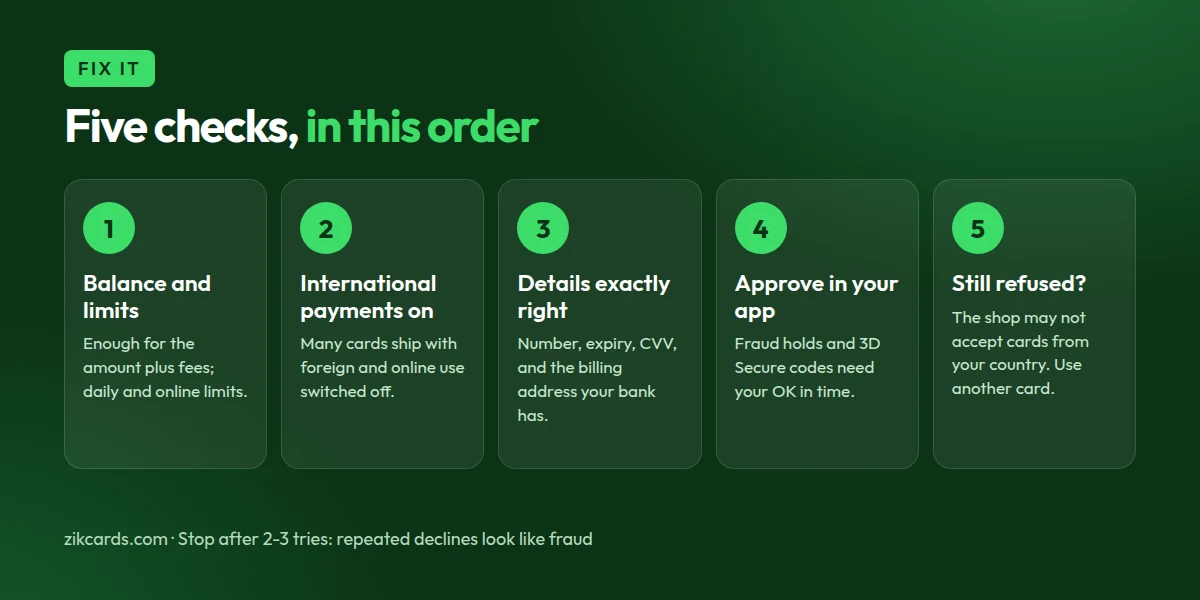
- Check the balance and your limits. Make sure the amount plus any fees and currency conversion fits, and that today's online or foreign limit isn't used up.
- Switch on international and online payments in your banking app, if the shop is abroad or online.
- Re-enter the details carefully. Card number, expiry, CVV, and the billing address exactly as your bank has it.
- Look for an alert from your bank. Approve the payment in the app, or enter the 3D Secure code, before the checkout times out.
- Still refused? Stop after two or three tries. Repeated failures look like fraud to payment systems and can make the next attempt less likely to pass, even with a good card. Call your bank, or use a different card.
When the problem is where your card was issued
If your bank says it approved nothing and blocked nothing, and the shop still refuses, the likely reason is the card's country. US platforms for ads, cloud services and AI tools often decline cards issued outside the US. Trying the same card again won't change that.
A US-issued virtual card removes that reason. ZikCards issues US Visa and Mastercard virtual cards to people and businesses, in the US and abroad: you verify your identity once, fund your balance with USDT, and create a card in seconds. Use the card's own billing address at checkout, shown on your card page.
Check the service is available where you live. A card changes how you pay, not where a service operates. If a service doesn't serve your country, a different card won't change its rules.
Declines on a ZikCards card
The same checks apply, with three things specific to our cards:
- Keep the balance above the amount. $1.20 stays on each open card and can't be spent, and purchases that settle outside the US carry the card issuer's $0.50 + 2.5% fee.
- Every declined payment costs $0.40, charged by the card issuer and taken from the card, including retries and declines on a frozen card. Fix the cause before you retry.
- Use the card's billing address shown on your card page, never your home address. More help: what to do if your virtual card is declined and where to find a verification code.
Frequently asked questions
Why does it say "payment declined by bank" when I have money?
Because the bank refused it for another reason: a limit, international or online payments switched off, or a fraud check. Look for an alert in your banking app, or call your bank and ask which rule stopped it.
What does "transaction declined due to security reasons" mean?
Your bank's fraud system thought the payment was unusual. Approve it in your banking app if it asks, then try once more. If no alert comes, call your bank.
What does "your card was declined by the issuing bank" mean?
The issuing bank is the bank that gave you the card. The shop accepted the card, but your bank said no, so the fix is with your bank, not the shop.
Why does Google or Apple say "your payment method was declined"?
Their own checks refused this card. Common reasons are a billing address that doesn't match, a card issued in a country they decline for this purchase, or a recent run of failed attempts.
How many times should I retry a declined card?
Two or three at most. After that, find the cause first: more retries look like fraud and can make every later attempt fail. On a ZikCards card, each decline also costs $0.40.
Paying US platforms from outside the US? Create your ZikCards account. See also our guide to paying for ChatGPT, Claude and AI tools, and every fee on our pricing page.
Google, Apple and Meta are trademarks of their respective owners. ZikCards is not affiliated with or endorsed by them.