How to use a virtual card: copy its card number, expiry date and security code into a checkout, exactly as you would with a plastic card, and use the billing address the card comes with. Getting one takes about 5 minutes online: open an account, verify once, add money and create the card. This guide shows both, step by step: how to get a virtual card, how to pay with it online, in apps and in shops, what to do when a payment asks for a code, and how to fix a decline.
How to get a virtual card
You get a virtual card online from a card provider or your bank, in four steps: create an account, verify your identity, add money and create the card. With ZikCards the first card takes about 5 minutes.
- Create your account with your email address at ZikCards.
- Verify once with a photo ID (passport, national ID card or driving licence) and a short selfie on your phone. Most checks are approved automatically within minutes. See what ID you need.
- Add money to your balance with USDT or USDC. The deposit fee is from $1 + 1%. Never bought crypto? Our guide shows how to buy USDT step by step.
- Create the card on the Issue card page and choose how much to load. The card number, expiry and security code appear on the card page in seconds.
ZikCards issues US-issued Visa and Mastercard virtual cards, funded with USDT or USDC. Each card is loaded from your balance, with no credit line: it spends only what you put on it, like a virtual debit card. The Issue card page shows which cards are available and what each one costs before you create it.
How to pay with a virtual card online
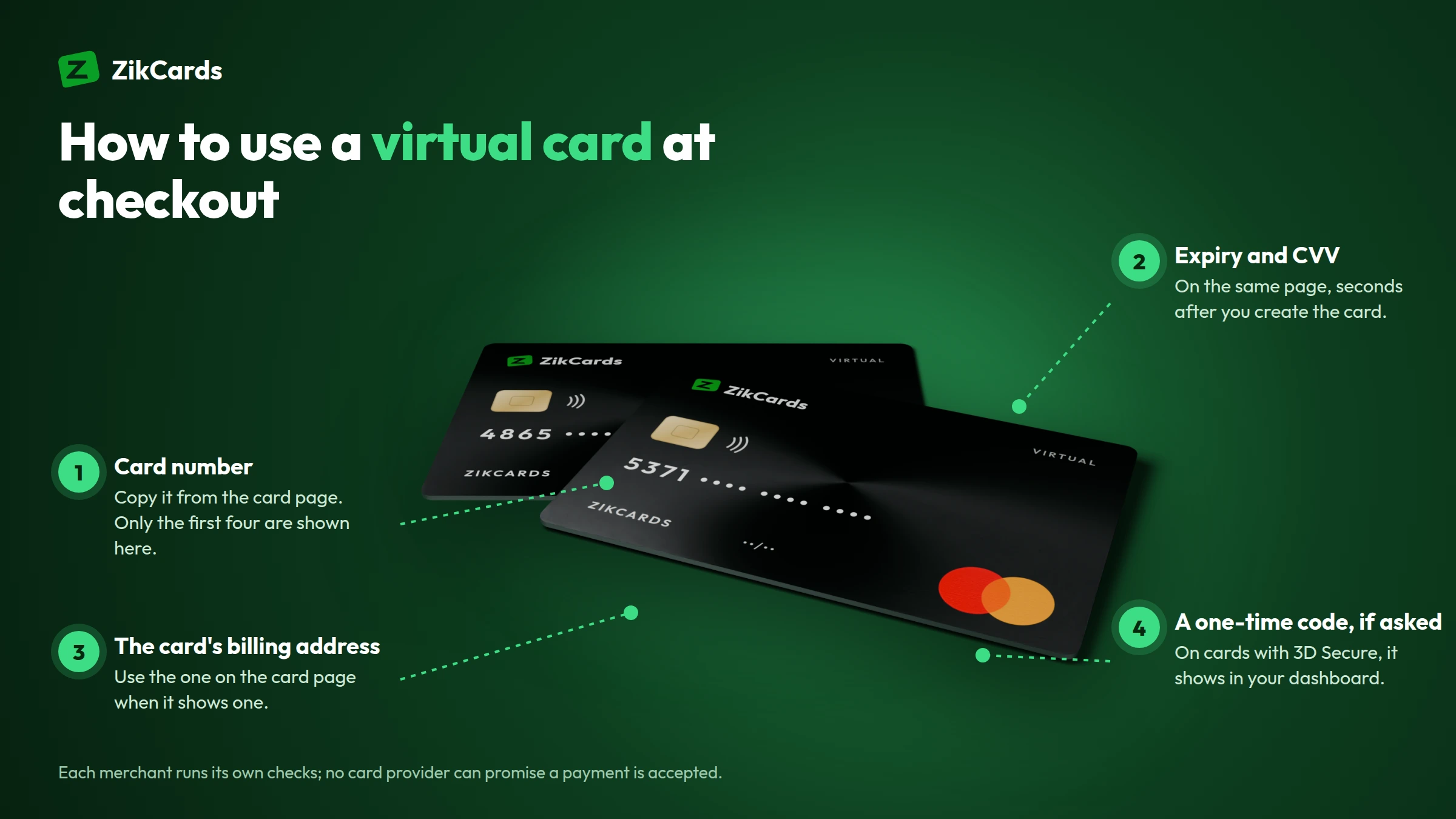
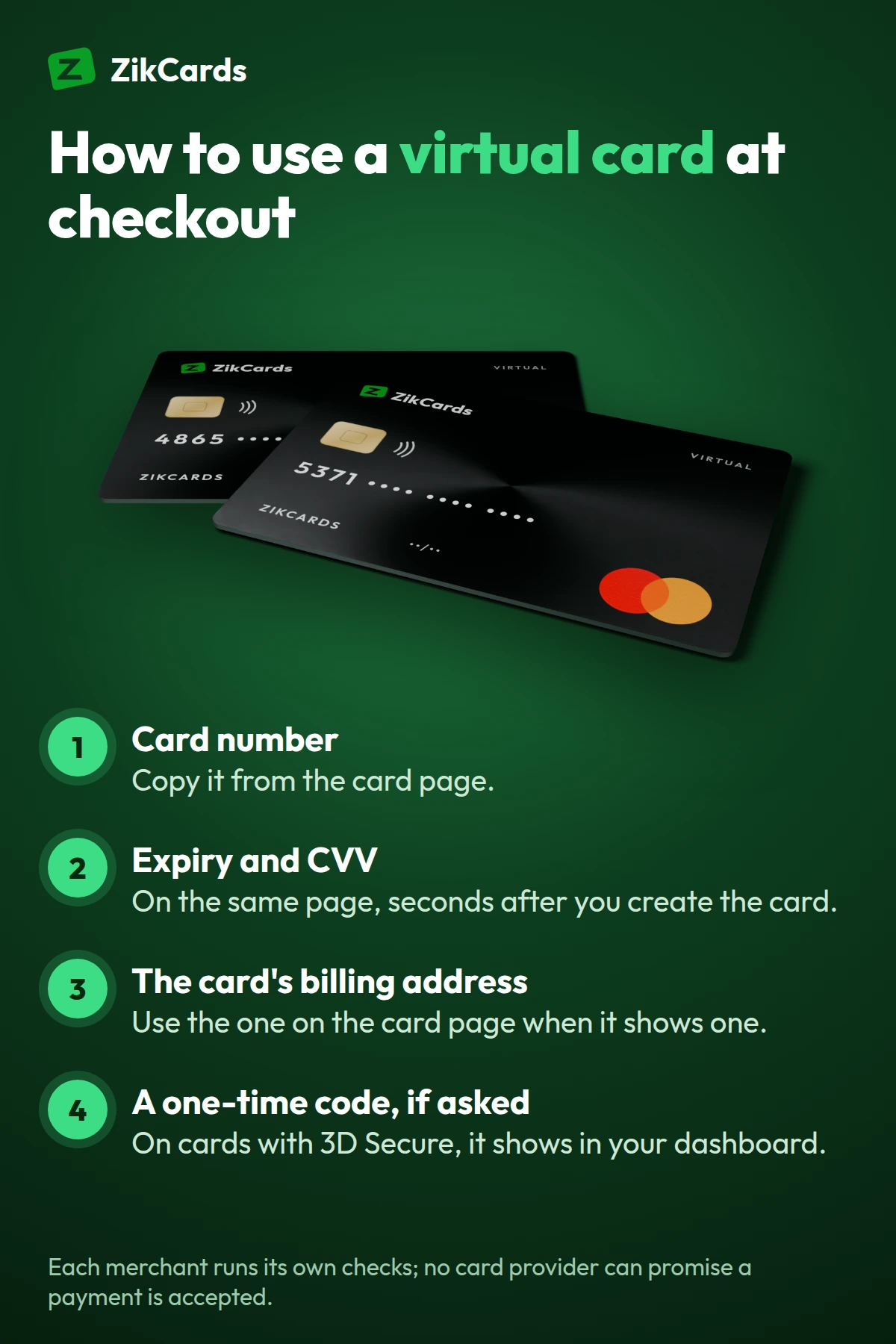
Paying online with a virtual card means typing four things into the checkout: the card number, expiry date, security code and billing address. The checkout form is the same as for any other Visa or Mastercard.
| Checkout field | What to enter |
|---|---|
| Card number | The 16 digits on the card page (tap to reveal, then copy) |
| Expiry date | The month and year on the card page |
| Security code (CVV/CVC) | The 3 digits on the card page |
| Name on card | Your name, as on your account |
| Billing address | The billing address on the card page, when the card shows one |
The billing address is the field people most often get wrong. When the card page shows a billing address, use that address, not your home address: the merchant checks the address the card was issued with. If the card page shows none, use your own. More detail: what billing address do I use at checkout?
Before you pay, make sure the card holds enough. Each open card keeps $1 that cannot be spent, so a $20 purchase needs at least $21 on the card. If the merchant settles outside the US, the issuer's cross-border fee is taken from the card too, so leave a little extra.
Card numbers are revealed securely on the card page and are never stored on ZikCards' servers.
How to use a virtual card for subscriptions, apps and PayPal
For anything that charges you again, such as subscriptions, app stores, ad accounts or PayPal, you save the virtual card once in the service's payment settings and it is charged automatically after that. Give each service its own card, so one problem stays on one card.
- Subscriptions. Add the card under the service's billing or payment settings. A card per service lets you stop one subscription by closing its card. See our guide to a virtual card for subscriptions, and Spotify payment methods for one example.
- AI tools. ZikCards cards work with ChatGPT; our virtual card for ChatGPT and AI tools guide covers the steps.
- Ads. They work with Google Ads and Facebook Ads too. See a virtual card for Google Ads and a virtual card for Facebook ads.
- PayPal. Add the card to your own PayPal account as a card; our virtual card for PayPal guide shows how to confirm it.
Each platform still runs its own checks on your account, so no card provider can promise acceptance.
How to use a virtual card in shops
A virtual card has no plastic, so in a shop you pay with your phone: add the card to Apple Pay or Google Pay, then tap your phone at the terminal like a contactless card.
- Open the Wallet app (iPhone) or Google Wallet (Android) and choose to add a card.
- Enter the card details by hand from the card page.
- When the wallet asks for a billing address, use the one on the card page, if the card shows one.
- Pay by holding your phone near the terminal.
A card can be added to Apple Pay or Google Pay. Our guide on how to add a virtual card to Apple Pay and Google Pay covers the details. There is no PIN and no cash: a virtual card cannot be used at an ATM.
Verification codes and other checks
Some payments ask for a one-time code: this is 3D Secure, a check run by the card network that may ask you to confirm the payment. On cards that have it, ZikCards shows the code to you, and you type it into the checkout.
When a code is needed, it appears as a banner at the top of your ZikCards dashboard with a copy button, by email, and in Telegram if you connected @ZikCardsSupportBot. It works for that one payment only. ZikCards never asks you for the code. Cards with 3D Secure show it on the Issue card page; see the merchant asked for a verification code.
Merchants run their own checks too: some match the billing address, some look at the card's country, and some ask you to confirm a small test charge. A US card removes the most common reason cards from many countries are refused, the card's country, but each merchant runs its own checks, so no card provider can promise acceptance.
Managing the card: top up, freeze, close and refunds
After you pay, you manage the card from the My cards page: top it up when it runs low, freeze it to pause it, close it to end it, and keep it open while a refund is on its way.
| To do this | Use | What happens |
|---|---|---|
| Add money | Top up | Money moves from your balance to the card (3%; top-ups under $100 also carry $1) |
| Pause it | Freeze | Payments are declined until you unfreeze it |
| End it | Close | Permanent; what is left returns to your balance at no charge (on some cards, the last part a few days later) |
| Find it fast | Name it | Name each card on My cards, such as "Hosting" or "Ads, client A" |
Refunds go back to the card that was charged, not to your balance, and can take several days. Keep the card open until the refund arrives, then spend it or close the card. See how refunds work and whether to freeze or close a card.
Why a virtual card payment is declined
Most virtual card declines come from four causes: too little money on the card, the wrong billing address, a merchant check on the card's country, or a merchant category the card does not allow.
| Cause | Fix |
|---|---|
| Not enough on the card | Top up; remember the $1 that stays on the card and any cross-border fee |
| Wrong billing address | Use the billing address on the card page, when it shows one |
| A 3D Secure code was not entered | Copy the code from the dashboard banner and try again |
| Blocked category | Some merchant groups, such as gambling, are declined: see the list |
Do not retry the same payment again and again: wait, fix the cause, then try once. Some cards charge a fee when the same purchase is declined repeatedly; every fee is on the pricing page. For more causes, read our guide to a card declined online.
Frequently asked questions
How do I use a virtual card for the first time?
Open the card page, reveal the card number, expiry and security code, and copy them into the checkout. Use the billing address on the card page when it shows one, and make sure the card holds the price plus the $1 that stays on it.
How do I get a virtual card online?
Create a ZikCards account, verify once with a photo ID, add USDT or USDC to your balance and create a card. It takes about 5 minutes, and the card details appear in seconds.
Can I use a virtual card anywhere?
You can use it online and in apps wherever Visa or Mastercard is accepted, and in shops through Apple Pay or Google Pay. It cannot be used at an ATM, and each merchant runs its own checks.
How do I use a virtual Visa card?
How to use a virtual Visa card is the same as any virtual card: copy the number, expiry and security code from the card page into the checkout, and use the card's billing address when it has one. Our virtual Visa card guide covers choosing one.
Is it safe to use a virtual card online?
Yes, and safer than using your main card on every site. The number is shown only to you, it is never stored on ZikCards' servers, and if one site leaks it, only that card is exposed: close it and create another.
Do I need a bank account to get a virtual card?
Not with ZikCards. You fund your balance with USDT or USDC, so no bank account is needed.
How much does it cost to use a virtual card?
A ZikCards card costs $5 to create plus 3% of what you load, with no monthly fee. Closing a card is free and returns the unspent money. Every fee is on the pricing page.
Ready to pay online with your own US card? Create your ZikCards account. See every fee on our pricing page.
Visa, Mastercard, Apple Pay, Google Pay, Google Wallet, iPhone, Android, PayPal, Spotify, ChatGPT, Google Ads and Facebook are trademarks of their respective owners. ZikCards is not affiliated with or endorsed by them.