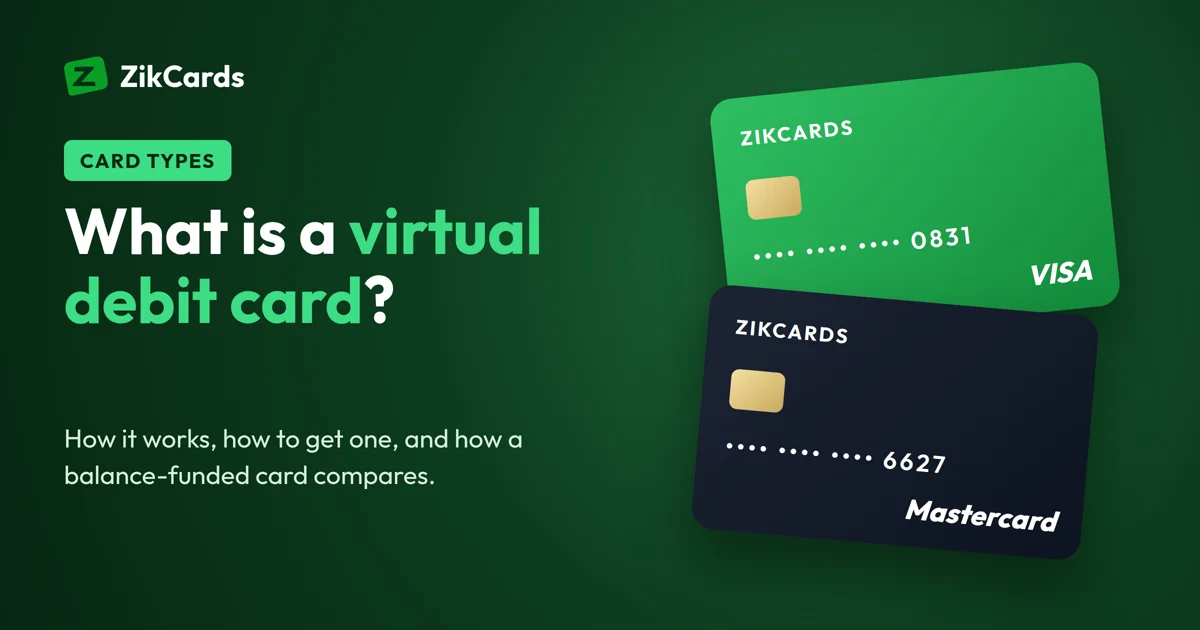
A virtual debit card, also called a digital debit card, is a card with no plastic that spends your own money instead of credit. You get its number, expiry date and security code online, often within minutes, and use it to pay online and in apps. People use the term for bank cards that live in an app, for prepaid cards, and for balance-funded cards. This guide explains what a virtual debit card is, how to use one, how to get one online, whether a free one exists, and how a balance-funded card like ZikCards compares.
What is a virtual debit card (digital debit card)?
A virtual debit card is a card with no plastic. It has a card number, an expiry date and a security code, and you use it to pay online, in apps, and sometimes in shops through Apple Pay or Google Pay. Like a plastic debit card, it spends money you already have. Nothing is borrowed.
When people say "virtual debit card", they usually mean one of three things:
- A bank's virtual debit card. Your bank or digital bank shows a card in its app, linked to your current account. Payments come straight out of that account.
- A prepaid virtual card. You load money onto the card first, and it spends only that amount. It is not linked to a bank account. Read more in our guide to prepaid and credit BINs.
- A balance-funded card from a card provider. You fund a balance with the provider, then load money onto a card from it. This is how ZikCards works, explained below.
In everyday talk, all three are "debit" because they spend your own money. To a merchant, they can look different, because each card range (the BIN, the first digits of the number) is registered with Visa or Mastercard as debit, credit or prepaid. Our guide what is a BIN number explains how merchants read it.
Virtual debit, prepaid and credit cards compared
| Bank virtual debit card | Prepaid virtual card | Virtual credit card | |
|---|---|---|---|
| Whose money | Your bank account | Money loaded first | The bank's, paid back later |
| Needs a bank account | Yes | Usually no | Usually yes, plus a credit check |
| Spending limit | Account balance and bank limits | What is on the card | Credit limit |
| Bill and interest | No | No | Yes, if not paid in full |
| Risk if the number leaks | Your whole account | Only what is on the card | Your credit limit, until disputed |
For online spending the last row matters most. A card that holds only what you load limits the damage if a site leaks the number or a subscription charges more than you expected.
How to use a virtual debit card
You use it like any other card, with a few habits that avoid declines:
- Copy the details exactly. Card number, expiry date and security code, as shown in the app.
- Use the card's billing address. Merchants check the address that belongs to the card. With a bank card that is usually your home address; with a provider's card it may be a different address shown in the app.
- Keep enough money on it. A payment larger than what the card holds is declined.
- Watch for a verification check. Many cards use 3D Secure, a check that may ask for a one-time code. See our 3D Secure guide.
- Use one card per purpose. A separate card for each subscription or ad account makes spending easy to track and easy to stop.
Many virtual cards can also be added to a phone wallet. Our guide on how to add a virtual card to Apple Pay and Google Pay shows the steps.
How to get a virtual debit card online
There are two main routes:
- From your bank. Many banks and digital banks issue a virtual debit card in their app, often at once. You need an account with that bank. The card is in your local currency, and international or online payments may be limited or carry a conversion fee.
- From a card provider. Card providers issue virtual cards without a bank account at their end. You verify your identity, fund a balance, and create cards. This route suits people whose local card is refused abroad, who need US dollars, or who have no bank account. See our guide to a virtual card without a bank account.
Whichever route you take, check four things first: which country issues the card, its currency, every fee (to create, to load, monthly, on a declined payment), and whether it supports 3D Secure.
Is there a free virtual debit card?
Sometimes, but "free" usually means one fee is zero, not every fee. A bank may issue a virtual card at no charge but take a conversion fee on every foreign payment. A provider may advertise a free card and charge a monthly fee or a high loading fee. Before you choose, add up what one normal month costs: creating the card, loading it, any monthly fee, and the fees on payments in another currency.
To be clear about ours: a ZikCards card is not free. Creating a card costs $5 one time (your first card is $3 with a $2-off discount code), loading money onto a card costs 3%, and there is no monthly card fee. Every fee is on our pricing page.
How a ZikCards card compares
ZikCards issues US Visa and Mastercard virtual cards. People often search for a virtual debit card when this is what they need: a card that spends only their own money, in US dollars, from a US issuer. Here is exactly how it works:
- US credit BIN, no credit line. The card is issued on a US credit BIN, loaded from your balance, with no credit line. It spends only what you put on it: no bill, no interest, no credit check.
- Funded with stablecoins. You fund your balance with USDT or USDC, then load the amount you want onto a card. Deposits cost from $1 + 1%, depending on the network. No bank account is needed. See our USDC card guide.
- Ready in seconds. After a one-time verification with a photo ID and a short selfie, you choose Visa or Mastercard and the card is ready in seconds.
- Its own billing address. Each card has a US billing address, shown on the card page with a copy button. Use it at checkout.
- 3D Secure. When a check asks for a one-time code, it appears at the top of your ZikCards dashboard.
- Freeze and close. Freeze a card any time. Closing a card returns its balance to your wallet in full, with no fee.
One detail to plan for: $1.20 stays on every open card to keep it active, and comes back when you close the card. So a card can spend its balance minus $1.20. To pay a $20 subscription, load at least $21.20.
A US card removes the most common reason cards from many countries are refused, the card's country. But each merchant runs its own checks, so no card provider can promise acceptance.
Who a virtual debit card suits
- Online shoppers who want to limit what a site can take.
- People with subscriptions who want one card per service. See our guide to a virtual card for subscriptions.
- Advertisers who keep a card per ad account. See our virtual card for ads guide.
- Freelancers and remote workers paying for tools in dollars.
Frequently asked questions
Is a digital debit card the same as a virtual debit card?
Yes. Banks and card apps use both names for the same thing: a card with no plastic, used online and in apps, that spends money you already have rather than credit.
What is a virtual debit card used for?
Paying online, in apps and for subscriptions, without plastic. Many people also use one to keep their main bank card off websites, or to give each subscription or ad account its own card.
Is a virtual debit card safe?
It is usually safer online than a plastic card linked to your main account, because you can freeze or close it at once, and a card that holds only what you load limits what a leaked number can cost you.
Can I get a virtual debit card without a bank account?
From a bank, no. From a card provider, often yes. With ZikCards you fund your balance with USDT or USDC, so no bank account is needed.
Can I get an instant virtual debit card online?
A bank shows a virtual debit card in its app as soon as your account is open. Without a bank account, a balance-funded card is the fast route: with ZikCards the first card usually takes about 5 minutes, including the one-time check and your deposit, and later cards take seconds. See the instant virtual card guide.
What is a prepaid debit card virtual?
People use "prepaid debit card" for a card loaded with money first rather than linked to a bank account. Our virtual prepaid card guide explains how they work and what to check before you choose.
Is a debit card the same as a checking account?
No. A checking account is where the money sits at the bank; a bank debit card is a way to spend from it. A virtual card from a card provider, like ZikCards, is not linked to a checking account at all: you load it from your balance.
Is a ZikCards card a debit card?
It spends only your own money, which is what most people mean by debit, but its range is registered as a US credit BIN. No credit is given: it is loaded from your balance, with no bill and no interest.
Can I use a virtual debit card in shops?
If the card can be added to Apple Pay or Google Pay, you can tap your phone to pay in shops. A ZikCards card can be added by hand with its details and its own billing address.
How long does a virtual debit card last?
It depends on the issuer. A ZikCards card is valid for 3 years and does not renew automatically. See how long a card lasts.
Want a card that spends only what you load? Create your ZikCards account. See every fee on our pricing page.
Visa, Mastercard, Apple Pay and Google Pay are trademarks of their respective owners. ZikCards is not affiliated with or endorsed by them.