Many people pay online without a bank account, or with a bank card that keeps getting refused. If you are one of them, a virtual card without a bank account can fill the gap. This guide explains who uses one, how ZikCards works with no bank account at all, what it costs, the honest truth about "free" virtual credit card offers, and the limits you should know before you start. You still verify your identity once, but you never need to link a bank.
Who needs a virtual card without a bank account
People look for a card like this for different reasons. The most common ones are:
- No bank account at all. Opening an account can need proof of address, a minimum deposit or a local branch visit. Many people simply do not have one.
- A bank card that is refused online. Some local cards are blocked for international payments, capped at a small monthly amount, or declined because of the country that issued them. If that is your problem, our guide on why cards are declined online covers the usual causes.
- Freelancers and remote workers paid in crypto. If clients pay you in USDT or USDC, moving that money into a bank first can be slow and costly. Spending from a stablecoin balance is simpler.
- People who want to keep their bank separate. Even with a bank account, some prefer a card that holds only what they load, so a forgotten subscription or a leaked card number can never reach their savings.
How ZikCards works without a bank account
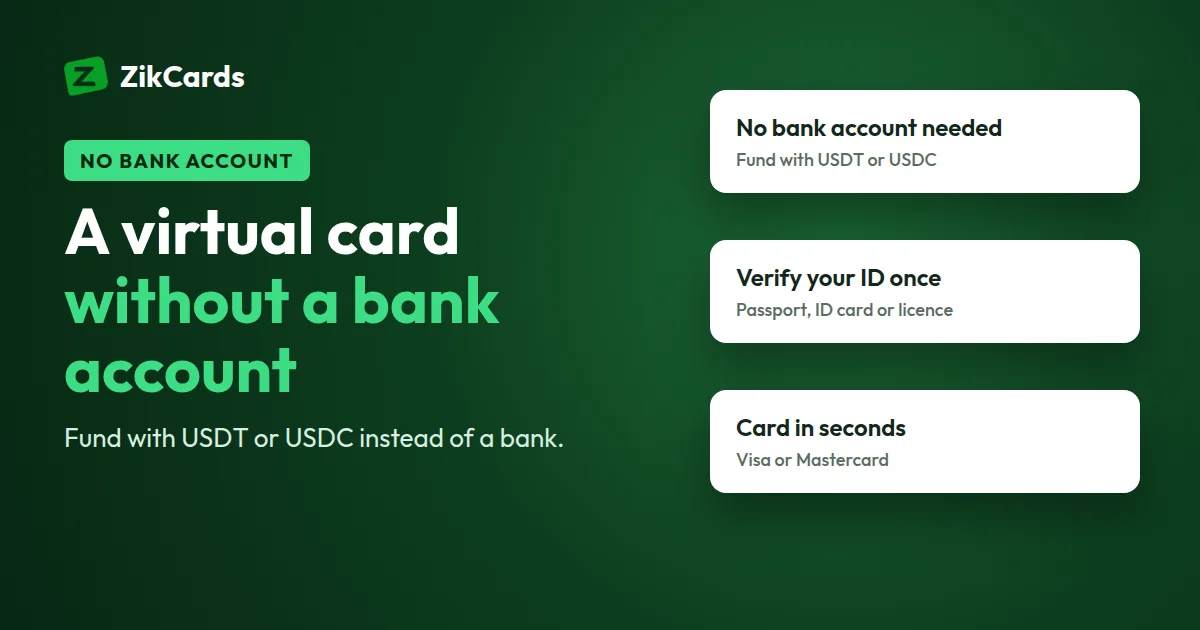
ZikCards issues US virtual Visa and Mastercard cards. Your account balance is funded with stablecoins, so no bank is involved at any step. Here is how the pieces fit together:
- Funding: you add USDT (on BNB Smart Chain, Polygon, Solana, TRON or Ethereum) or USDC (on BNB Smart Chain, Polygon or Solana) to your ZikCards balance. There are no bank, card or local-currency deposits.
- Cards: you create a Visa or Mastercard and load it from your balance. The card spends only what is on it. There is no bill, no interest and no credit check.
- Identity: you verify once with a photo ID and a short selfie. A card without a bank account is not a card without ID. Card issuers are required to know who their customers are, and any service that says otherwise deserves caution. The ID is all you need: no SSN is asked for, as our guide to a credit card without an SSN explains.
Both card ranges are registered with the networks as US credit BINs, so a BIN check shows "credit" and the country USA. No credit is given, though: the card is loaded from your balance first. If you want to understand what that label means, read prepaid vs credit BIN or what a BIN number is.
Get a Visa card without a bank account: step by step
- Create an account and verify. Sign up at zikcards.com and verify with your passport, national ID card or driving licence, plus a short selfie on your phone. Most verifications are approved automatically within minutes. See what ID you need and check whether ZikCards is available in your country.
- Get USDT or USDC. ZikCards does not sell stablecoins. Most people buy them on a regulated exchange that is allowed to serve their country, or receive them from clients. Rules on digital assets change, so check what applies to you, and keep any trade on the exchange itself.
- Send it to your balance. Pick a network in your wallet page, copy the deposit address, and send on that same network. A send on the wrong network is usually lost. See which network to send USDT on, and double-check an address with our USDT address checker.
- Create a card. Choose Visa or Mastercard and the amount to load. The card is ready in seconds. You can give it a name later on your My cards page. Not sure which brand? Read Visa vs Mastercard virtual card.
- Pay online. Enter the card number, expiry and security code, and use the billing address shown on your card page, not your home address. Why the billing address matters.
Some merchants run a 3D Secure check that may ask for a one-time code. When that happens, the code appears as a banner at the top of your ZikCards dashboard, and in Telegram if you have connected it. No phone number from a bank is needed. More in our 3D Secure guide.
What it costs
Here is how the main costs look. The full, current list is always on the pricing page.
| Item | Cost |
|---|---|
| Creating a card | $5 one-time ($3 for your first card with a $2-off code) |
| Monthly card fee | None |
| Depositing USDT or USDC | From $1 + 1%, depending on the network |
| Loading money onto a card | 3% |
| Amount that stays on an open card | $1.20, returned when you close the card |
| Declined payment (card issuer's fee) | $0.40 per decline |
| Purchase settled outside the US (card issuer's fee) | $0.50 + 2.5% |
| Closing a card | Free; the full balance returns to your wallet |
A simple example: you want to pay a $20 monthly plan. Load at least $21.20, because $1.20 stays on the card while it is open, so what you can spend is the card balance minus $1.20. The 3% load fee is charged on top, from your balance: about $0.64 on $21.20, so your balance needs about $21.84. Add a little extra if the price could include tax.
Is there a free virtual credit card without a bank account?
Many people search for a free virtual credit card without a bank account. It is worth being honest about this. Issuing a real Visa or Mastercard costs money: the issuer, the network, identity checks and fraud protection all have a price. Someone pays for it, either at creation, through a monthly fee, through hidden spreads, or in ways you would not agree to if you saw them.
ZikCards is not free. A card costs $5 to create, and there is no monthly fee, so the creation fee for a card you keep for a year is the same $5 as for one you use once. Deposit and load fees still apply, as listed above. We think a clear one-time price is better than a "free" label with costs hidden elsewhere.
Be careful with offers that promise a free card and then ask you to:
- pay an "activation" or "release" fee to a personal wallet or account first,
- share the details of another card, or a one-time code sent to you,
- move the conversation to WhatsApp or Telegram to "complete the order",
- skip identity checks, which licensed card issuers do not normally allow.
These are common signs of a scam. A real provider shows its fees on a public page and never asks for your codes or passwords.
The limits you should know
A virtual card without a bank account is a spending tool, not a bank account. Before you sign up, know what it does not do:
- No receiving payments. The card cannot receive salaries, transfers or client payments. Money goes in only through your stablecoin balance.
- No ATM or cash. There is no PIN and no cash withdrawal.
- Blocked categories. Some merchant groups always decline, such as gambling, crypto purchases and money transfers, cash advances, fuel pumps, transit and taxis. See the full list of blocked purchases. Declines in these groups are free.
- No promise of acceptance. A US card removes the most common reason local cards are refused, the card's country, but each merchant runs its own checks, so no card provider can promise acceptance.
- US dollars only. Cards hold US dollars. A purchase settled outside the US carries the issuer's cross-border fee.
- Cards last 3 years. They do not renew automatically. See how long a card lasts.
Tips to avoid wasted fees
- Do not retry a declined payment many times. Each decline costs $0.40, and retries count. Find the reason first.
- Use the card's billing address. A wrong address is one of the most common reasons for a decline.
- Keep one card per purpose. A card for subscriptions and another for one-off purchases makes spending easy to track. Our guide on virtual cards for subscriptions shows how.
- Keep a card open until refunds arrive. Refunds go back to the card that was charged. See how refunds from a merchant work.
- Freeze or close what you no longer use. Closing a card is free and returns the balance to your wallet. A frozen card still pays the decline fee if a merchant tries to charge it. See freeze or close.
Frequently asked questions
Can I get a virtual card without a bank account?
Yes. With ZikCards you fund your balance with USDT or USDC and load cards from it. No bank account is needed at any step, but you do verify your identity once with a photo ID and a selfie.
Is there a free virtual credit card without a bank account?
Not from us. A ZikCards card costs $5 to create, with no monthly fee. Our cards are virtual cards loaded from your balance, not credit cards. Be wary of "free" card offers that ask for upfront payments, card details or one-time codes.
Can I get a Visa card without a bank account?
Yes. When you create a card, you choose Visa or Mastercard. Both work the same way and are funded from your stablecoin balance.
Do I need ID to get a virtual card with no bank account?
Yes. Every account is verified once with a passport, national ID card or driving licence and a short selfie. You must be 18 or older.
Can I receive money on the card?
No. The card is for spending online. It cannot receive transfers or payments, and it cannot be used at an ATM.
How do I get my money back from a card?
Close the card. The remaining balance returns to your wallet in full, with no fee, including the $1.20 that stays on an open card.
What is a virtual card, exactly?
It is a real card number, expiry date and security code with no plastic, used for online payments. Read what a virtual card is for the full picture.
Ready to pay online without a bank account? Create your ZikCards account. See every fee on our pricing page.
Visa and Mastercard are trademarks of their respective owners. ZikCards is not affiliated with or endorsed by them.