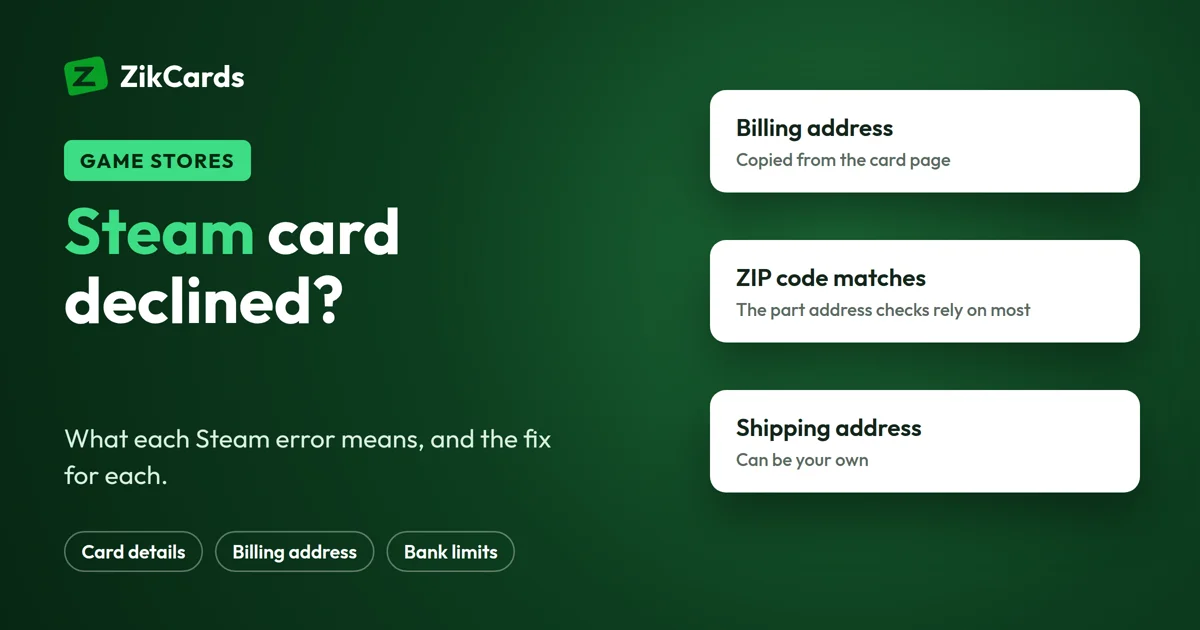
Steam card declined? Steam shows one of three card errors, and each has a different cause. Either the card details or security code were typed wrong, your bank limited or blocked the payment, or the billing address does not match what the card issuer has on file. This guide explains what each Steam error means and how to fix it. It also covers why a declined payment can show as pending at your bank, which payment methods Steam takes, and how to pay for Steam with a virtual card. Everything about Steam here comes from Steam Support's own help pages, checked on 5 Nov 2026.
Why your Steam card was declined
A Steam card decline almost always comes from one of five checks: the card details, the security code (CVV), the billing address, your bank's limits on online spending, or your bank's fraud checks. Steam says so in its own help pages, and it adds one rule that catches many people: Steam refuses any payment that fails the security code or the address check, even when the bank would have let it through.
Steam lists these reasons for a declined card:
- Your bank limits how many online payments, or how much, you can spend in a period.
- The CVV (the 3-digit security code) was typed wrong.
- The card number or expiry date was typed wrong, or the saved card has expired.
- Your bank flagged the account or the card for activity that looked suspicious.
Before anything else, check the card details you saved in Steam, one field at a time. One wrong digit is enough to make a card that works elsewhere fail on Steam.
The three Steam card errors and what they mean
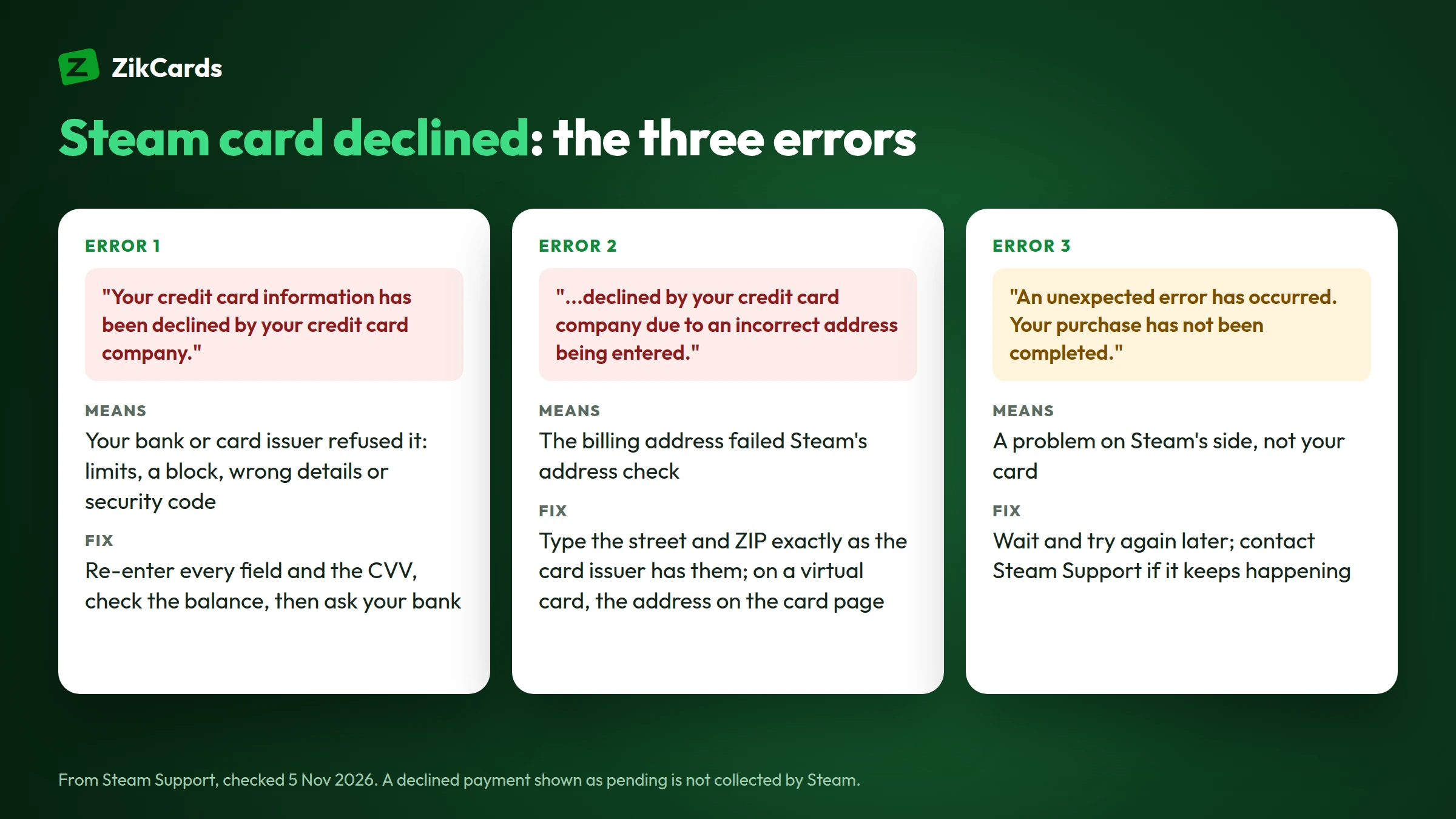
Steam's card errors look alike, but the exact words tell you which fix you need. Read the message to the end.
| Steam's message | What it means | What to do |
|---|---|---|
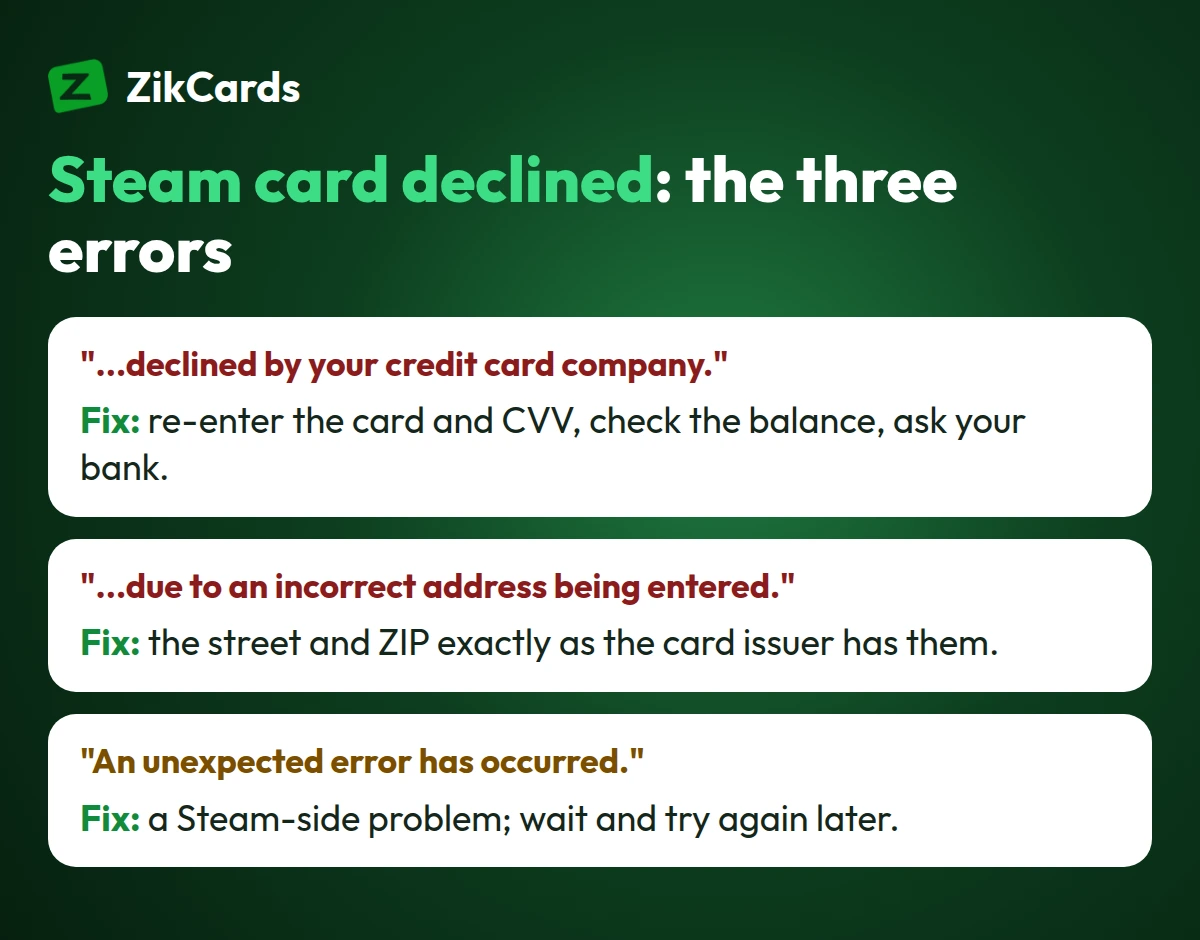
| "Your credit card information has been declined by your credit card company." | Your bank or card issuer refused the payment: limits, a block, a wrong security code or wrong card details | Check every card field and the CVV, check your balance, then ask your bank |
| "...declined by your credit card company due to an incorrect address being entered." | The billing address failed the address check against what the card issuer has on file | Enter the street address and ZIP or postal code exactly as the card issuer has them |
| "An unexpected error has occurred. Your purchase has not been completed. Please contact Steam Support." | Something went wrong on Steam's side, not a card refusal | Wait, try again later, and contact Steam Support if it keeps happening |
The first message is the general one. The second is specific: the card itself was fine, but the address was not.
How to fix a Steam card declined error
These four checks fix the usual causes of a Steam card declined error. Do them in this order.
- Re-enter the card details. Remove the saved card and add it again: number, expiry date and the 3-digit security code. Steam never accepts a payment that fails the security code check.
- Use the billing address exactly as the card issuer has it. The street address and the ZIP or postal code must match. For a bank card that is the address your bank has on file. For a virtual card, it is the billing address shown with the card, when the card has one.
- Check the money on the card. The balance must cover the price in the currency Steam charges you, including any tax shown at checkout.
- Ask your bank about limits and blocks. Some banks cap online or international payments, or hold payments to game stores until you allow them in their app.
No need to rush during a sale: when a purchase fails, Steam emails you a link to try it again at the sale price for up to 72 hours.
Try again only after you have changed something. Repeating the same payment with the same details gives the same decline, and some cards charge a fee when the same purchase is declined again and again. Our guide on why a card is declined online covers the bank-side reasons in more depth.
Why the billing address matters so much on Steam
Steam checks the billing address on card payments (an address verification check, or AVS) and fails every payment whose address does not match the card issuer's records. Steam says most banks would let such a payment through, but Steam's policy is strict, and Steam Support cannot force a failed payment through either.
So if you see the incorrect address error, the only fix is to type the address the card issuer has on file, character by character: house number, street, city and ZIP or postal code.
Some cards have no billing address on file: in a few countries our cards come from a second issuing partner, and those cards let you type any address. A store that checks the address strictly, as Steam does, may refuse them. The Issue card page shows which cards you can choose before you pay.
This is also why a card with its own registered billing address is easier to use on Steam. Our guide to a virtual card with a US billing address explains which address to type. Our help answer covers which billing address to use at checkout.
Declined, but the money shows as pending
A declined Steam payment can still appear as pending in your bank app. Steam does not collect it, and the money goes back to you under your bank's rules.
This happens when your bank sets the money aside for the payment and Steam then refuses it. Steam says some banks take up to 10 business days to release it. You do not need to cancel anything with Steam. If the money is still held after that, ask your bank to release it.
Steam payment methods and your store country
Steam ties your account to a store country, and it decides which payment methods and prices you see. Your store country is set by where you made your first Steam purchase. Steam says it must be the country where you live, paid with a payment method you can use there.
- Steam payment methods differ by country. Steam lists every method available for your store country at checkout: cards, and in many countries PayPal and local options. A card can also be added to your own PayPal account; see a virtual card for PayPal.
- Moving to a new country: Steam lets you change your store country once every 3 months, when you make your first purchase there with a payment method from that country.
- Steam Wallet codes bought locally can pay for games, but they cannot change your store country.
A card from another country does not change any of this. Use Steam's store for the country you live in.
Paying for Steam with a virtual card
A virtual card pays Steam like any other Visa or Mastercard: you add its number, expiry date and security code under your Steam account's payment methods, with its billing address. It keeps your game spending on a card of its own, with only the money you put on it.
ZikCards issues US-issued Visa and Mastercard virtual cards, funded with USDT or USDC. The cards are loaded from your balance, with no credit line, so they spend only what is on them. Getting one takes about 5 minutes:
- Create your account at ZikCards and verify once with a photo ID and a selfie.
- Add money with USDT or USDC. New to crypto? See how to buy USDT.
- Create a card on the Issue card page and load the amount you want to spend. Each open card keeps $1 that cannot be spent while it is open, so load a little more than the price.
- Add the card in Steam, with the billing address shown on the card page when the card has one. Our guide on how to use a virtual card walks through the checkout fields.
Steam runs its own checks on every payment, so no card provider can promise acceptance. A virtual card also does not change your store country or Steam's regional prices. Every fee for creating and loading a card is on our pricing page.
Paying for other games and subscriptions too? See a virtual card for subscriptions.
Frequently asked questions
Why is my card declined on Steam?
Usually because one of Steam's checks fails: a wrong card detail or security code, a billing address that does not match the card issuer's records, or a limit or block set by your bank. Read the exact error message: it tells you which one.
What does "declined due to an incorrect address" mean on Steam?
The billing address you entered did not match what the card issuer has on file. Steam fails every such payment, even when the bank would accept it, so enter the street address and ZIP or postal code exactly as the card issuer has them.
Steam declined my card but my bank shows a charge. Will I get it back?
Yes. Steam does not collect a declined payment. Your bank set the money aside and releases it under its own rules, which Steam says can take up to 10 business days.
Will I lose the sale price if my Steam payment fails?
No, if you try again in time. When a purchase fails, Steam emails you a link that lets you buy it again at the sale price for up to 72 hours.
What payment methods does Steam accept?
It depends on your store country. Steam shows every method available to you at checkout, usually cards and, in many countries, PayPal and local methods. Steam Wallet codes also work for purchases.
Can I use a card from another country on Steam?
Steam wants your store country to be the country you live in, paid with a payment method you can use there. A card from another country does not change your store country or its prices.
Can I use a virtual card on Steam?
You add a virtual card in Steam like any other card, with its billing address. Steam runs its own checks, so no card provider can promise acceptance, but entering the card's details and address exactly avoids the usual declines.
Want a card just for your game spending? Create your ZikCards account. See every fee on our pricing page.
Visa, Mastercard, Steam, Steam Wallet and PayPal are trademarks of their respective owners. ZikCards is not affiliated with or endorsed by them.