If you run a small agency, freelance for several clients or own a small online business, one bank card probably pays for everything: client ad budgets, software, hosting and one-off campaigns. At the end of the month it is hard to tell which charge belongs to which client, and one problem on that card stops every payment at once. This guide explains how separate virtual cards for business spending work, how to keep a client's or a tool's spending on its own card, and the limits to know first.
Why one shared card causes trouble
A single card for all business spending works until something goes wrong. These are the usual problems:
- Budgets mix together. When three clients' ad spend and your own tools come off one card, you can't see at a glance whether a client has used their budget or yours.
- Invoices are slow to match. Your statement shows dozens of charges from the same few merchants. Working out which charge belongs to which client takes time every month.
- One problem stops everything. If the card number leaks, a merchant overcharges, or you have to block the card, every subscription and ad account on it fails until you update them all.
- Old charges keep running. When a client leaves, tools you paid for them often keep renewing on your main card.
A separate card for each client or tool you keep apart
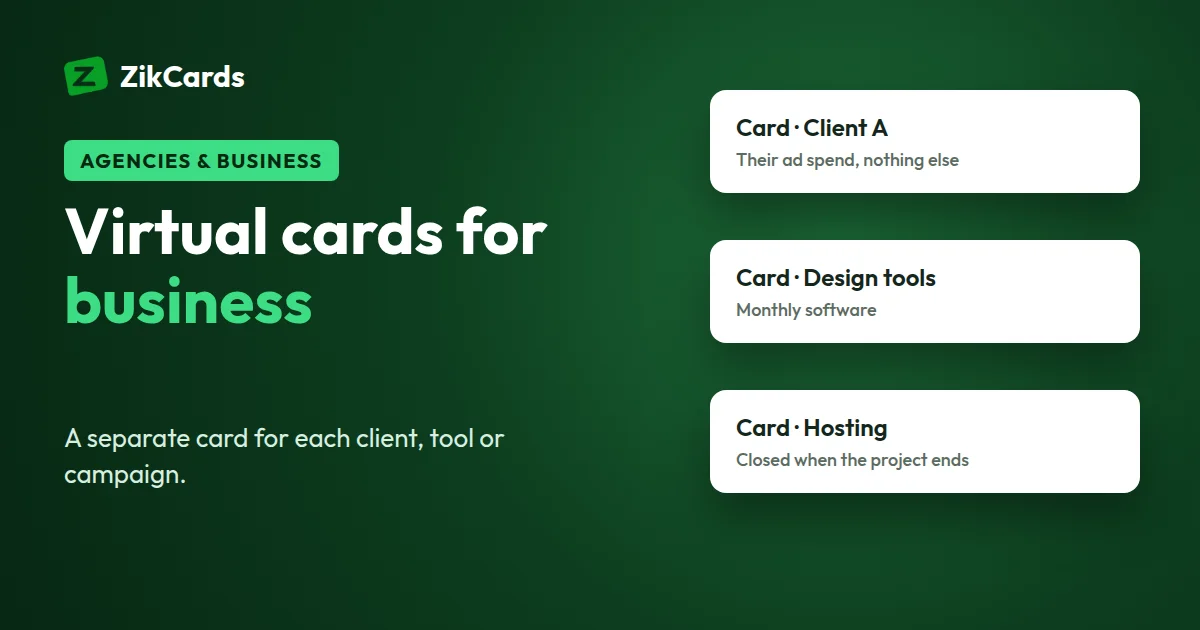
The fix is simple: give the spending you most need to keep apart its own virtual card. A virtual card is a real Visa or Mastercard with its own number, expiry date and security code, but no plastic. The common ways to split them are:
- A card for a client. Everything you pay for that client goes on their card, so the card's history is that client's spending.
- A card for a tool. Your own software, hosting and domains each sit on a card that holds about what the renewal costs. Our guide to virtual cards for subscriptions covers this in detail.
- A card for a campaign. A seasonal sale or a short launch gets a card with that campaign's budget on it. When the campaign ends, you close the card.
What you gain:
- Budgets stay apart. A card spends only what is loaded on it, so one client's spend can't use another client's money.
- Matching is quick. A client's charges are already in one place.
- A problem hits one card only. If a number leaks or a merchant charges something you don't recognise, you freeze or close that one card. Everything else keeps working.
- Clean endings. When a client leaves, you cancel what you paid for them, wait for any refund you expect, then close their card. The remaining balance goes back to your wallet.
Each card has a one-time creation fee, so keep a card for spending you want apart, not one for every purchase. How many cards you can hold at once is shown on your My cards page, and closing a card frees its place straight away. All fees are on the pricing page.
How to set up your cards
- Name every card. On the My cards page you can give each card a name. Use something you will understand in six months, such as "Client Rivera - ads", "Hosting" or "Spring sale campaign". Keep a simple sheet of each card's name, last four digits, what it pays for and its next charge date.
- Load per budget, plus $1.20. $1.20 stays on each open card and is returned when you close it, so what you can spend is the card balance minus $1.20. For a $400 monthly budget, load $401.20.
- Add a small margin where needed. If a merchant bills you from a company outside the US, the card issuer's cross-border fee of $0.50 + 2.5% is taken from the card. On a $400 charge that is $10.50, so that card needs about $411.70 loaded. If the same amount is billed as several smaller charges, each one carries the $0.50.
- Use the card's own billing address. Each card has its own billing address on its card page. Enter that address at checkout, not your office or home address. Why the billing address matters.
- Top up before the charge, not after. Renewals and ad billing happen on a date or when spend reaches a set amount. Put a reminder a few days before each one and top up the card from your wallet in time.
Paying for client ad spend
If you run ads for clients, give each ad account you keep apart its own card. One client's billing then never touches another's, and the card's history is the ad spend you report to that client.
- Plan the budget first. Our free Meta ads budget calculator, Google Ads budget calculator and TikTok ads budget calculator help you set a daily and monthly figure. The break-even ROAS calculator shows the return a campaign needs before it makes money.
- Keep the balance above the next bill plus the $1.20. Ad platforms may retry a failed payment several times, and each declined attempt carries the card issuer's $0.40 decline fee.
- A card pays for an account. It does not change a platform's rules or its decision about an account it has restricted.
A US card removes the most common reason cards from many countries are refused, the card's country, but each platform runs its own checks on every card and payment, so no card provider can promise acceptance. More in using ZikCards for ad payments, and step by step in our guides to paying for Facebook ads and paying for Google Ads.
Keeping records and matching invoices
Good records are the main reason to split spending:
- Card spending is on each card's page. Open a card to see every payment made with it. When a card is used for one client only, that list is that client's spending.
- Wallet activity is under Transactions. Deposits, cards created, top-ups and withdrawals are listed with the fee charged on each. Each has a printable receipt, and you can export any date range as CSV or PDF for your bookkeeping.
- Receipts come from the merchant. Invoices and receipts are sent by the merchant, usually to the email on your account with them. Save them in a folder per client so they match the card.
- Do a short monthly check. Compare each card's payments with the invoices and decide whether the card still needs to be open.
How you record these costs for tax or client billing depends on where you work. Ask your accountant how they want them shown.
Limits to know before you start
- One account, one person. A ZikCards account belongs to one verified person. There are no company accounts, no team or employee cards and no per-employee dashboards. The cards in your account are yours to manage.
- A card spends only what is on it. There is no credit line and no overdraft. A charge bigger than the balance less the $1.20 is declined.
- Money moves one way. You can move money from your wallet onto any card at any time. The only way to take money off a card is to close it, which returns the whole balance to your wallet with no fee.
- Some categories are blocked. Cards always decline at gambling, crypto purchases and money transfer, cash advances, fuel pumps, transit and taxis, and a few others. See the full list.
- Two card issuer fees. $0.40 for every declined payment, including retries and attempts on a frozen card (declines in blocked categories are free), and $0.50 + 2.5% when a purchase settles outside the US. Both are taken from the card.
- Cards last three years with no automatic renewal. How long a card lasts.
One shared bank card vs separate virtual cards
| One shared bank card | Separate virtual cards | |
|---|---|---|
| Budgets | All spending mixed together | Each card has its own balance |
| Matching invoices | Sort through one long statement | Each card's page lists only its own payments |
| Overspending | Limited by your bank balance or limit | Limited to what you loaded on that card |
| A leaked number | Every payment on the card is affected | Freeze or close one card; the rest keep working |
| A client leaves | Charges for them can keep running on your main card | Cancel their services, then close their card |
| Your bank card | Its details go to every merchant you pay | Merchants get only the virtual card's details |
How to start with ZikCards
- Create an account and verify once. Sign up at zikcards.com and verify with a photo ID and a short selfie. Most checks are approved within minutes. See what ID you need.
- Add money to your wallet. Your balance is funded with USDT or USDC. Always send on the network you chose: which network to use.
- Create a card for each client or tool you keep apart. Pick Visa or Mastercard and load its budget plus $1.20. The card is ready in seconds; then give it a clear name on My cards.
- Pay with the card's details and billing address. Some payments run a 3D Secure check that may ask for a one-time code. If one does, the code appears as a banner at the top of your dashboard.
- Freeze or close cards you no longer need. Freeze to pause a card, close to finish with it and get its balance back. Freeze or close?
Frequently asked questions
Can my team have their own cards?
No. Each ZikCards account belongs to one verified person, and there are no team accounts or employee cards. Anyone who wants cards of their own opens and verifies their own account.
Can I open a business or company account?
No. ZikCards has personal accounts only, each verified with one person's ID. You can still use your account to keep business spending on separate cards.
Can I get invoices or receipts for each payment?
Receipts and invoices for what you buy come from the merchant you paid. ZikCards shows each payment on the card's own page. Your wallet transactions, such as deposits and top-ups, each have a printable receipt under Transactions, and you can export them as CSV or PDF.
Can I move money from one card to another?
Not directly. Money only moves from your wallet onto a card. To use a card's balance elsewhere, close the card: the full balance returns to your wallet with no fee, and you can load it onto another card.
What should I do with a client's card when they leave?
First cancel the subscriptions and remove the card from any accounts you paid for them, because closing a card does not cancel a subscription. If you expect a refund, keep the card open until it arrives, since refunds go back to the card that was charged. Then close it. How refunds work.
Does a virtual card for business give me credit?
No. The cards are issued on US credit BINs, which is how the card ranges are registered with Visa and Mastercard. But no credit is given: you load each card from your balance and spend only what is on it. There is no bill, no interest and no credit check.
Ready to keep client spending apart? Create your ZikCards account. See every fee on our pricing page.
Visa, Mastercard, Meta, Facebook, Google Ads and TikTok are trademarks of their respective owners. ZikCards is not affiliated with or endorsed by them.