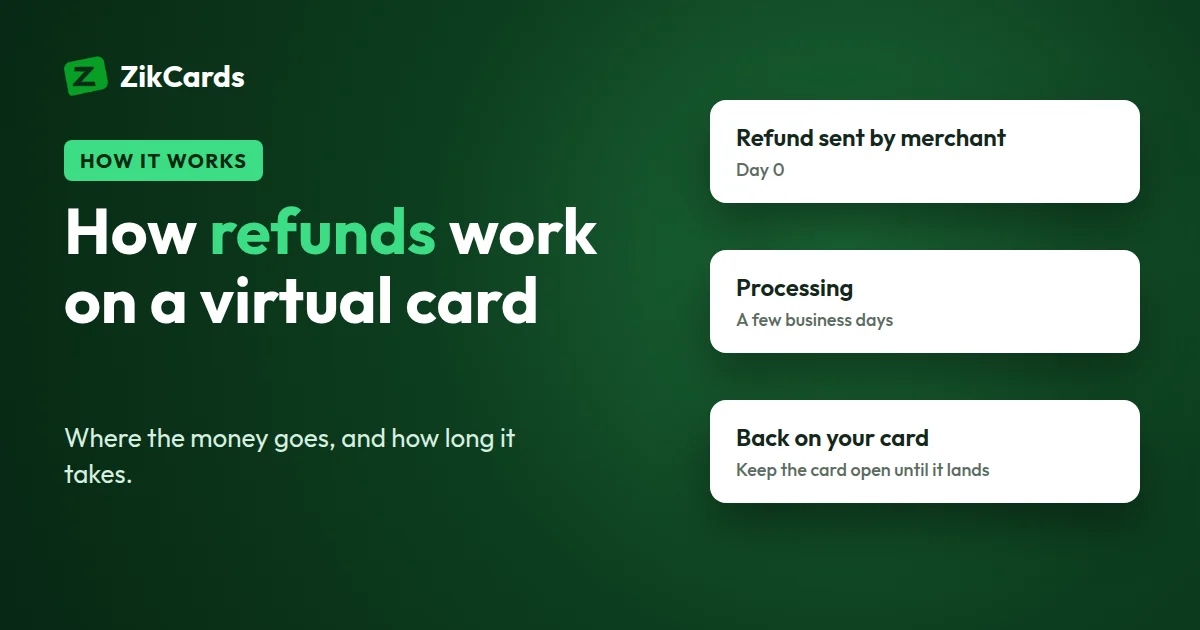
You cancelled an order or sent something back. The merchant says the money is on its way, but your card still shows nothing. This is normal. A card refund passes through several hands before it lands, and each one takes its own time. This guide explains how refunds work on a card, why they take several days, how a released hold differs from a real refund, and what to do on a ZikCards virtual card so a refund always has somewhere to arrive.
How a refund travels back to your card
A refund is a new transaction travelling back along the route the payment took.
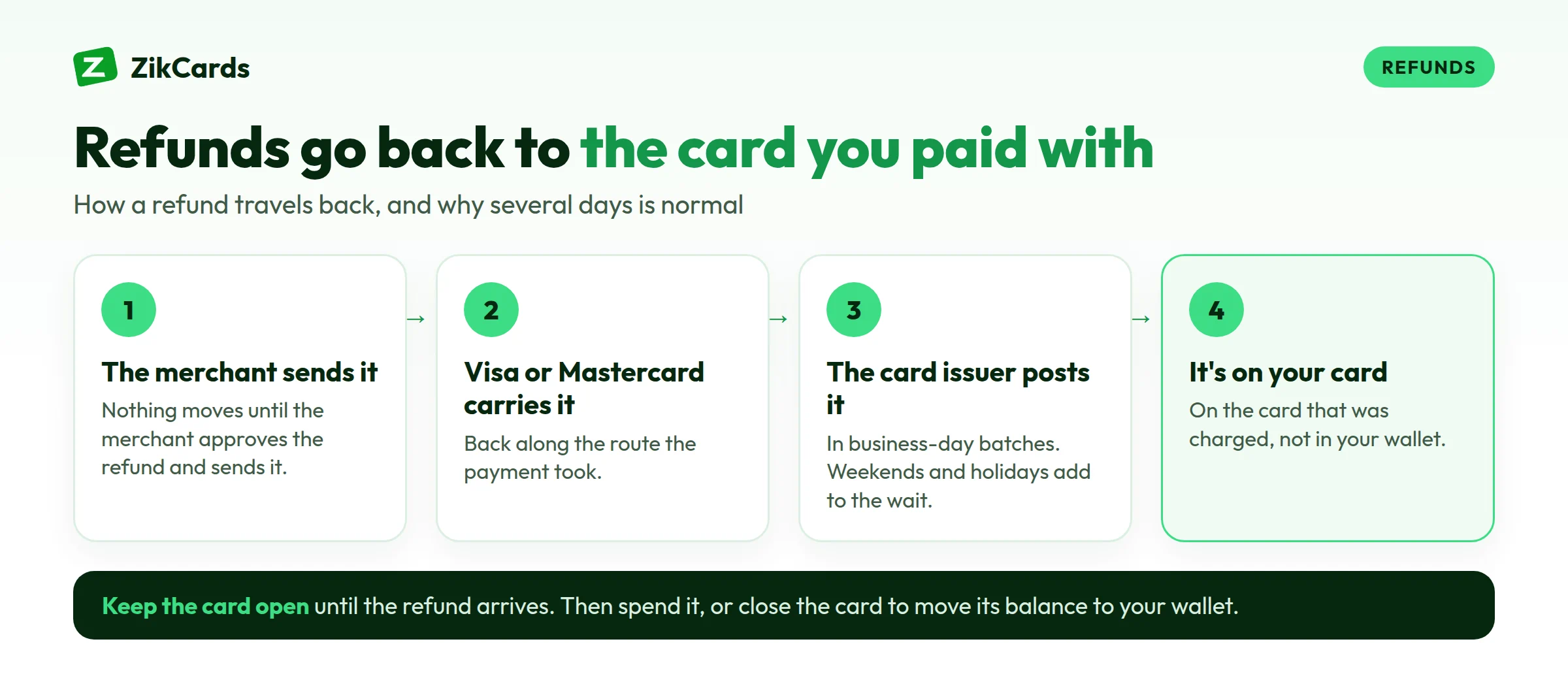
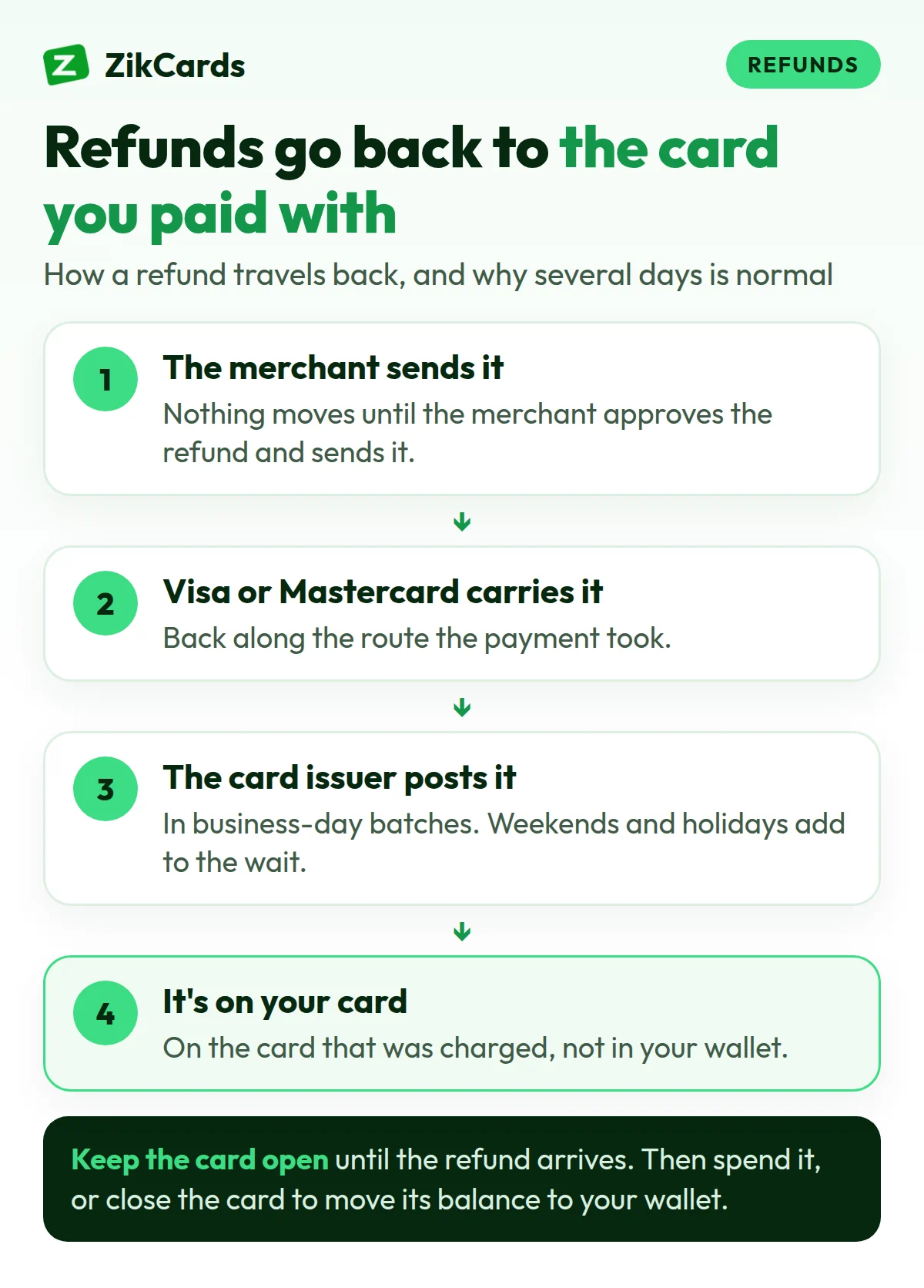
- The merchant approves it and sends it. Nothing moves until the merchant decides to refund and sends the instruction to its payment processor. An email saying "your refund has been approved" often arrives before this step is done.
- The card network carries it. Visa or Mastercard passes the refund from the merchant's side to the side that issued your card, just as it carried the payment the other way.
- The issuer posts it. The institution that issued your card receives the refund and adds it to the card's balance.
- It appears on the card. Only now can you see and spend it.
Most steps run in batches, so a refund "sent" today can take days to appear.
Why card refunds take days
Several days is normal, and a couple of weeks is not unusual. The time is spent in two places.
- The merchant's own processing. Many shops refund only after a returned item has arrived and been checked, and some process refunds once a day or once a week. This part is entirely the merchant's decision.
- Network and issuer posting. Once the merchant sends the refund, the card network and the issuer post it in their normal settlement cycles, which run on business days. Weekends and public holidays add to the wait.
Nobody further down the chain can speed up the merchant's part, so the merchant is always the first place to ask.
A released hold is not a refund
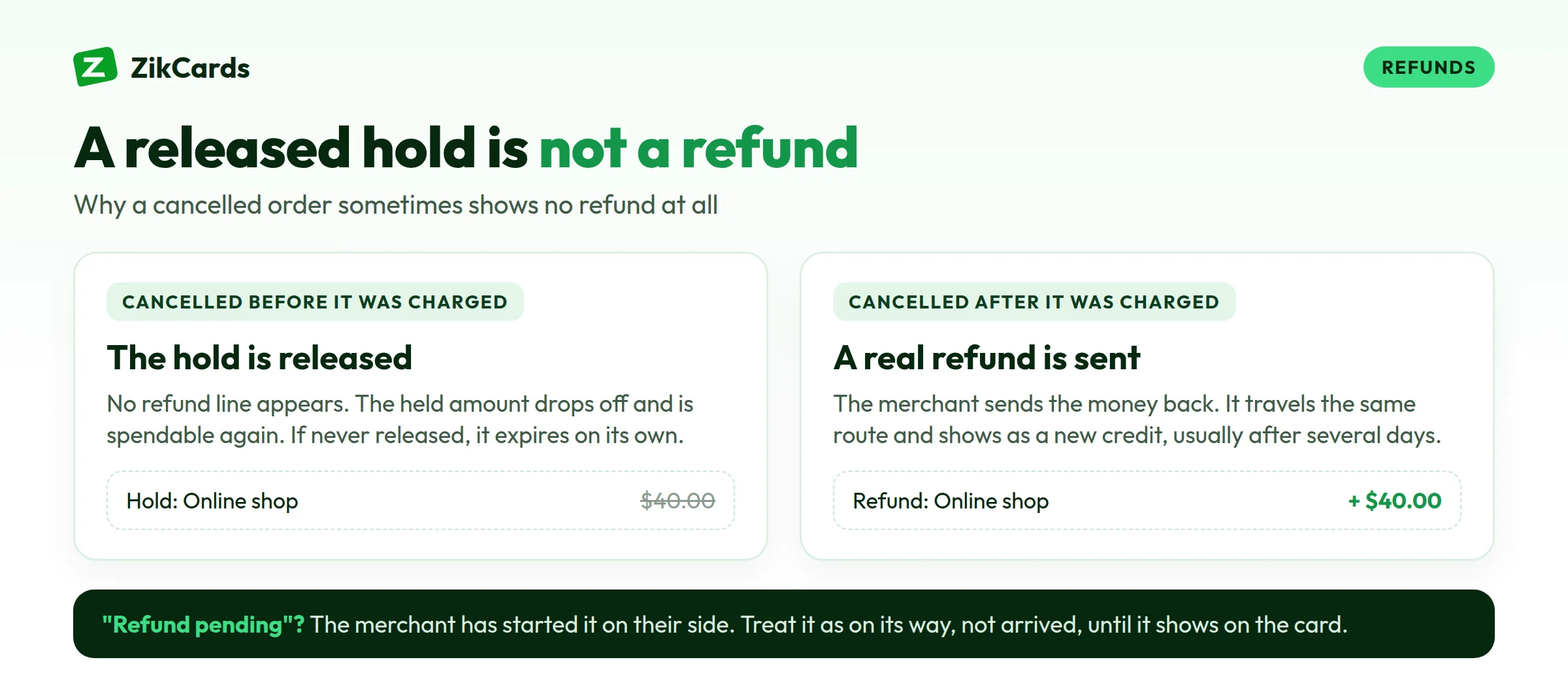
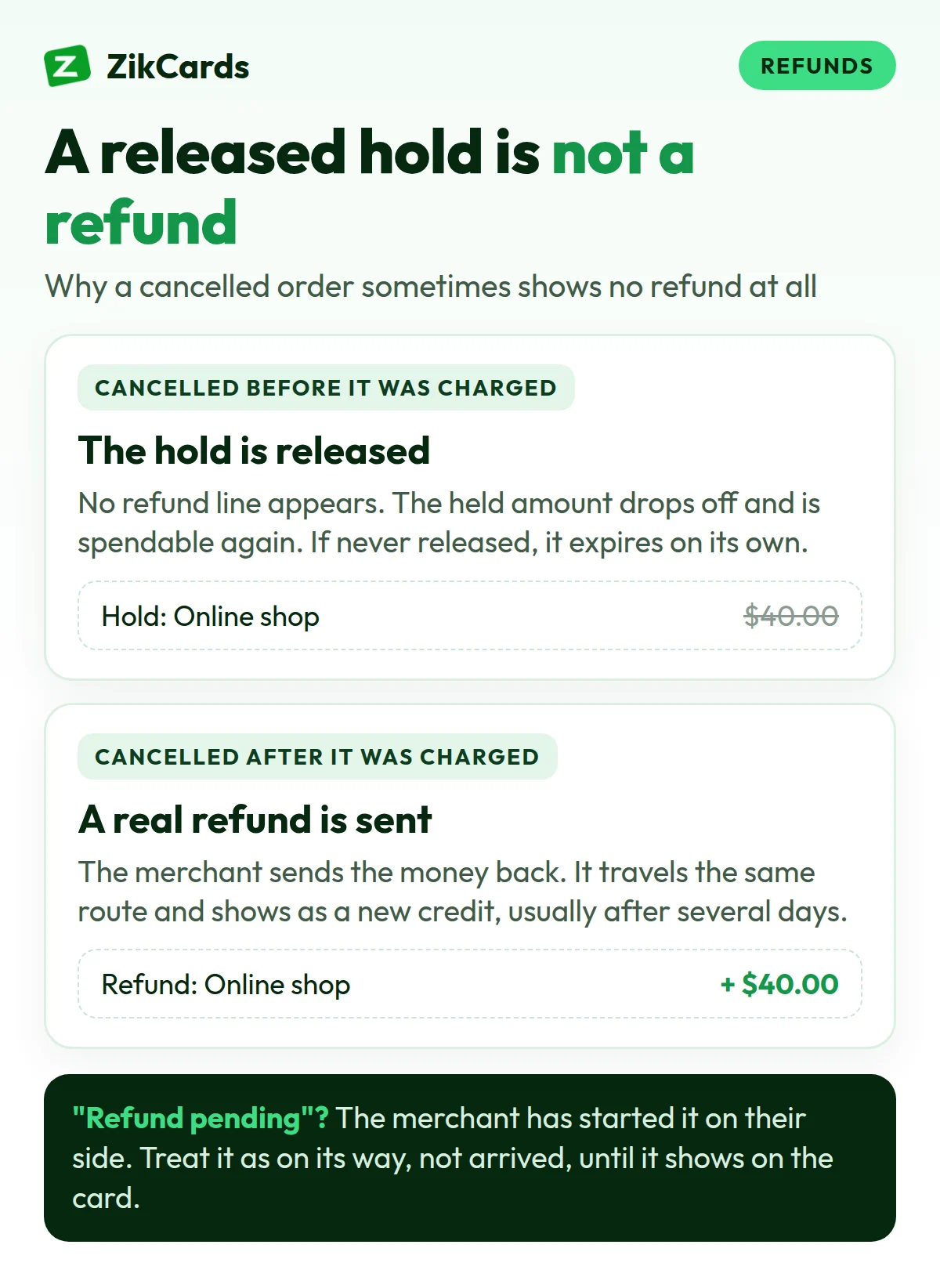
When you pay online, many merchants first place an authorisation: the amount is held on your card but not yet taken. Later, often when the order ships, they capture it and the payment becomes final.
If an order is cancelled before it is captured, the merchant may simply release the hold. Then you usually see no refund at all. The held amount drops off and becomes spendable again. If the merchant never releases it, the hold normally expires on its own after a period set by the card network and the issuer.
If the payment was already captured, the merchant has to send a real refund, which travels the route above. And a "pending refund" from a merchant usually means they have started it on their side: treat it as on its way, not arrived, until it shows on the card.
Partial refunds and refunds in another currency
Partial refunds. A merchant can refund part of a payment: one item from a larger order, the unused part of a plan, or the price minus a return shipping charge. One order can also produce several refunds that arrive separately, so check each against the receipt.
Other currencies. If you paid a merchant that charges in euros, pounds or another currency, the amount was converted into dollars on the day of the payment. The refund is converted again on the day it is processed, at that day's rate. Rates move, so even a full refund can be a little more or less in dollars than the charge.
How refunds work on a ZikCards virtual card
ZikCards cards follow the same route, with a few points to know. Our help answer on how refunds from a merchant work covers them briefly.
- The refund goes back to the card that was charged. It lands on that card's balance, not in your ZikCards wallet.
- Keep the card open until the refund arrives. A closed card has nowhere for the money to land, so the refund has to be traced by hand, which takes much longer. See freeze or close a card.
- Once it lands, the money is yours. Spend it on that card, or close the card to move its whole balance back to your wallet with no fee. While a card is open, $1.20 stays on it, so you can spend the balance less $1.20; closing the card returns that too.
- Fees are separate from the refund. The merchant refunds what the merchant charged. Card issuer fees taken on the original payment, such as the cross-border fee on a purchase that settled outside the US, are separate and are not part of the merchant's refund. The same is true of the fee paid when you loaded the card. Every fee is on our pricing page.
- Still nothing after a couple of weeks? If a refund the merchant promised has not arrived, send our support the merchant name and the date of the original charge.
What to do in each situation
| Situation | What happens | What to do |
|---|---|---|
| Order cancelled before shipping | A hold is released and the amount becomes spendable again, with no refund line. A captured payment is refunded normally. | Keep the card open. If nothing changes after several days, ask the merchant whether they released the hold or sent a refund. |
| Item returned | The merchant refunds after the return arrives and is checked. Then the refund travels to the card. | Keep the tracking number and the merchant's confirmation. |
| Subscription refunded | The refund goes back to the card the subscription billed. Refunding one charge does not always cancel the plan. | Cancel the plan in your account with the service as well. Keep the card open until the refund shows. |
| Card closed before the refund | The money has nowhere to land and has to be traced by hand. | Contact our support with the merchant name and the date of the original charge. |
| Refund in another currency | It is converted at the rate on the refund day, so the dollar amount can differ slightly from the charge. | Compare the refund with the amount in the merchant's currency, not the dollar figure. |
Watch subscriptions. A plan left active keeps trying to renew, and each declined attempt on a card without enough money costs $0.40, the card issuer's decline fee, taken from the card. See why cards are declined online.
If a refund does not arrive
- Ask the merchant first. Has the refund actually been sent, on what date, for what amount? Some merchants can give a refund reference number, which helps with tracing.
- Check the card that was charged, not your wallet or another card.
- Keep your evidence: receipts, order numbers, return tracking, and every email or chat where the merchant agreed to refund you.
- After a couple of weeks, send our support the merchant name and the date of the original charge.
If the merchant refuses a refund you believe you are owed, they are still the first and usually fastest place to settle it. Explain the problem in writing, attach your receipts and keep their reply.
Refund checklist
- Keep the card open until every refund you expect has arrived.
- Cancel subscriptions with the service, not only by leaving the card empty.
- Save receipts, order numbers and the merchant's refund emails.
- Expect several days, sometimes a couple of weeks.
- Check partial and foreign-currency refunds against the receipt.
- Once the refund lands, spend it on the card or close the card to move it to your wallet.
- Nothing after a couple of weeks? Send support the merchant name and the date of the original charge.
Frequently asked questions
How long does a refund take to show on a card?
Several days is normal, and sometimes it takes a couple of weeks. The merchant decides when to send it, and the card network and issuer then post it on business days.
Can a refund go to a closed card?
On ZikCards, a refund sent to a closed card has to be traced by hand, so keep the card open until it arrives. If you already closed it, contact support with the merchant name and the date of the original charge.
Does a refund go to my ZikCards wallet?
No. It goes back to the card that was charged. To move it to your wallet, close the card once the refund has landed; the whole balance returns to your wallet with no fee.
My order was cancelled, but I see no refund. Why?
If the payment was only held, never captured, the merchant may have released the hold instead. The amount becomes spendable again with no refund line.
Why is my refund a different amount from what I paid?
It may be a partial refund, or the merchant may charge in another currency, so the refund was converted at a different exchange rate. Card issuer fees charged on the original payment are separate and are not part of the merchant's refund.
What if the merchant will not refund me?
Explain the problem to the merchant in writing and keep their reply with your receipts. The merchant is usually the fastest way to settle it.
Want a card where every refund has a clear place to land? Create your ZikCards account. See every fee on our pricing page.
Visa and Mastercard are trademarks of their respective owners. ZikCards is not affiliated with or endorsed by them.