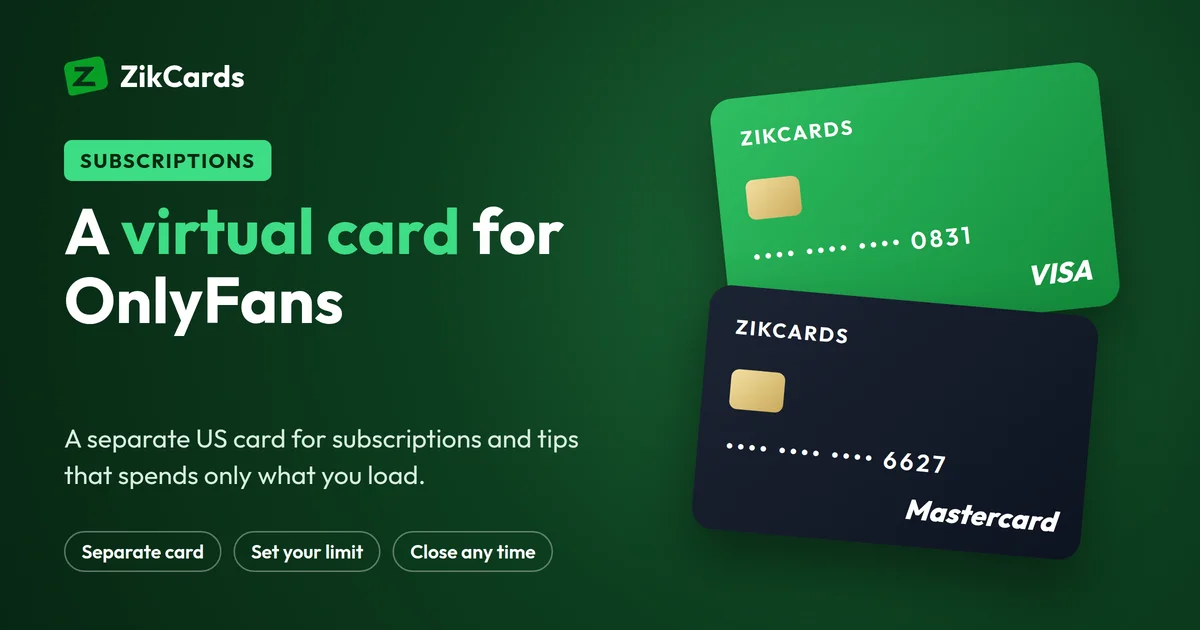
Many people want to pay for OnlyFans with a separate card: to keep subscriptions apart from their main bank card, to control how much they spend, or because their local card is refused. A virtual card for OnlyFans, which many people search for as a prepaid card for OnlyFans, does all three. This guide explains how to add a virtual card to OnlyFans, how much to load, why cards get declined there, and how a US Visa or Mastercard from ZikCards works for creator subscriptions, tips and messages.
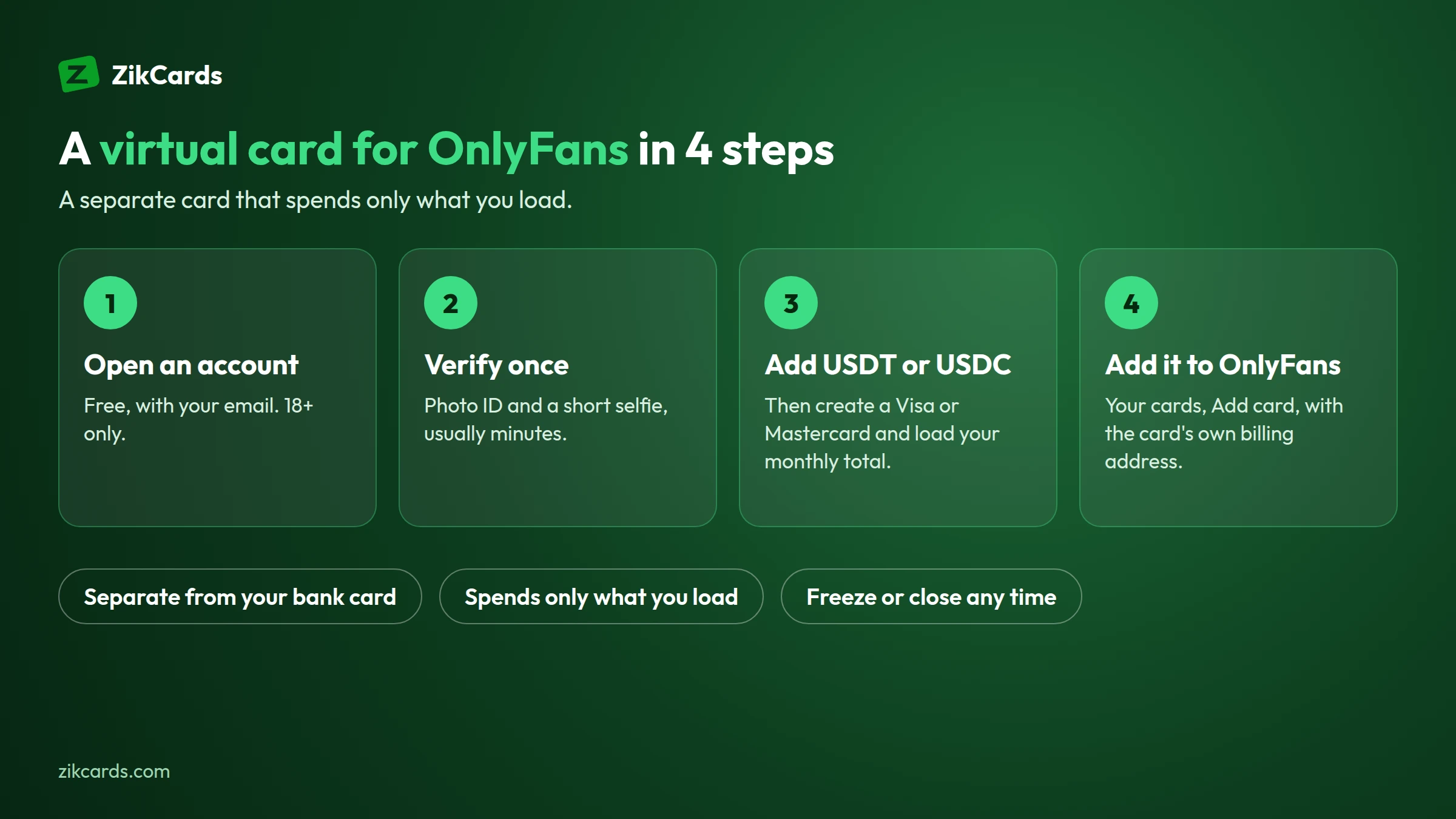
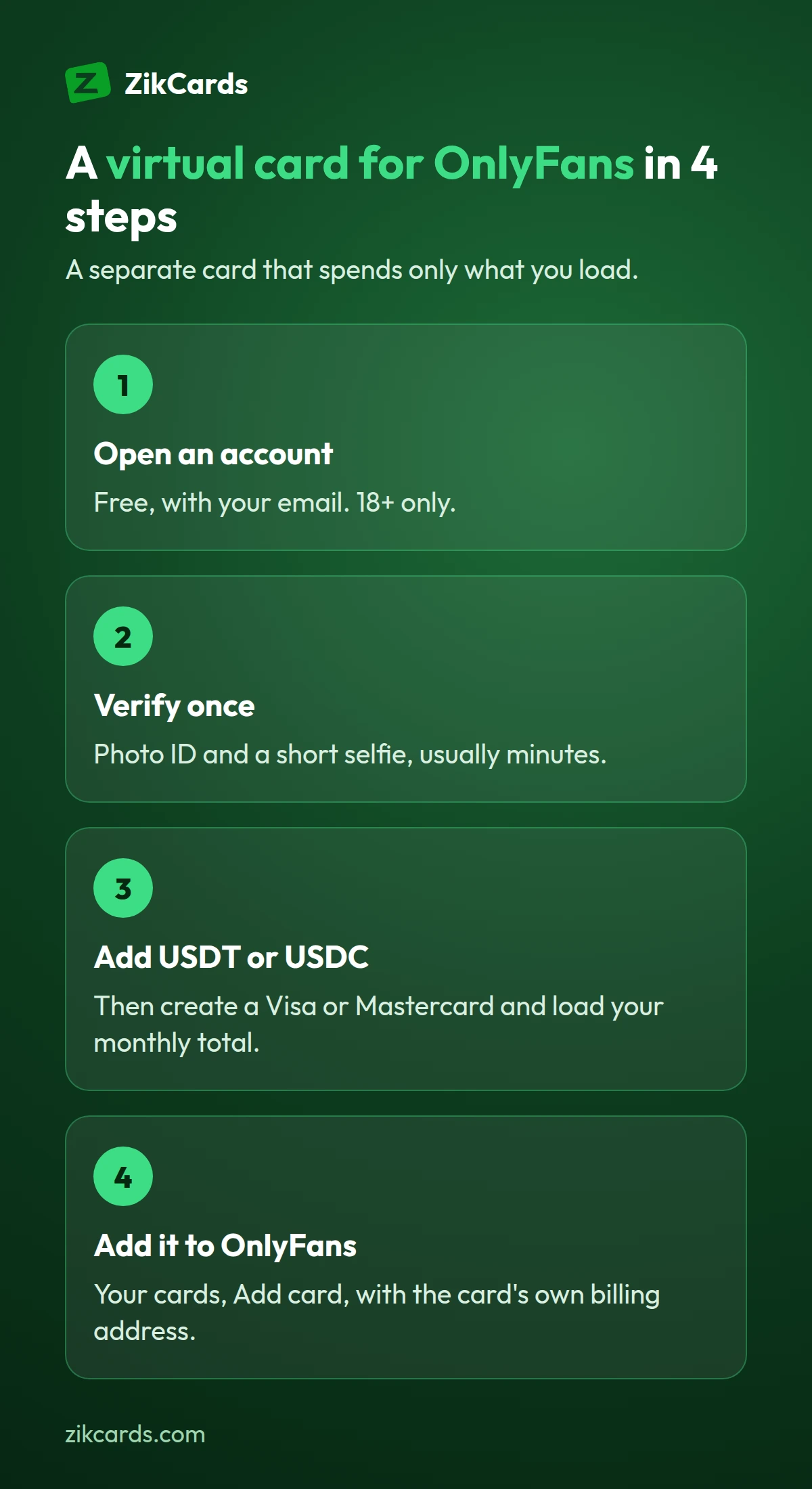
The short answer: to pay OnlyFans with a prepaid or virtual card from ZikCards, open an account and verify once, add USDT or USDC to your balance, then create a US Visa or Mastercard, load it, and add it on OnlyFans with the card's own billing address.
Why use a virtual card for OnlyFans
- Keep it separate. Subscriptions, tips and paid messages go on one card that is used for nothing else, so your main bank card never touches the site.
- Control your spending. The card spends only what you load. A renewal or a tip can never take more than what is on the card.
- Stop renewals easily. Turn off auto-renew, or close the card, and nothing more can be charged to it.
- A US card when your local card is refused because of the country it comes from.
- Your bank statement stays clean. With ZikCards you fund your balance with USDT or USDC, so the purchases show in your ZikCards card history, not on your bank statement.
Your account is still verified: you need to be 18 or older, and you verify your identity once with ZikCards. That is a legal requirement for any real card.
OnlyFans payment methods
OnlyFans asks for a Visa or Mastercard card at checkout: you add the card's number, expiry date, security code and billing address once, and subscriptions, tips and paid messages are charged to it. That is why people who want to keep OnlyFans apart from their bank card look for a separate card, whether they call it a prepaid card, a prepaid Visa card, a virtual card or a credit card for OnlyFans.
A ZikCards card is a US Visa or Mastercard that you create online and load from your balance. You add it on OnlyFans like any other card, with the card's own billing address. Each merchant runs its own checks, so no card provider can promise acceptance.
How to get a virtual card for OnlyFans
- Open a free account at zikcards.com.
- Verify once with a photo ID and a short selfie. Most checks are approved automatically within minutes.
- Add USDT or USDC to your balance. Deposits cost from $1 + 1%, depending on the network.
- Create a Visa or Mastercard and load the amount you plan to spend. It is ready in seconds. Name it "OnlyFans" on your My cards page, so you know which card it is.
The first card usually takes about 5 minutes in total. See our guide to the instant virtual card for what can slow each step.
How to add the card to OnlyFans
- Log in to OnlyFans and open Your cards (in the menu, under your profile, or in Settings).
- Choose Add card.
- Enter the card number, expiry date and security code from your ZikCards card page.
- For the address, enter the card's own billing address, shown on the card page with a copy button, not your home address. See which billing address to use.
- Confirm. If a 3D Secure check runs, it may ask for a one-time code. The code appears at the top of your ZikCards dashboard, and in Telegram if you connected it.
OnlyFans may also ask you to confirm your age before you can subscribe. That is their own check and has nothing to do with the card.
How much to load
Add up what you plan to spend over the next month:
- Subscriptions: the monthly price of each creator you follow. Bundles of 3, 6 or 12 months are paid at once.
- Tips and paid messages, if you send them.
- A small extra. Some cards keep a small amount on the card while it is open, and the card page shows exactly how much you can spend. A little extra also covers a price change.
Load that total. If a renewal is due and the card has too little, it is declined, and repeated declines can carry fees. Top up a day before renewals instead. Loading money onto a card costs 3%, and every fee is on our pricing page.
Why a card gets declined on OnlyFans
| What happens | Usual reason | What to do |
|---|---|---|
| Declined when adding the card | Wrong billing address, or a typo in the details | Copy the address and details from the card page again |
| Declined on a subscription or tip | Not enough money on the card | Top up, then try once |
| Declined after a code was asked for | The 3D Secure code was not entered in time | Keep your ZikCards dashboard open and try again |
| A local card refused straight away | The card's country | A US card removes that reason |
A US card removes the most common reason cards from many countries are refused, the card's country. Each merchant still runs its own checks, so no card provider can promise acceptance. More in our guide to a card declined online.
Managing subscriptions and renewals
- Turn off auto-renew in OnlyFans for a creator you don't want to keep. That is the clean way to stop a subscription.
- Freeze the card to pause everything at once: payments are declined until you unfreeze it, but each declined attempt can still carry the card issuer's decline fee, so turn off auto-renew as well.
- Close the card when you are done. Closing is free, and the rest of the balance returns to your ZikCards wallet. See freeze or close a card.
- One card per site. Use a separate card for other subscriptions: see a virtual card for subscriptions.
Is it safe to pay OnlyFans with a virtual card?
For paying online, a separate virtual card is one of the safer choices:
- Limited exposure. If the card details ever leak, only what is loaded on that one card is at risk. Your main bank account is never connected to the site.
- You stay in control. Freeze the card in seconds from your dashboard, or close it to stop every charge for good.
- Every payment is visible. Each charge, refund and declined payment shows in the card's history, so a renewal you forgot about is easy to spot.
- 3D Secure adds a second step when a payment asks for it: a one-time code shown in your dashboard, and in Telegram if you connected it.
Mistakes to avoid
- Using your home address instead of the card's billing address when adding the card.
- Loading exactly the subscription price, with nothing extra for a price change or a small amount that stays on the card.
- Retrying a declined payment again and again. Each try can be declined for the same reason and carry a fee. Top up first, then try once.
- Closing the card while a refund is expected. A refund goes back to the card it was paid with, so keep the card open until it arrives. See how refunds from a merchant work.
Prepaid, virtual or credit card for OnlyFans?
People search for a "virtual prepaid card for OnlyFans" or a "virtual credit card for OnlyFans". Others ask for a "prepaid Visa card for OnlyFans" or a "credit card for OnlyFans". What most of them want is the same thing: a card that spends only what they load, kept apart from their main bank card.
A ZikCards card is on a US credit BIN, loaded from your balance, with no credit line. A BIN lookup shows "credit", country USA, because that is how the card range is registered, but no credit is given: no bill, no interest, no credit check. Read more about the virtual prepaid card and the virtual credit card, or choose between a virtual Visa card and a virtual Mastercard.
Frequently asked questions
Can I use a virtual card on OnlyFans?
Yes, OnlyFans takes Visa and Mastercard cards, and a virtual card is added like any other card, with its number, expiry, security code and billing address. Each merchant runs its own checks, so no card provider can promise acceptance.
Does OnlyFans take PayPal or Apple Pay?
OnlyFans' payment page asks for a card, so check the options shown in your own account. If what you want is to keep OnlyFans off your main bank card, a separate virtual card does that: you load it from your ZikCards balance and add it like any other card.
Can I use a Visa gift card on OnlyFans?
One-off gift cards often fail at sites like OnlyFans, because many cannot be registered with your name and a billing address, cannot be topped up for the next renewal, or cannot complete a 3D Secure check. A virtual card in your name, with its own billing address, that you can load again is the usual alternative. Each merchant decides on every payment, so no card provider can promise acceptance.
Is a prepaid Visa card the same as a ZikCards card?
Not quite. Both spend only what you load. A ZikCards card is issued on a US credit BIN and loaded from your balance, with no credit line, so there is no bill, no interest and no credit check. You can load it again, freeze it or close it at any time, and closing it returns the balance to your wallet.
Will OnlyFans show on my bank statement?
Not with a ZikCards card funded with USDT or USDC: the purchases show in your ZikCards card history. Your ZikCards account itself is verified in your name.
What billing address do I use on OnlyFans?
The card's own billing address, shown on your ZikCards card page with a copy button. Your home address will not match the card and can cause a decline.
Why was my card declined on OnlyFans?
Most often: too little money on the card, a wrong billing address, or a 3D Secure code that was not entered in time. Fix the cause, then try once; repeated tries can carry fees.
How do I stop OnlyFans charging my card?
Turn off auto-renew for the subscription in OnlyFans. To stop every charge at once, close the card and get the rest of the balance back; a frozen card declines payments, but each declined attempt can carry a fee.
Do I need to be 18?
Yes. ZikCards accounts are for adults, and OnlyFans has its own age rules.
Want a separate card for your subscriptions? Create your ZikCards account. See every fee on our pricing page.
Visa, Mastercard and OnlyFans are trademarks of their respective owners. ZikCards is not affiliated with or endorsed by them.