Netflix payment methods depend on the country you are in. In most countries you can pay with a Visa, Mastercard or American Express card, debit or prepaid included, and some countries also offer PayPal, Netflix gift cards or billing through your phone or internet provider. Below: how to change your card in about a minute, what to check when Netflix declines a payment, and how to pay with a virtual card. Every Netflix rule here comes from Netflix's own help pages, which we read on 6 Nov 2026.
Netflix payment methods: what Netflix accepts
Netflix says its payment methods can differ by country, so the list you see at checkout is the one that counts for you. Every plan is billed monthly, on the date you signed up.
| Payment method | What Netflix says |
|---|---|
| Credit and debit cards | Visa, Mastercard and American Express, enabled for recurring online payments. You may need to allow international payments on the card. |
| Prepaid cards | Accepted when they carry a Visa, Mastercard or American Express logo. |
| Virtual cards | Accepted in select markets. If a virtual card is declined, Netflix asks you to choose a different payment method. |
| PayPal | Offered in some countries, linked to your own PayPal account. |
| Netflix gift cards | Sold in some countries and added to your account as credit. |
| Partner billing | Some phone and internet providers add Netflix to their bill or include it in a package. |
The brand of card matters less than one setting: Netflix charges you every month, so your bank has to allow repeat online payments on the card. A card limited to one-off payments, or to shops in your own country, is the usual reason a new card fails.
One warning, straight from Netflix: it never asks for payment details by email, text or phone. If a message asks you to "update your card" through a link, ignore it and sign in to Netflix yourself.
How to change your Netflix payment method
You change your payment method on the Manage payment info page of your Netflix account. The easiest place to find it is a web browser at netflix.com, and it takes about a minute.
- Sign in at netflix.com and open your Account page.
- Open Manage payment info. You may be asked to sign in again.
- To update your card (a new expiry date or security code), choose Update next to it. To use a different card or method, choose Add Payment Method.
- Enter the details and choose Save. Use the billing postal code that belongs to the card, not your home one if they differ.
Don't worry if a small charge appears straight away. Some payment methods get a temporary authorization hold so Netflix can check them. Netflix says it is usually removed quickly, though your bank may take a few business days to clear it from your statement. It is not an extra charge.
If you pay for Netflix through a partner, such as your phone or internet provider, Netflix sends you to that provider instead: change the payment method on the partner's account.
Why a Netflix payment is declined, and how to fix it
When a Netflix payment is declined, it is nearly always one of three things: a card detail that does not match, a card that blocks repeat or international online payments, or too little money on the card. Netflix's own steps are below, and the order matters.
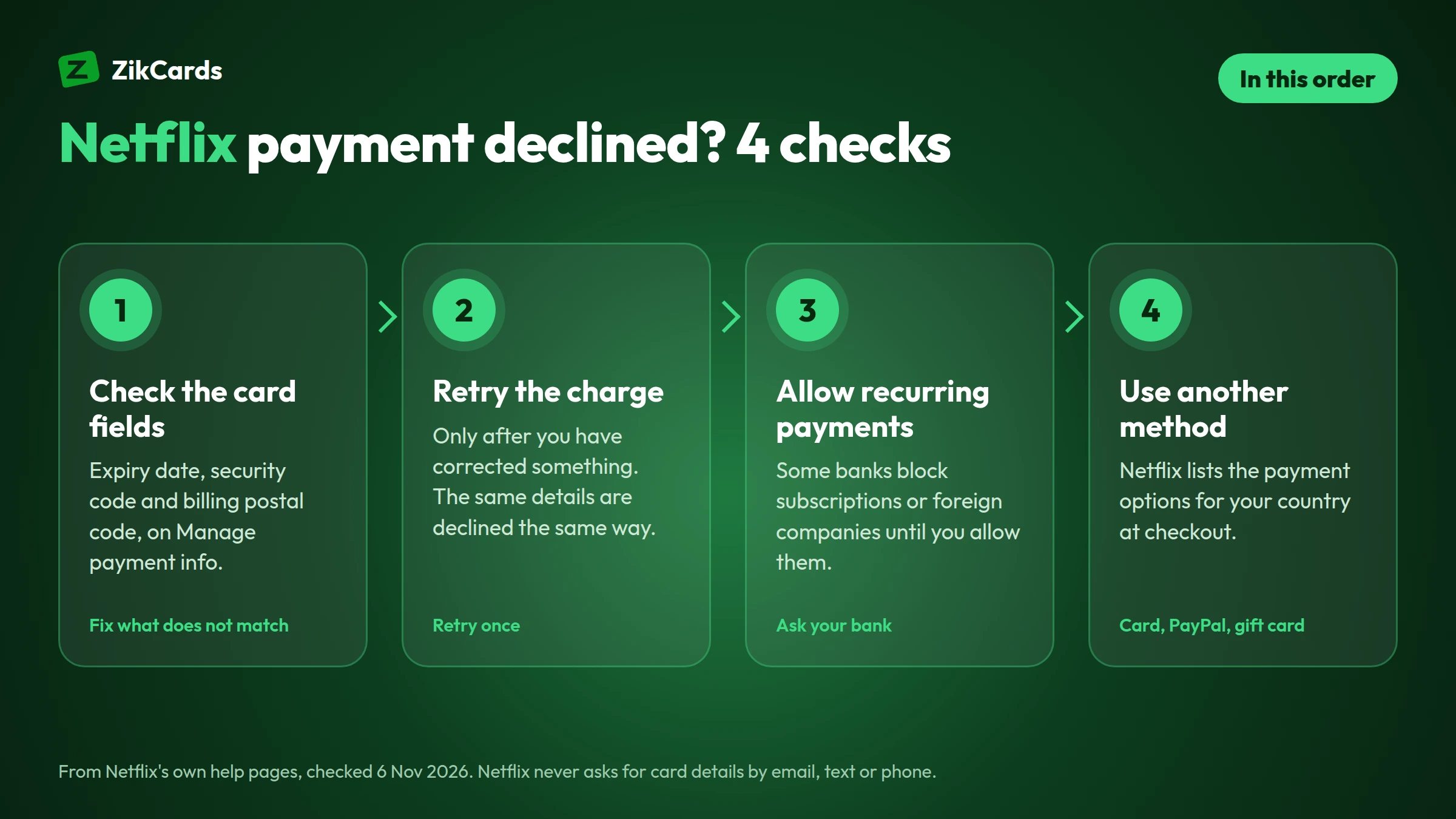
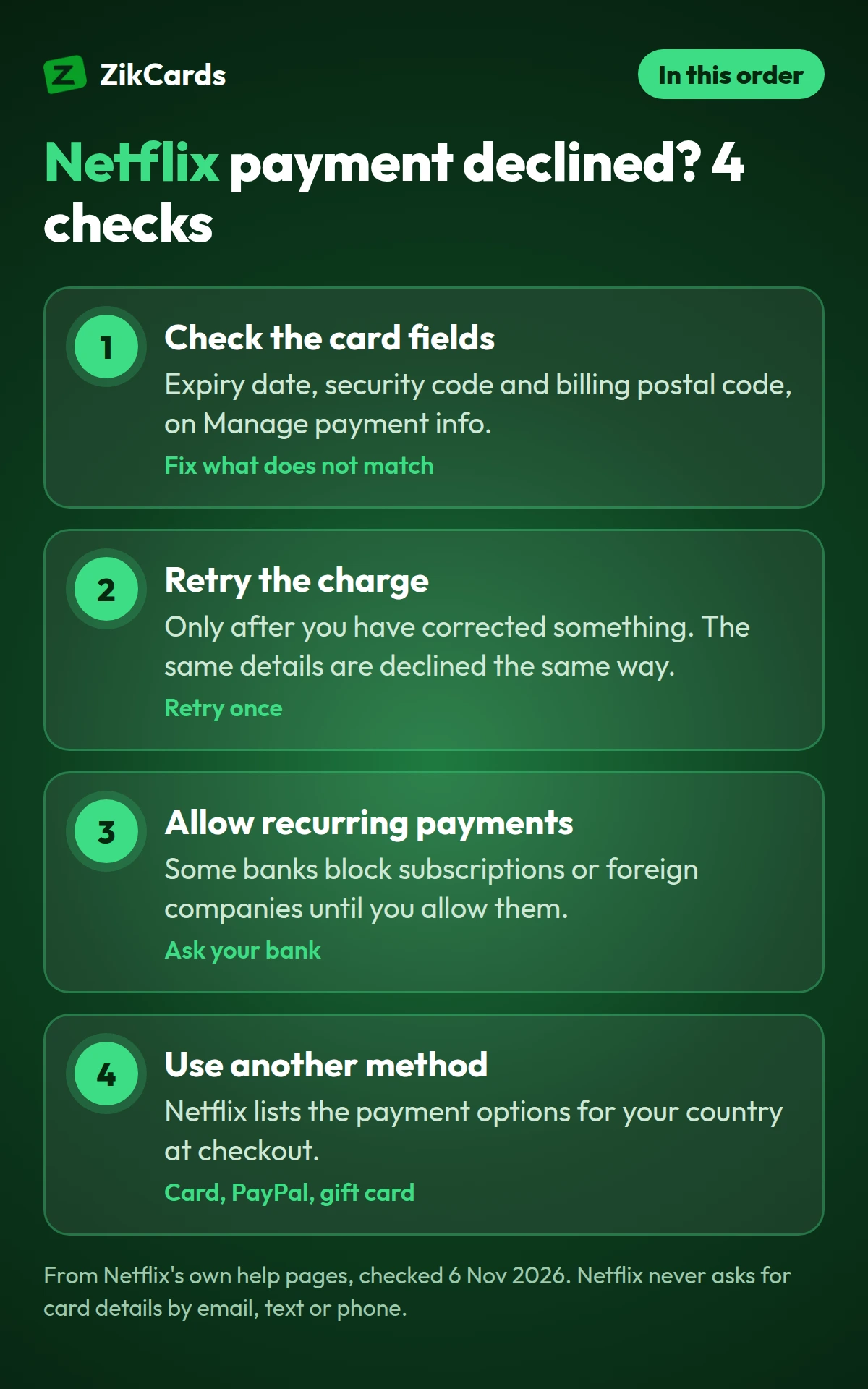
- Check the card fields. On Manage payment info, compare the expiry date, security code and billing postal code with your card, correct anything that does not match, and save.
- Retry the charge once the details are right.
- Check the card allows online and recurring payments. Some banks block subscriptions or payments to foreign companies until you allow them in their app.
- Use a different payment method if it still fails. Netflix suggests this too, and lists the options for your country.
Try again only after you have changed something. The same details get the same answer, and some cards charge a fee when one purchase is declined over and over. If your monthly payment fails because of too little money or an expired card, Netflix puts your account on hold, and once the payment goes through your billing date moves to that day. For the bank-side reasons, see why a card is declined online.
How to pay for Netflix with a virtual card
You add a virtual card to Netflix the same way as a plastic one: its number, expiry date, security code and billing postal code go into Manage payment info. Netflix says it accepts virtual cards in select markets, so whether yours works depends on your country and on Netflix's own checks.
ZikCards issues Visa and Mastercard virtual cards in the US, funded with USDT or USDC. They sit on a US credit BIN but are loaded from your balance, with no credit line, so they spend only what is on them: a virtual Visa card or a virtual Mastercard, chosen each time you create one. Getting one takes about 5 minutes:
- Create your account at ZikCards and verify once with a photo ID and a short selfie.
- Add money with USDT or USDC. New to crypto? See how to buy USDT.
- Create a card on the Issue card page and load your plan's price plus a little extra (see the next section).
- Add the card on Netflix's Manage payment info page, with the billing address shown on the card page when the card has one. Our guide on how to use a virtual card walks through each checkout field, and our help answer explains which billing address to use.
To be clear on two points: Netflix checks every payment itself, so no card provider can promise it will be accepted. And a card from another country does not change your Netflix country or prices; Netflix offers the plans and payment options of the country you are in.
How much to load, with the fees
Load your plan's monthly price plus the $1 that stays on the card while it is open, plus a small margin for tax. On a ZikCards card, the card can spend its balance less that $1.
| Example: an $11.99 plan on a US card | Billed from the US | Billed from outside the US |
|---|---|---|
| Monthly price | $11.99 | $11.99 |
| Cross-border fee ($0.50 + 2.5%) | none | $0.80 |
| Kept on the card while it is open | $1.00 | $1.00 |
| Load at least | $12.99 | $13.79 |
If your Netflix receipt shows a Netflix company outside the US, the payment settles outside the US and carries the card issuer's cross-border fee of $0.50 + 2.5%, taken from the card. Netflix may also add tax where you live. Loading a card has its own fee; every fee is on our pricing page.
Declines can cost a fee: on the US cards a decline is free and only a repeat of the same payment costs $0.75; on the Singapore Visa cards each payment costs $0.30, declined ones included. A failed renewal puts your account on hold, so top up before the billing date rather than after a decline.
Keep your Netflix membership running
Netflix charges on the same date each month, so a card with enough on it before that date keeps your membership running without a gap.
- Know your billing date. It is the day you signed up, and you can see it with your payment history on the Account page. Netflix does not let you move it; in a short month you are billed on the last day.
- Top up a day or two before it. One month at a time is enough; there is no need to load months ahead.
- Use one card for Netflix. A card of its own makes the charge easy to spot and easy to stop. Our guide to a virtual card for subscriptions explains how to set this up for every service you pay.
- Cancel in Netflix first. To stop Netflix, cancel the membership in your Netflix account. Then close the card if you no longer need it; closing returns the balance to your ZikCards wallet in full.
Paying for music too? See Spotify payment methods.
Frequently asked questions
What payment methods does Netflix accept?
In most countries, Visa, Mastercard and American Express cards that allow recurring online payments. Some countries also offer PayPal, Netflix gift cards or billing through a phone or internet provider. The options depend on your country, and checkout shows the ones you can use.
How do I change my payment method on Netflix?
Sign in, open your Account page and choose Manage payment info. Choose Update to change a card's details, or Add Payment Method to use a different one, then save. A new card may get a small temporary hold that your bank removes within a few business days.
Why is my Netflix payment declined?
Usually a detail that does not match (expiry date, security code or billing postal code), a card that blocks repeat or international online payments, or too little money on the card. Fix the cause in Manage payment info, then retry once.
Can I pay for Netflix with a debit card?
Yes. A Visa, Mastercard or American Express debit card works like a credit card on Netflix, as long as your bank allows repeat online payments on it. You may also need to allow international payments.
Can I pay for Netflix with a prepaid card?
Yes, if it carries a Visa, Mastercard or American Express logo. Keep enough on it before each billing date: a prepaid card with too little money is declined, and Netflix puts the account on hold until the payment goes through.
Does Netflix accept virtual cards?
In select markets, Netflix says. If a virtual card is declined, Netflix asks you to choose a different payment method, so keep a second option ready.
Can I pay for Netflix with a card from another country?
Netflix offers the plans, prices and payment methods of the country you are in, and a card from another country does not change them. Your bank may also need to allow international payments for the card to work.
Want a card just for Netflix and your other subscriptions? Create your ZikCards account. See every fee on our pricing page.
Visa, Mastercard, American Express, Netflix, PayPal and Spotify are trademarks of their respective owners. ZikCards is not affiliated with or endorsed by them.